
Hermes One
Installs the Hermes AI agent for you and lets you use it from a desktop app
by fathah



by Nathan EsquenaziAppGet organised
Lets you use the Hermes agent from a browser or your phone instead of a terminal
Your Hermes agent is busy on a home server, and checking on it means opening a terminal and an SSH session every time.
For Hermes Agent usersSelf-hosting fansPeople who'd rather not use a terminal
From the project's own repository · 2 images, swipe or use the arrows.
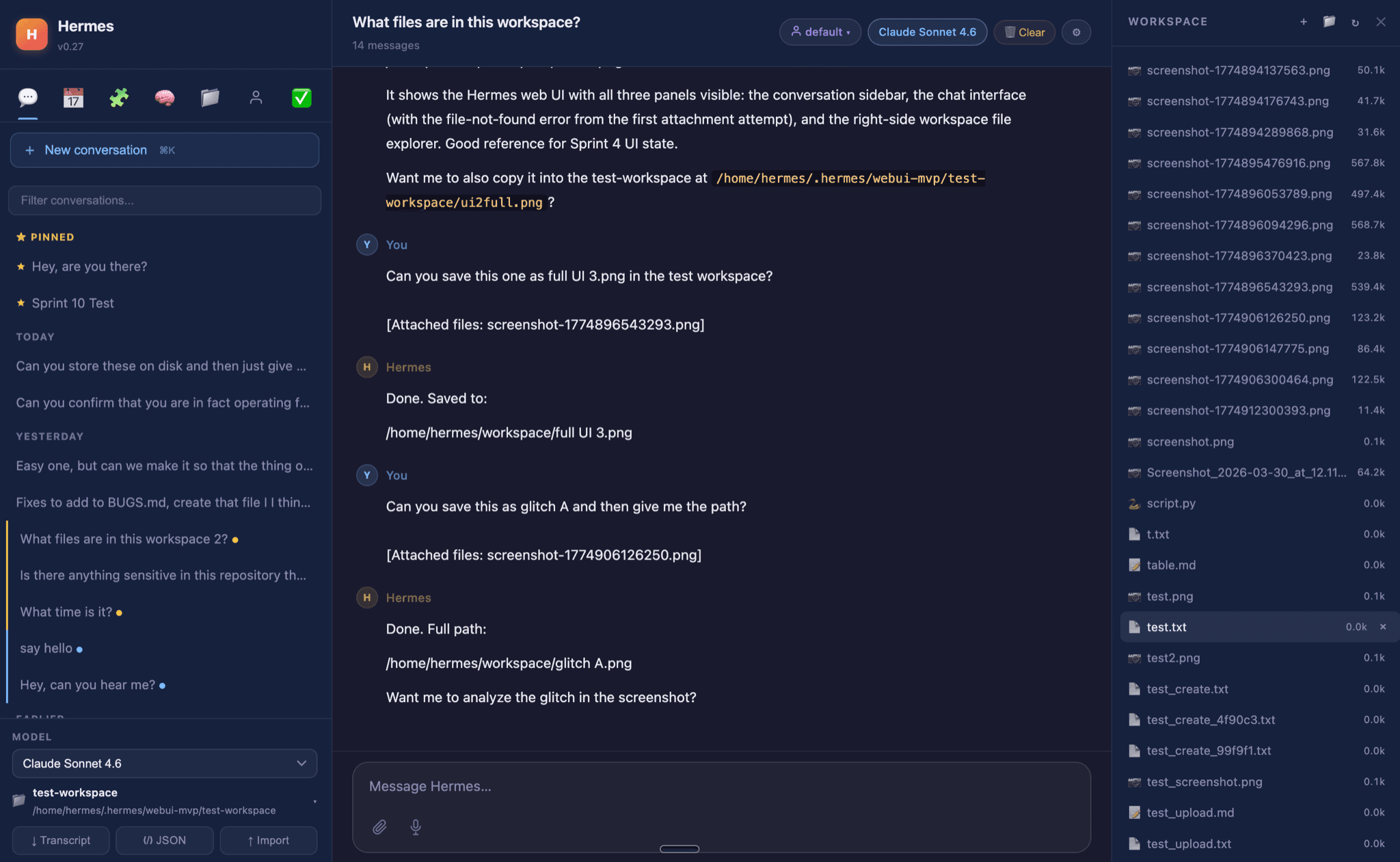
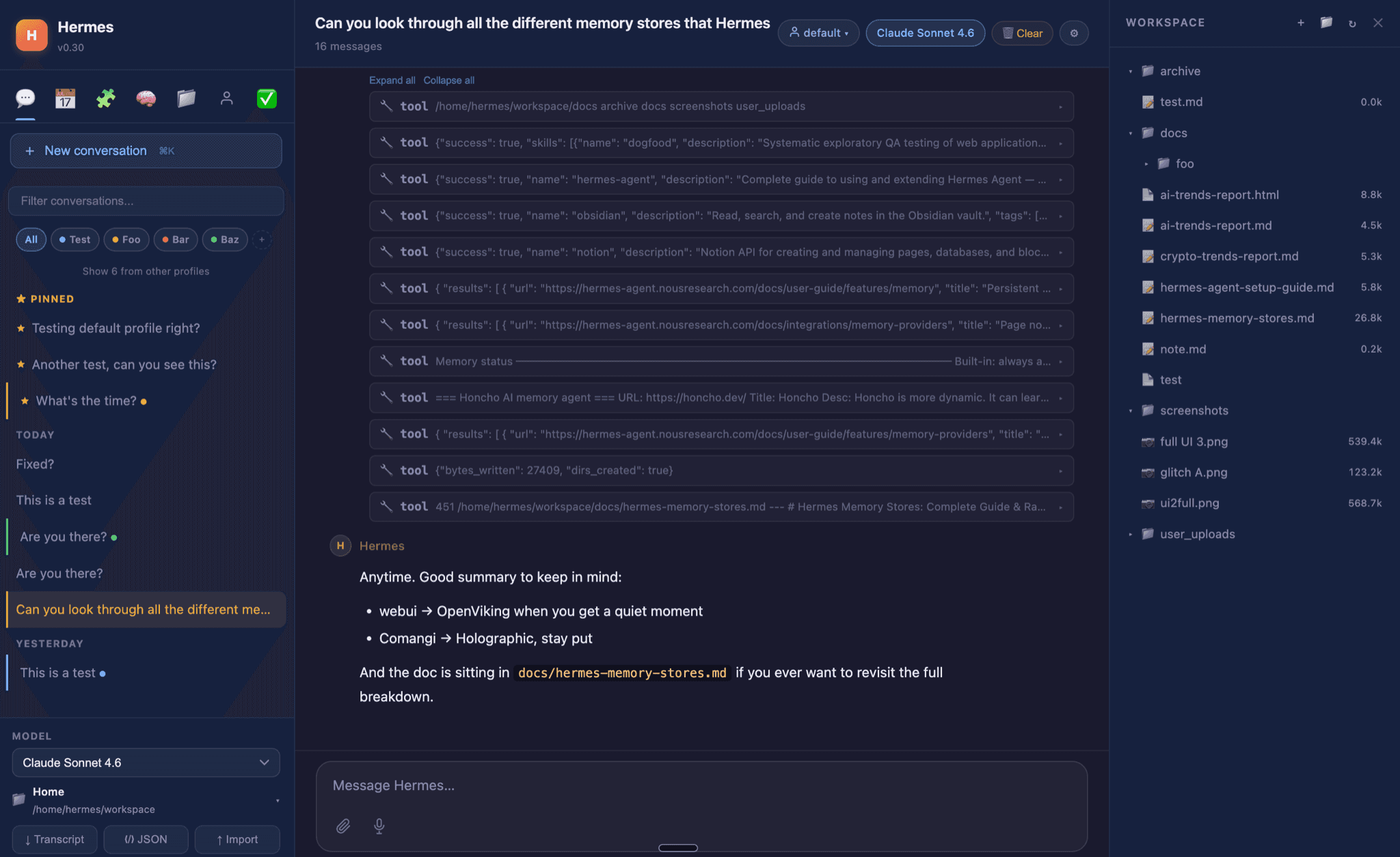
Hermes WebUI is a community-built web interface for Hermes Agent, the open-source agent from Nous Research. It runs on the computer or server where Hermes lives and shows your chats, saved sessions, workspace files, scheduled tasks, skills and memory in one browser window, with a layout that also works on phones. It uses your existing Hermes setup and models. It suits people who already run Hermes, or want to, and would rather click than type commands.
It brings nearly everything the Hermes terminal can do into a browser, so you can check on your agent and its scheduled jobs from your phone.
Start with the first one: it is a small task you can check easily.
Example prompts written by Agent Flows Hub.
From the creator's documentation.
| Feature | What it does | Runs |
|---|---|---|
| Chat | Streams replies, shows each tool call and asks before dangerous shell commands | Model provider |
| Sessions | Search, pin, archive, group into projects and export conversations | Your computer |
| Workspace files | Browse, preview, edit and create files next to the chat | Your computer |
| Scheduled tasks | Create, run, pause and check cron jobs from the Tasks panel | Your computer |
| Skills and memory | View and edit Hermes skills and its memory files | Your computer |
| Phone access | A mobile layout, reached through an SSH tunnel or Tailscale | Your network |
You run Hermes Agent on your own computer or server and want to use it without a terminal. Hermes WebUI starts a local web server that shows chats, sessions, workspace files and scheduled tasks in a browser.
Notes by Agent Flows Hub (original project name: hermes-webui), written from the creator's documentation, not from running it ourselves. Hermes WebUI README · Hermes WebUI onboarding guide
Tell us what happened. We take a look first; if it needs paid work, you get an estimate before anything starts.
Installs the Hermes AI agent for you and lets you use it from a desktop app
by fathah

Gives you and your team a private ChatGPT-style workspace on your own computer or server
by Open WebUI Inc.

Lets you hand web and research tasks to ByteDance's agent, which works in a browser
by ByteDance