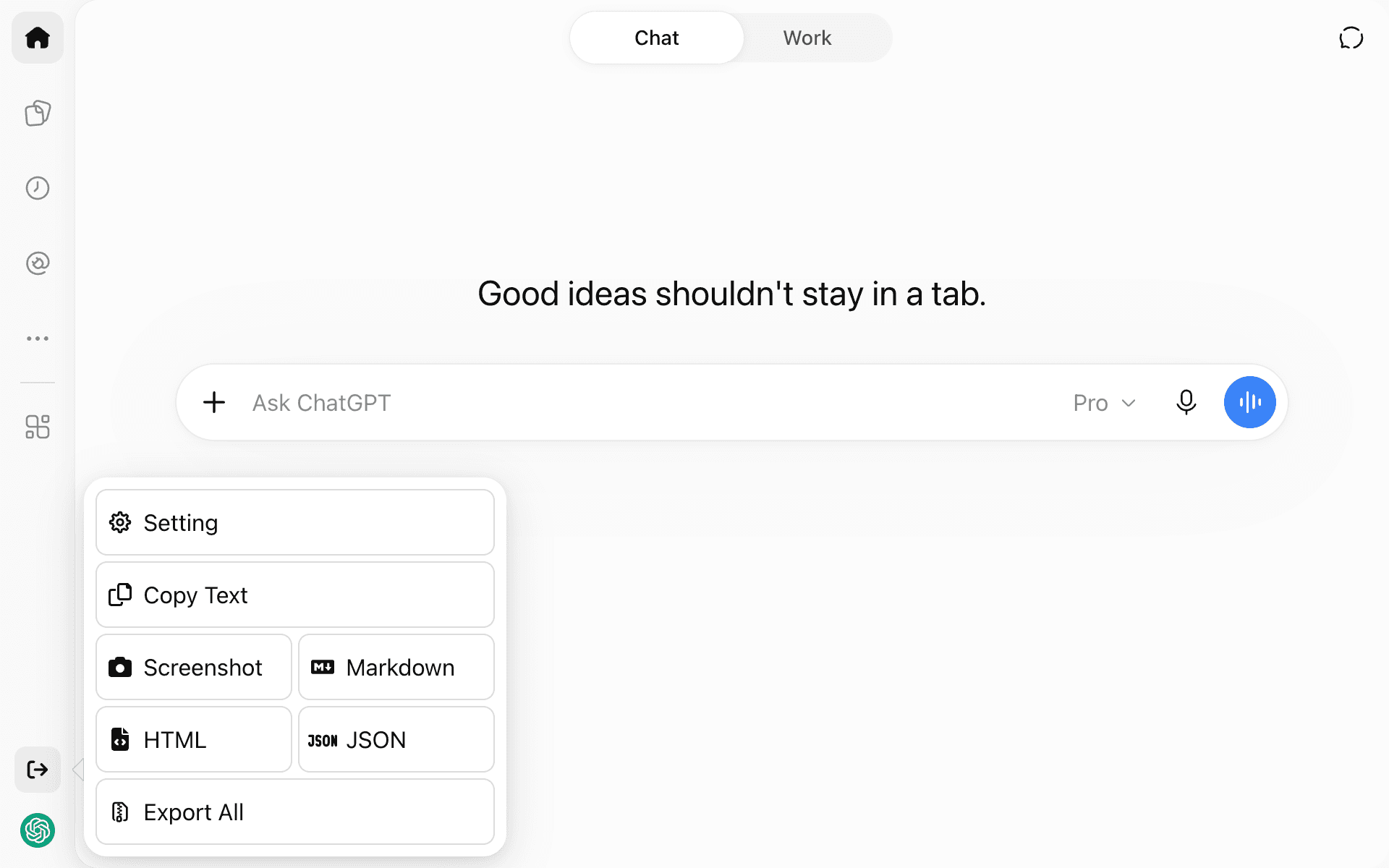
ChatGPT Exporter
Saves your ChatGPT conversations as Markdown, HTML, JSON, text or a screenshot
by Pionxzh


by Yash JangidAppGet organised
Finds files on your computer by name, the text inside them, screenshot text or meaning
You know you saved a screenshot of that error last week, but it is called Screenshot 2026-10-21 and you cannot find it.
For People with large document foldersDevelopers searching logs and code
From the project's own repository.
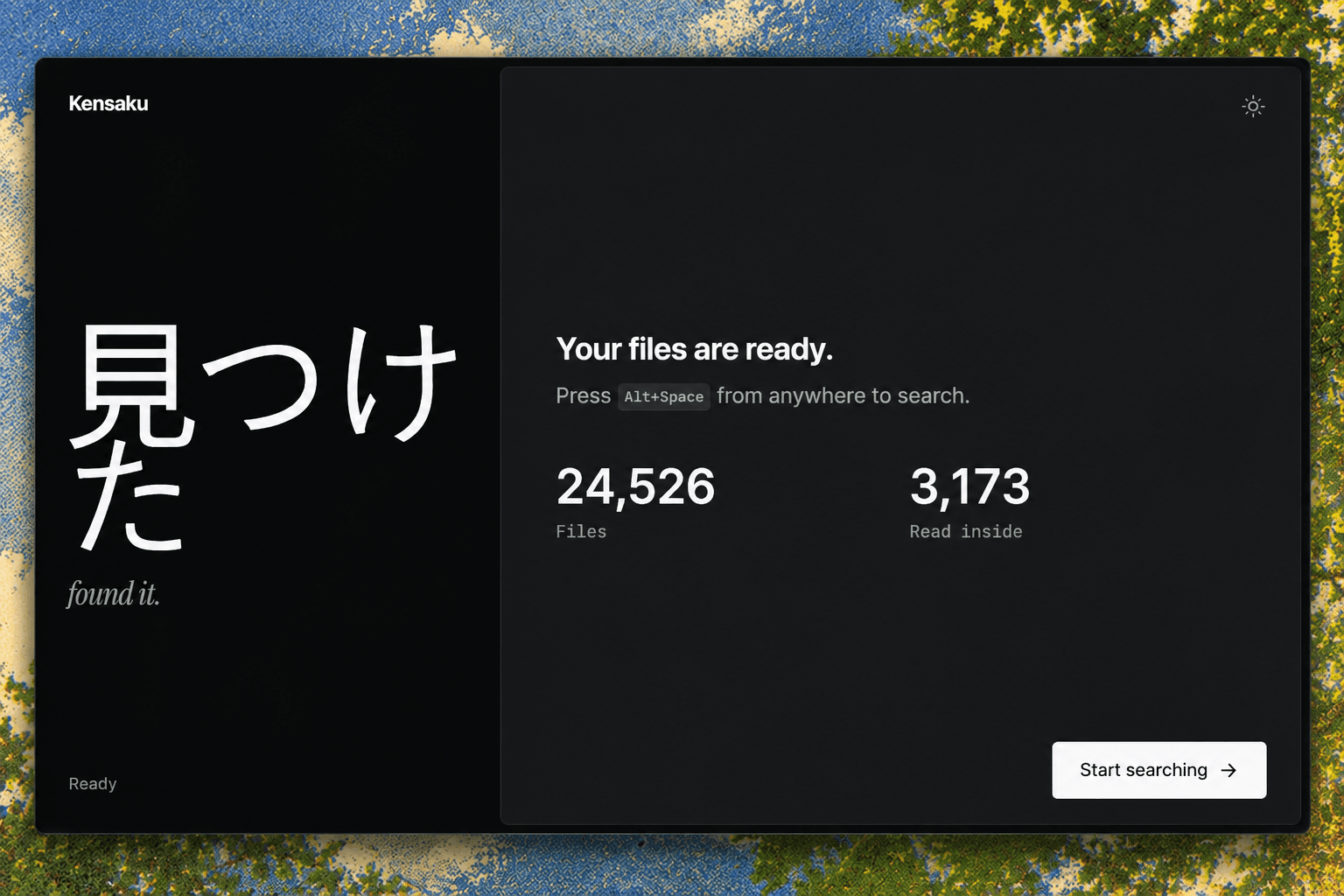
Kensaku is a free desktop search app for Windows, macOS and Linux. You type what you remember, such as a phrase from a PDF or the error text in a screenshot, and it searches file names, the text inside documents and images, and meaning, then opens the match with Enter. It runs from the tray with a keyboard shortcut, keeps its index on your computer and can share that index read-only with AI agents over MCP. It suits anyone who loses track of documents and screenshots.
It searches the text inside documents and screenshots, not only file names, and nothing leaves your computer during a search.
Start with the first one: it is a small task you can check easily.
Example prompts written by Agent Flows Hub.
From the creator's documentation.
| Feature | What it does | Runs |
|---|---|---|
| Name search | Finds file names as you type, with typo-tolerant matches | Your computer |
| Content search | Reads text inside PDF, DOCX, PPTX, XLSX, EPUB, code and log files | Your computer |
| Screenshot text | Reads text inside images with an OCR pack you download once | Your computer |
| Meaning and time | Finds files by topic or by phrases like last week or 3 days ago | Your computer |
| Launcher | Opens from the tray with a shortcut; Space previews, Enter opens | Your computer |
| Agent access | AI agents can search the same index over MCP, read-only by default | Your computer |
You remember a phrase from a document or an error in a screenshot, but not the file name. Kensaku searches names, file contents and image text from one box and opens the match.
Notes by Agent Flows Hub (original project name: Kensaku), written from the creator's documentation, not from running it ourselves. Kensaku README · Kensaku install guide
Tell us what happened. We take a look first; if it needs paid work, you get an estimate before anything starts.
Saves your ChatGPT conversations as Markdown, HTML, JSON, text or a screenshot
by Pionxzh

Records your meetings, transcribes them live on your computer and writes a summary of each
by Zackriya Solutions

Turns what you say into typed text in any app, with speech recognition on your computer
by Amical