
NoteGen
Turns scattered thoughts, screenshots and voice notes into organized Markdown notes
by codexu


by PionxzhAppGet organised
Saves your ChatGPT conversations as Markdown, HTML, JSON, text or a screenshot
You want to keep a long ChatGPT conversation that helped you, but copying it into a document by hand is slow and messy.
For Regular ChatGPT usersWriters and researchersPeople who back up their chats
From the project's own repository.
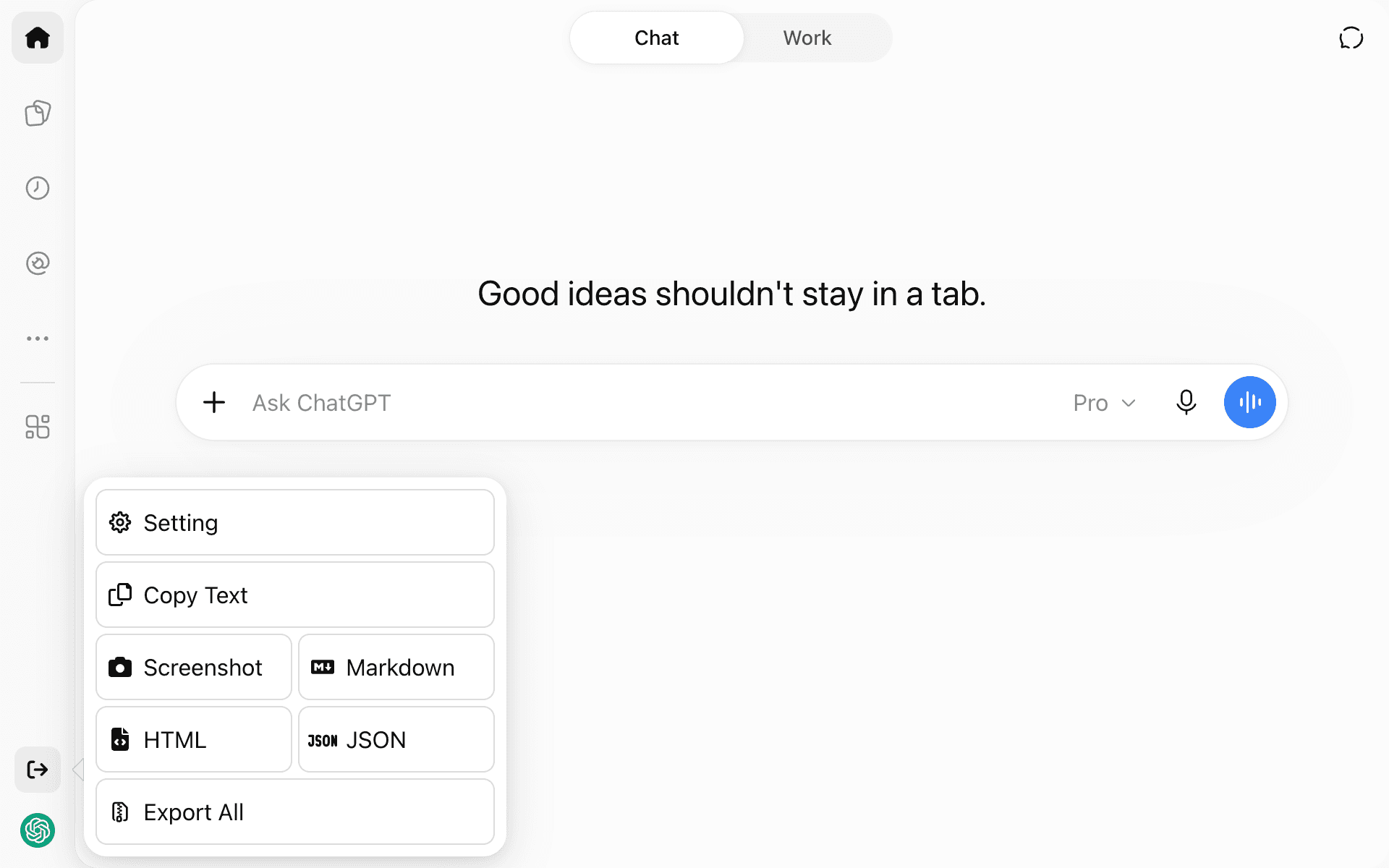
ChatGPT Exporter is a free browser userscript that adds an export menu to the ChatGPT sidebar. From there you can copy a conversation as text, or save it as a PNG screenshot, a Markdown or HTML file, or JSON in several formats. Export All saves many conversations at once. It suits anyone who wants to keep, share or reuse their ChatGPT chats outside ChatGPT.
It runs inside the ChatGPT page you already use, so a backup or a shareable file is one click away from the chat itself.
Start with the first one: it is a small task you can check easily.
Example prompts written by Agent Flows Hub.
From the creator's documentation.
| Feature | What it does | Runs |
|---|---|---|
| Copy as text | Copies the open conversation to your clipboard | Your browser |
| Screenshot | Saves the conversation as a PNG image | Your browser |
| Markdown and HTML | Saves the conversation as a Markdown or HTML file | Your browser |
| JSON | Saves JSON in OpenAI's format or for TavernAI, SillyTavern and Ooba | Your browser |
| Export All | Exports many conversations at once | Your browser |
You want a copy of an important ChatGPT conversation as a file you can keep or share. The script adds an export menu to the ChatGPT page and saves the open chat, or many chats, in the format you pick.
Notes by Agent Flows Hub (original project name: chatgpt-exporter), written from the creator's documentation, not from running it ourselves. ChatGPT Exporter: install and supported formats
Tell us what happened. We take a look first; if it needs paid work, you get an estimate before anything starts.
Turns scattered thoughts, screenshots and voice notes into organized Markdown notes
by codexu

Finds files on your computer by name, the text inside them, screenshot text or meaning
by Yash Jangid

Lets Claude Code save, find and update notes in your Obsidian vault across sessions
by Eugeniu Ghelbur