ChatGPT Exporter
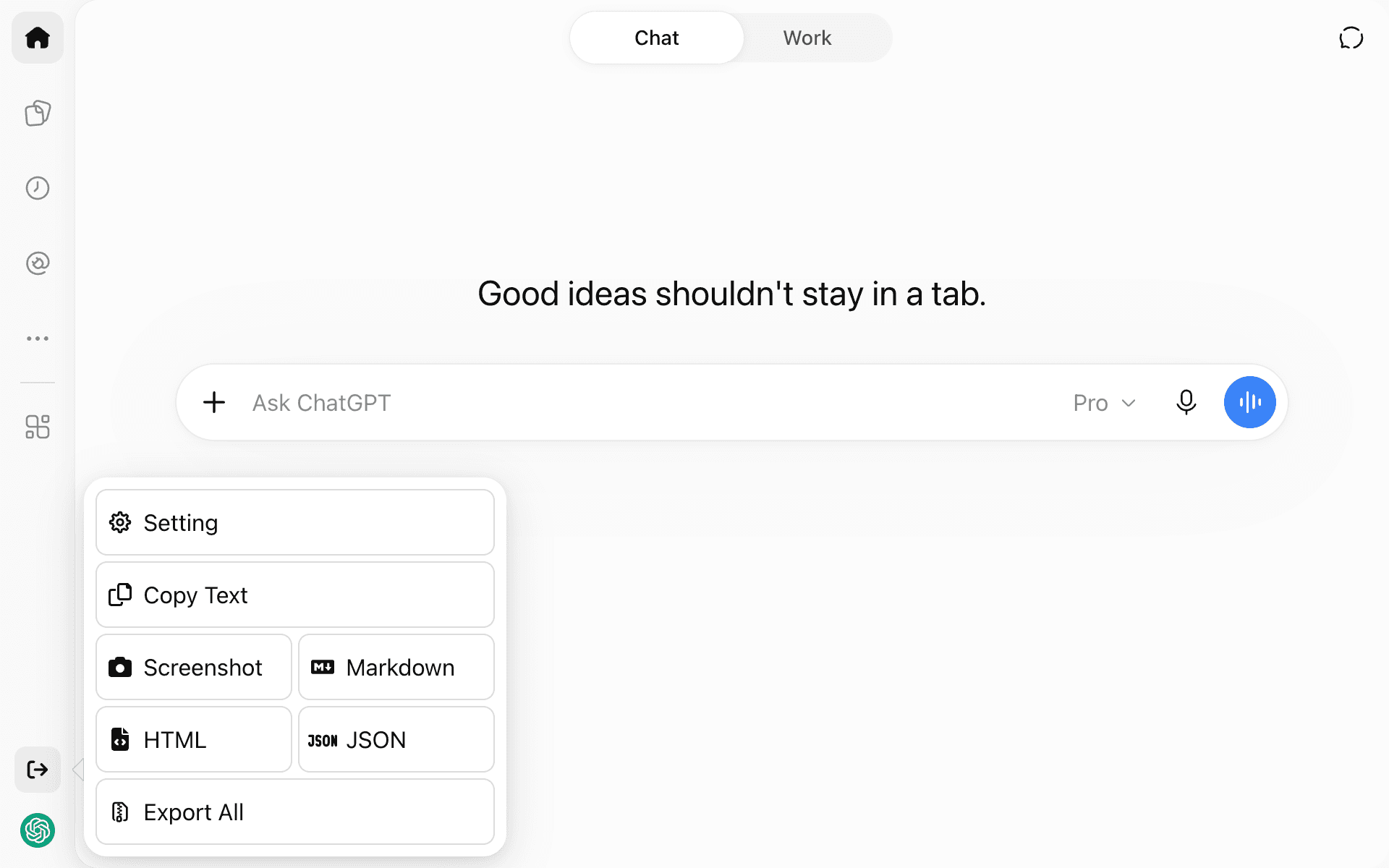
Saves your ChatGPT conversations as Markdown, HTML, JSON, text or a screenshot
by Pionxzh


by codexuAppGet organised
Turns scattered thoughts, screenshots and voice notes into organized Markdown notes
Your ideas are spread across voice memos, screenshots and half-read links, and by Friday you can't find the one you need.
For People who take lots of notesStudents and researchersAnyone writing weekly reports
NoteGen is a free, open-source note app for desktop and mobile that keeps your notes as ordinary Markdown files on your device. You save thoughts, voice recordings, screenshots, links and files as quick records, then pick the ones that belong together and have AI organize them into a summary, report or article you keep editing. It also has a canvas for mind maps and flowcharts, a searchable knowledge base, and optional sync. It suits note-takers, students and anyone who collects ideas faster than they can sort them.
Saving and organizing are separate steps, and your notes stay plain Markdown files you can open in any other editor.
Start with the first one: it is a small task you can check easily.
Example prompts written by Agent Flows Hub.
From the creator's documentation.
| Feature | What it does | Runs |
|---|---|---|
| Quick records | Save thoughts, voice recordings, screenshots, images, links, files and todos | Your device |
| AI organize | Turns selected records into a summary, report or article using a template | Your AI model provider |
| Markdown editor | Tables, task lists, math, diagrams, outlines, export and file history | Your device |
| Canvas | Flowcharts, mind maps, timelines, freehand drawings and charts | Your device |
| Knowledge base | Searches your own files and uses them as context in a chat | Your AI provider |
| Sync | Optional sync through GitHub, GitLab, Gitee, Gitea, WebDAV or S3-compatible storage | Your sync service |
Collect meeting fragments, links and screenshots during the week, then organize the related records into one Markdown note. NoteGen sends the selected records and a template to the model you configure and saves the result as a file you can edit.
Notes by Agent Flows Hub (original project name: NoteGen (note-gen)), written from the creator's documentation, not from running it ourselves. NoteGen documentation · NoteGen: turn records into your first note · NoteGen: privacy and data · NoteGen: download
Tell us what happened. We take a look first; if it needs paid work, you get an estimate before anything starts.
Saves your ChatGPT conversations as Markdown, HTML, JSON, text or a screenshot
by Pionxzh
Gives you a desktop voice assistant that runs on local models and remembers past chats
by Baris Sencan
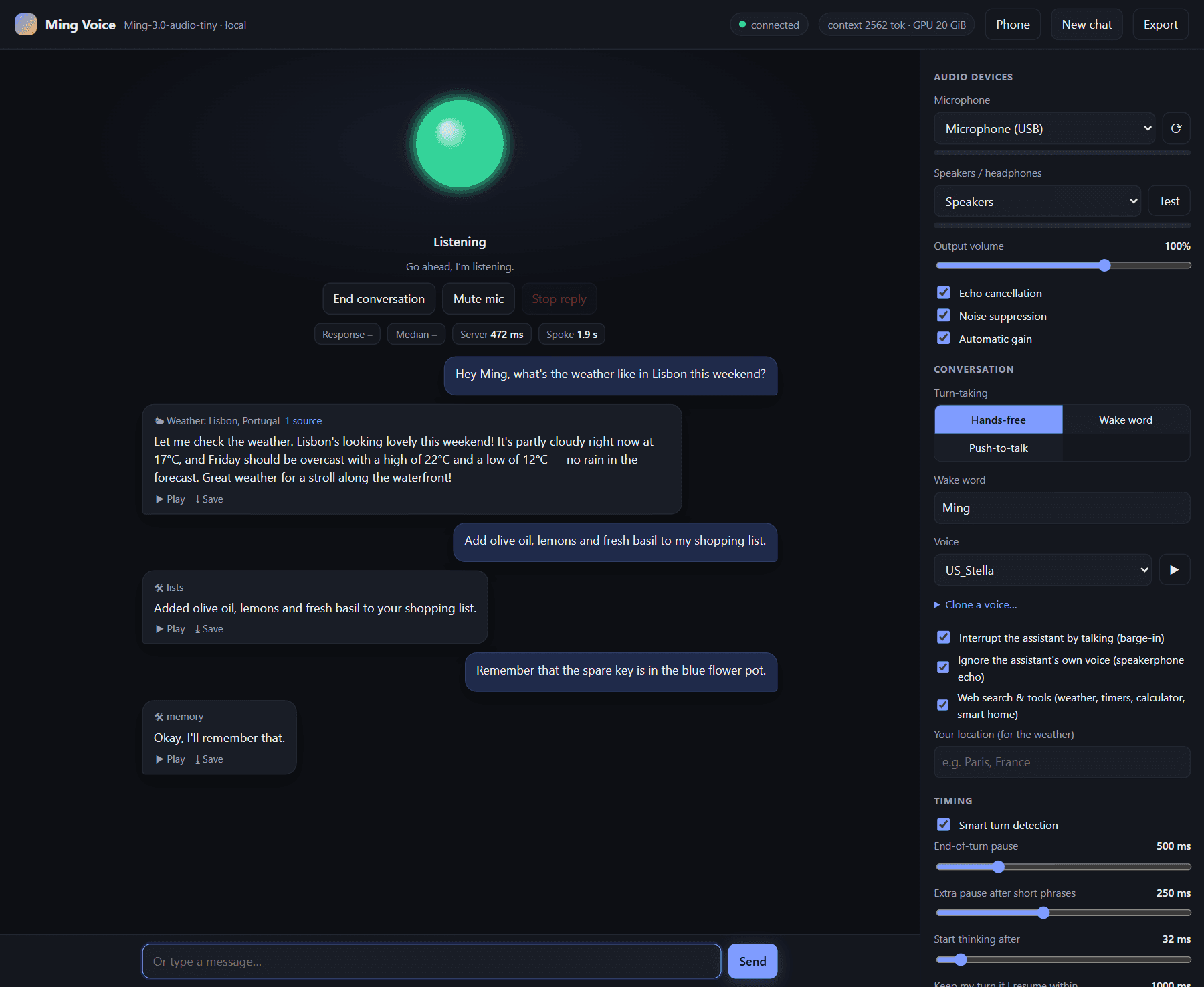
Runs a spoken voice assistant on your own graphics card, with timers, lists and smart home
by JMS1717