Claude Token Optimizer
Shrinks the notes Claude Code rereads at every session start, so each uses fewer tokens
by Nadim Tuhin



by mattAppWrite code
Shows every step Claude Code took in a session, with the files, edits and tokens behind it
Claude Code says it 'edited 2 files', and you have no idea which files, what changed or why it suddenly forgot your instructions.
For Claude Code usersDevelopersPeople debugging AI sessions
From the project's own repository · 2 images, swipe or use the arrows.
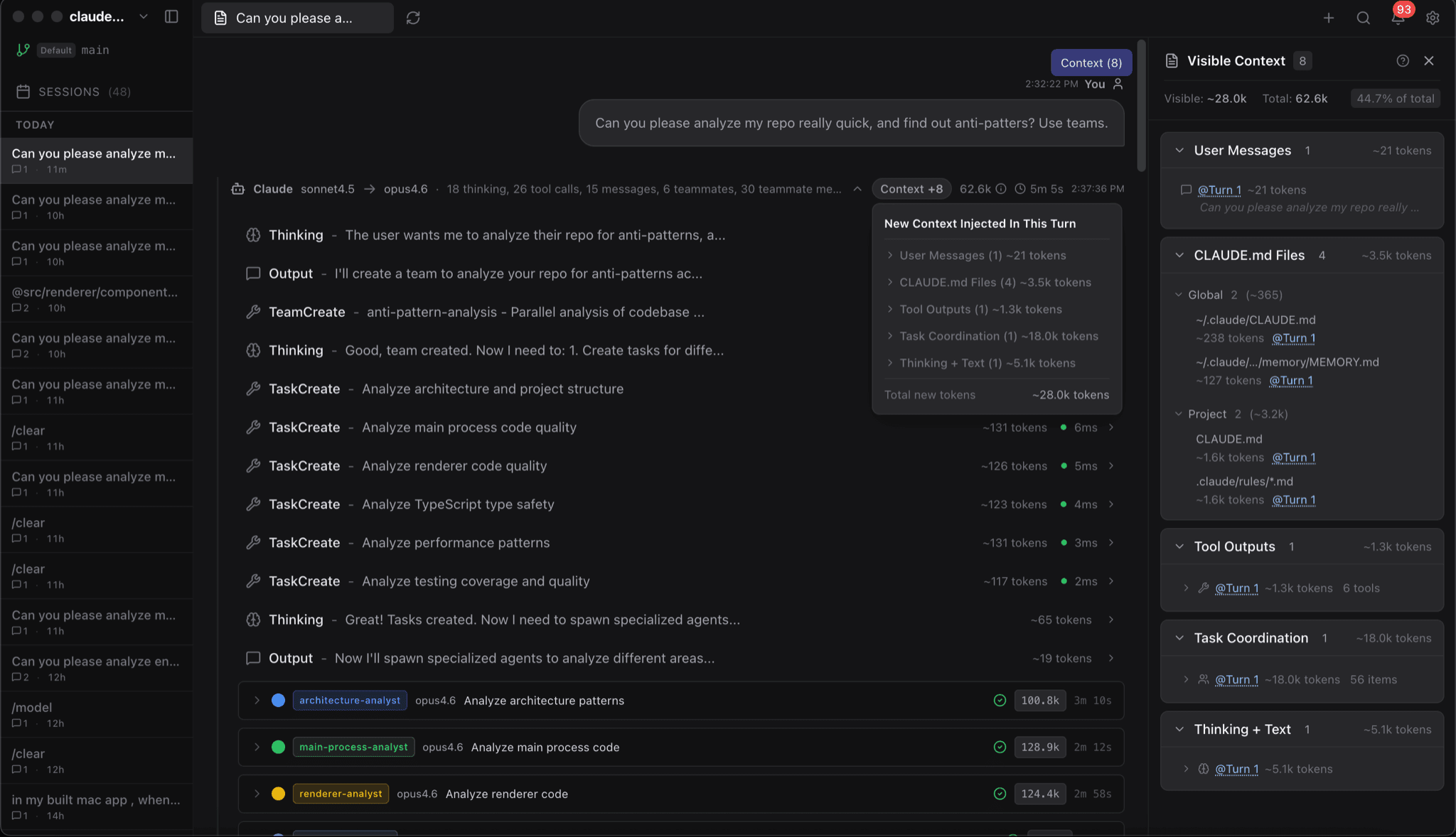
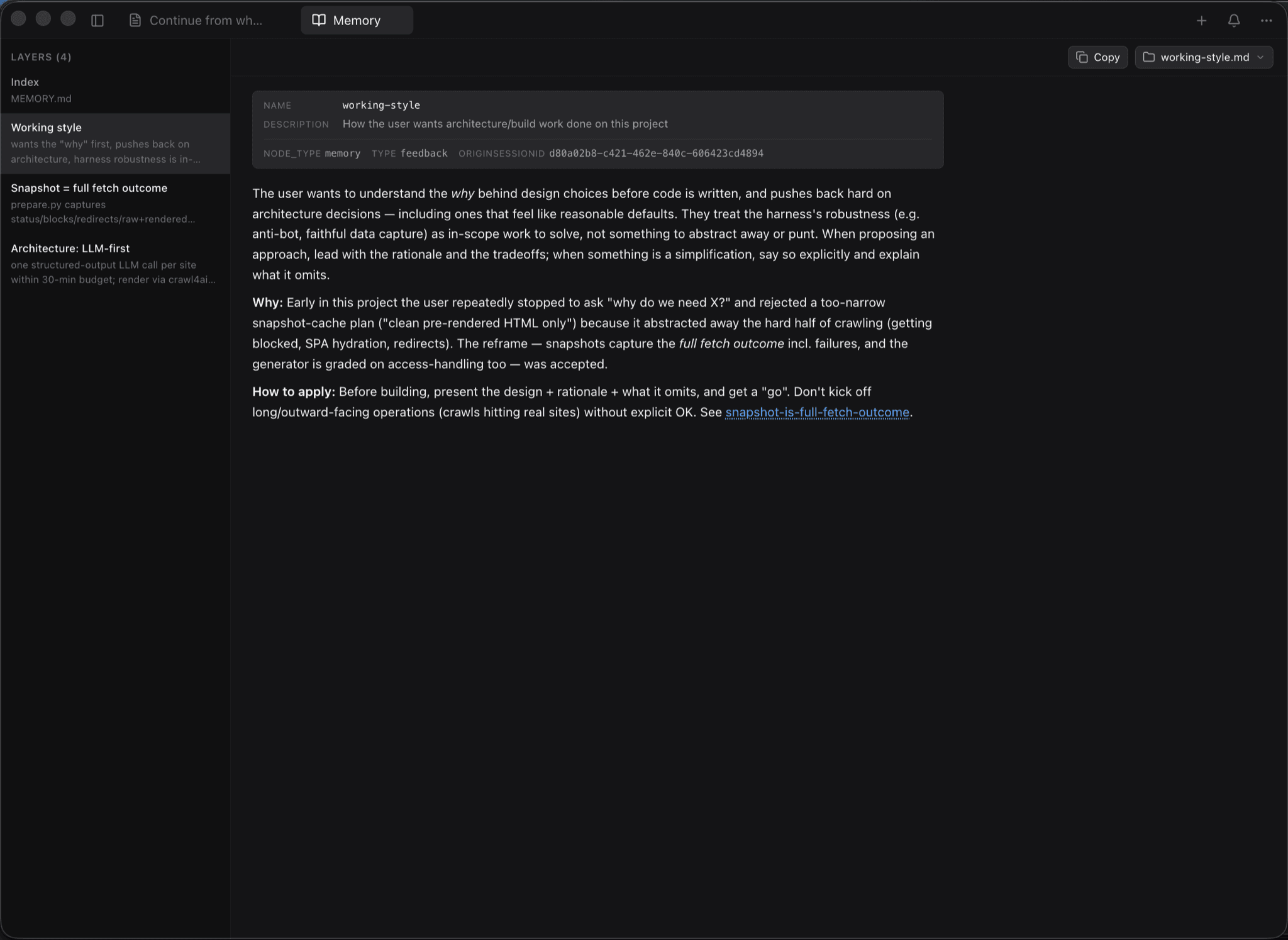
claude-devtools is a desktop app that opens the session logs Claude Code already saves on your computer and lays them out in a readable view. For each session you see the exact files it read, the edits it made as diffs, the commands it ran, what its sub-agents did and what filled the context window turn by turn. It needs no API key and does not change how Claude Code runs. It suits Claude Code users who want to understand what happened in a session or why it forgot something.
Claude Code's terminal shows short summaries such as 'Read 3 files'; this app shows which files, which lines and how many tokens each step used.
Start with the first one: it is a small task you can check easily.
Example prompts written by Agent Flows Hub.
From the creator's documentation.
| Feature | What it does | Runs |
|---|---|---|
| Session timeline | Every message, thinking step and tool call from Claude Code sessions on this computer | Your computer |
| File and edit view | Exact file paths, highlighted file contents and inline diffs of each edit | Your computer |
| Context breakdown | Tokens per turn split into 7 kinds, with the moments the context was compacted | Your computer |
| Sub-agent trees | What each sub-agent did, with its tools, tokens, time and cost | Your computer |
| Copy and export | One-click copy of any message or code block, and export to Markdown, JSON or plain text | Writes files |
| Remote sessions | Read sessions on another machine over SSH, using your SSH config | Remote machine |
Open a past Claude Code session and see what it actually did: the files it read, the edits it made and what took up the context window. This helps when a session went wrong or Claude seemed to forget something.
Notes by Agent Flows Hub (original project name: claude-devtools), written from the creator's documentation, not from running it ourselves. claude-devtools documentation · claude-devtools README
Tell us what happened. We take a look first; if it needs paid work, you get an estimate before anything starts.
Shrinks the notes Claude Code rereads at every session start, so each uses fewer tokens
by Nadim Tuhin

Shows how many tokens your coding agents used and what that would cost, day by day
by ryoppippi
Shows your AI coding agents' progress in the Mac notch and lets you approve their steps
by Louis Raillé