Canva for Codex
Lets Codex resize, edit, critique and brand-check your Canva designs from a chat
by Canva



by ChatLabAppMake visuals
Turns your exported chat histories into charts and lets you ask an AI questions about them
A desktop app for looking back at your own chats. Import exports from apps like WhatsApp, Telegram and iMessage to get charts and rankings, and ask an AI questions about them if you connect a model.
For People curious about their chatsGroup and community admins
An open-source project published on GitHub by the ChatLab organisation; its website credits a developer called digua.
ChatLab is a desktop app for looking back at your own conversations. You export chats from WhatsApp, LINE, QQ, Discord, Instagram, Telegram, iMessage or Google Chat, drag the files in and get word clouds, activity rankings, interaction heatmaps and time-of-day charts. If you connect an AI model, you can also ask questions about the history in plain words. Chats are stored and analysed on your computer, and it suits anyone curious about a friendship, a family group or a community chat over the years.
It works on chat files you already export and keeps them on your computer; the AI part is optional and only gets what a question needs.
Start with the first one: it is a small task you can check easily.
Example prompts written by Agent Flows Hub.
From the creator's documentation.
| Feature | What it does | Runs |
|---|---|---|
| Chat import | Reads exports from WhatsApp, LINE, QQ, Discord, Instagram, Telegram, iMessage and Google Chat | Your computer |
| Charts | Word clouds, activity rankings, interaction heatmaps and time-of-day breakdowns | Your computer |
| Large histories | Streams imports so chats with millions of messages stay responsive | Your computer |
| AI questions | A built-in agent searches, summarises and analyses chats when you connect a model | Your model service |
| Usage statistics | Anonymous usage data is sent by default; turn it off in Settings | ChatLab |
| Web app and API | Run it from the command line as a local web app, or as an API for scripts and agents | Your computer |
Look back over a long personal or group chat with charts of who talks when and about what. With a model connected, ask the built-in agent to search or summarise the history in plain words.
Notes by Agent Flows Hub (original project name: ChatLab), written from the creator's documentation, not from running it ourselves. ChatLab docs: install and quick start · ChatLab docs: export chat records
Tell us what happened. We take a look first; if it needs paid work, you get an estimate before anything starts.
Lets Codex resize, edit, critique and brand-check your Canva designs from a chat
by Canva
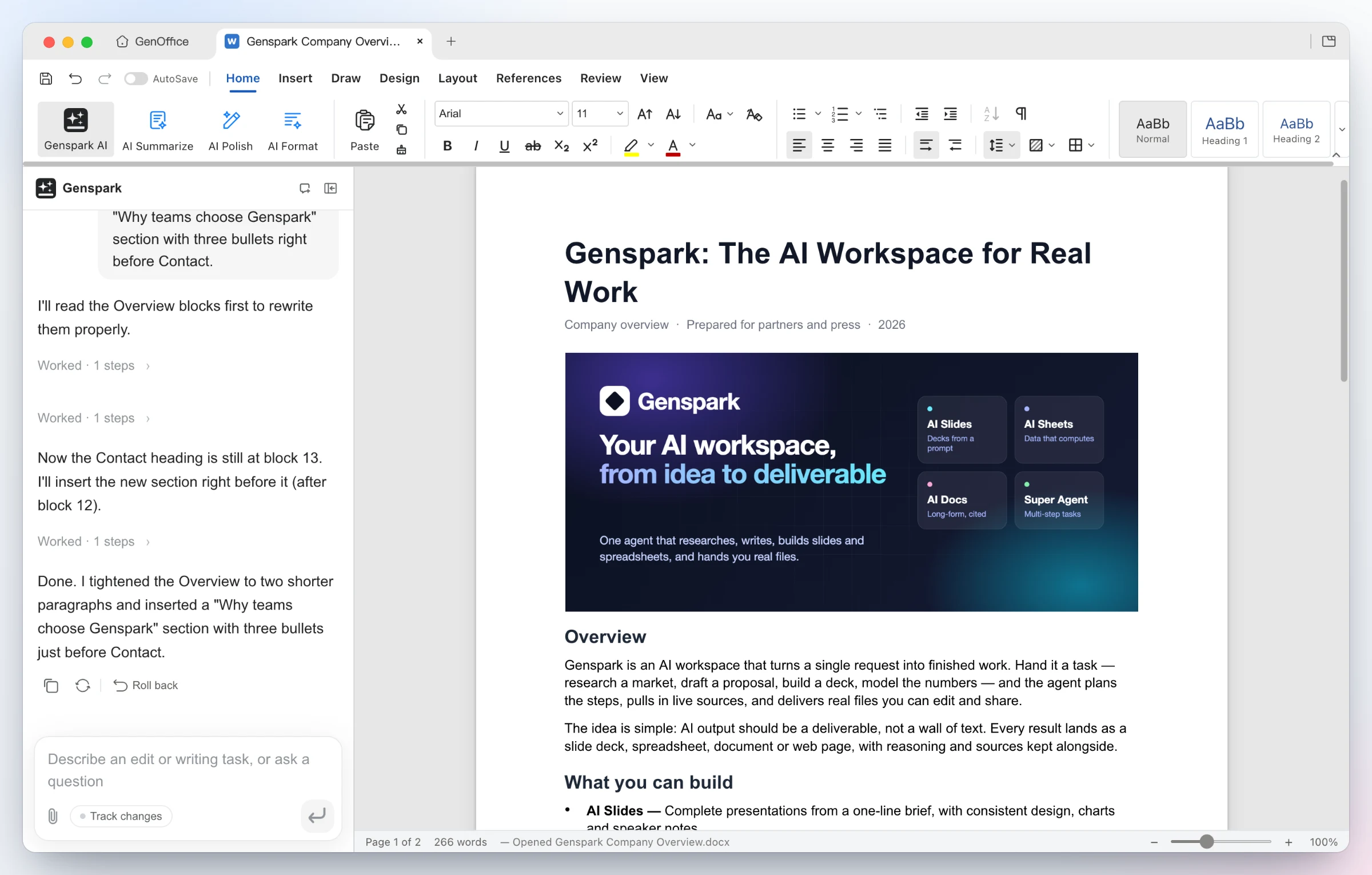
Opens Word, Excel and PowerPoint files and lets an AI edit them, with changes you can undo
by Genspark

Tracks Chinese, Hong Kong and US stocks and lets an AI model summarise news and charts
by SparkMemory