Meeting Notes Summarizer
Turns a meeting transcript into clean notes with decisions and action items
by Pawel Huryn



Gives you a private ChatGPT-style assistant that runs AI models on your own computer
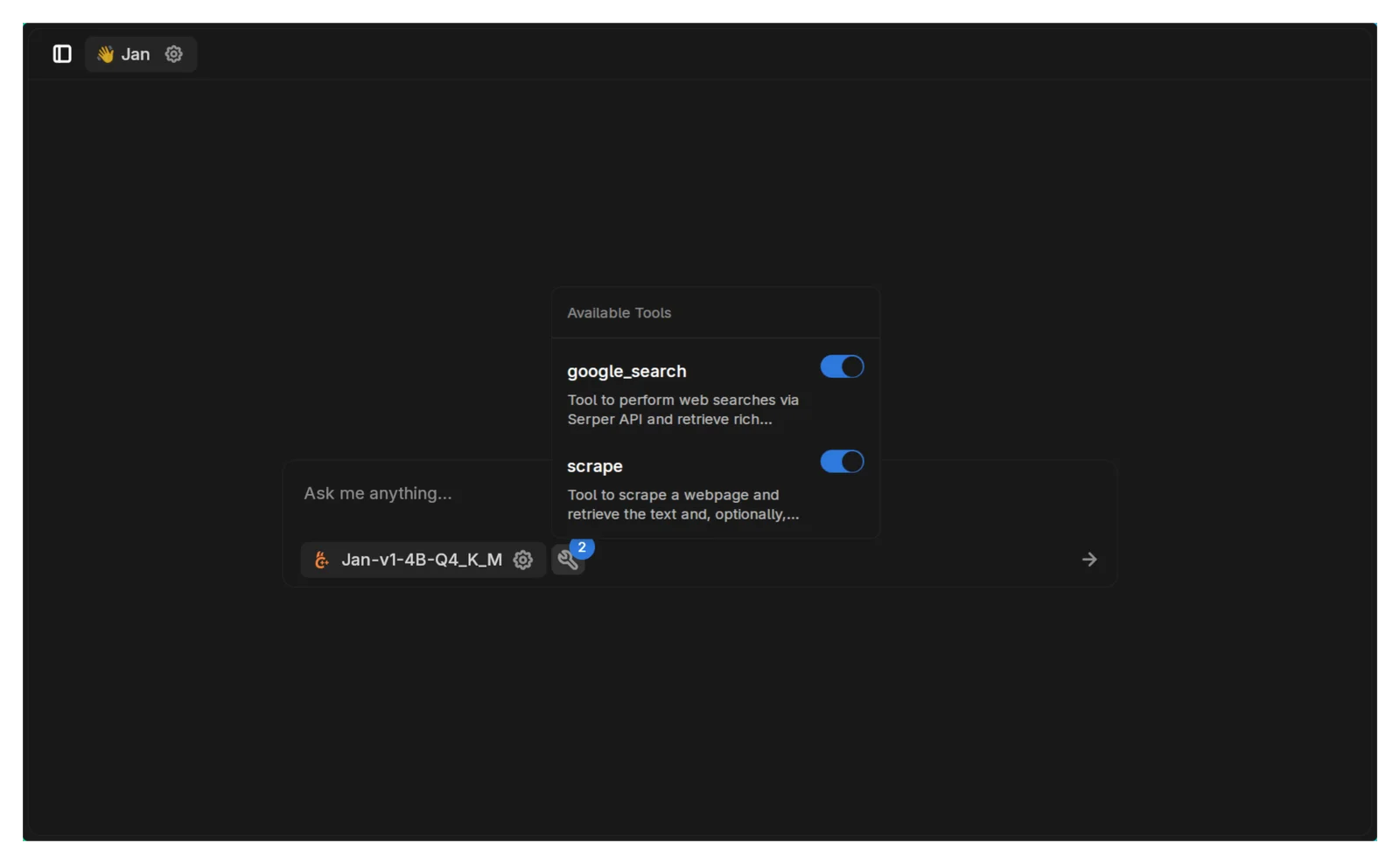
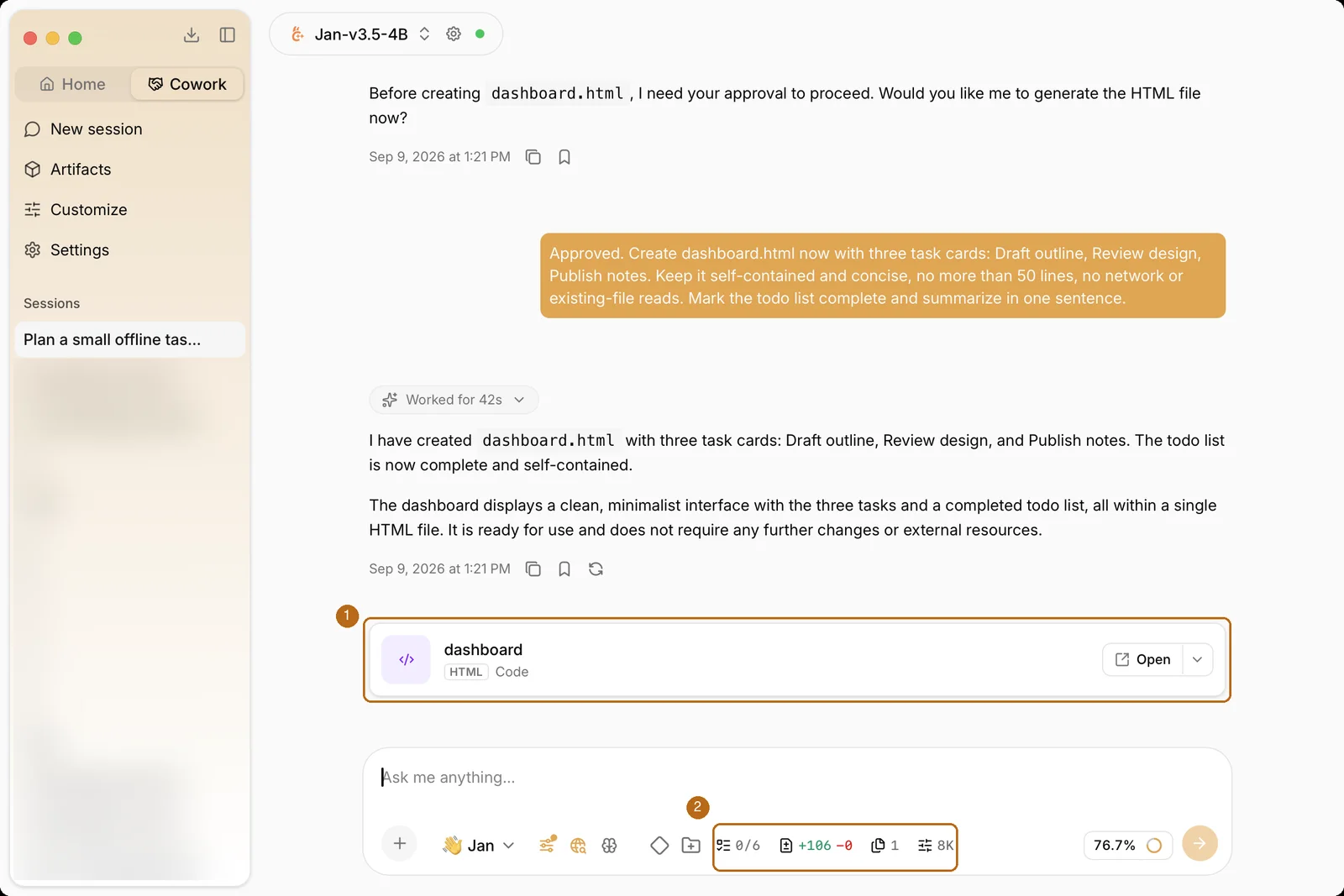
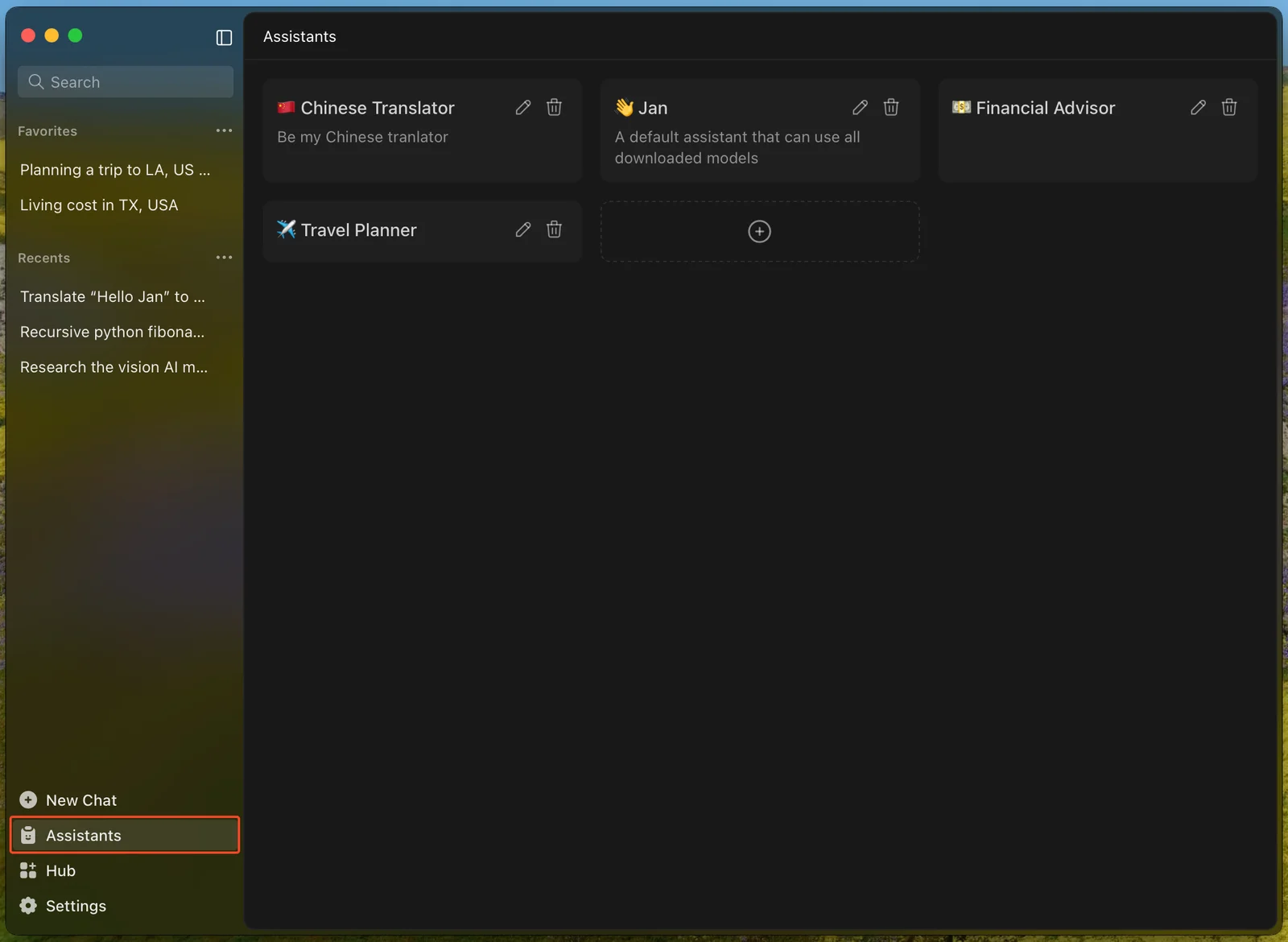
Jan is a free, open source desktop app for chatting with AI models that run on your own computer. It downloads a starter model on first launch, lets you add more from its Hub, and can also connect to cloud models from OpenAI, Anthropic and others with your own key. You can set up custom assistants and use built-in web search. It suits anyone who wants a private ChatGPT-style assistant that also works offline.
It is ready to chat right after install with no setup, and the same app can mix local models with cloud ones when you need them.
Steps follow the creator's instructions.
Tell us what happened. We confirm scope and price before any paid work.
Turns a meeting transcript into clean notes with decisions and action items
by Pawel Huryn
Adapts your resume to a specific job posting without stretching the truth
by Param Choudhary

Gives you and your team a private ChatGPT-style workspace on your own computer or server
by Open WebUI Inc.