
Hermes WebUI
Lets you use the Hermes agent from a browser or your phone instead of a terminal
by Nathan Esquenazi



by fathahAppGet organised
Installs the Hermes AI agent for you and lets you use it from a desktop app
A desktop app for Hermes Agent, the open-source AI assistant from Nous Research. It installs Hermes for you, then gives you screens for chat, past sessions, memory, skills, scheduled tasks and messaging apps.
For People new to AI agentsHermes Agent usersPeople who avoid the terminal
A community-maintained open-source project published on GitHub under the account fathah. Its README says it is not affiliated with Nous Research, the makers of Hermes Agent.
From the project's own repository.
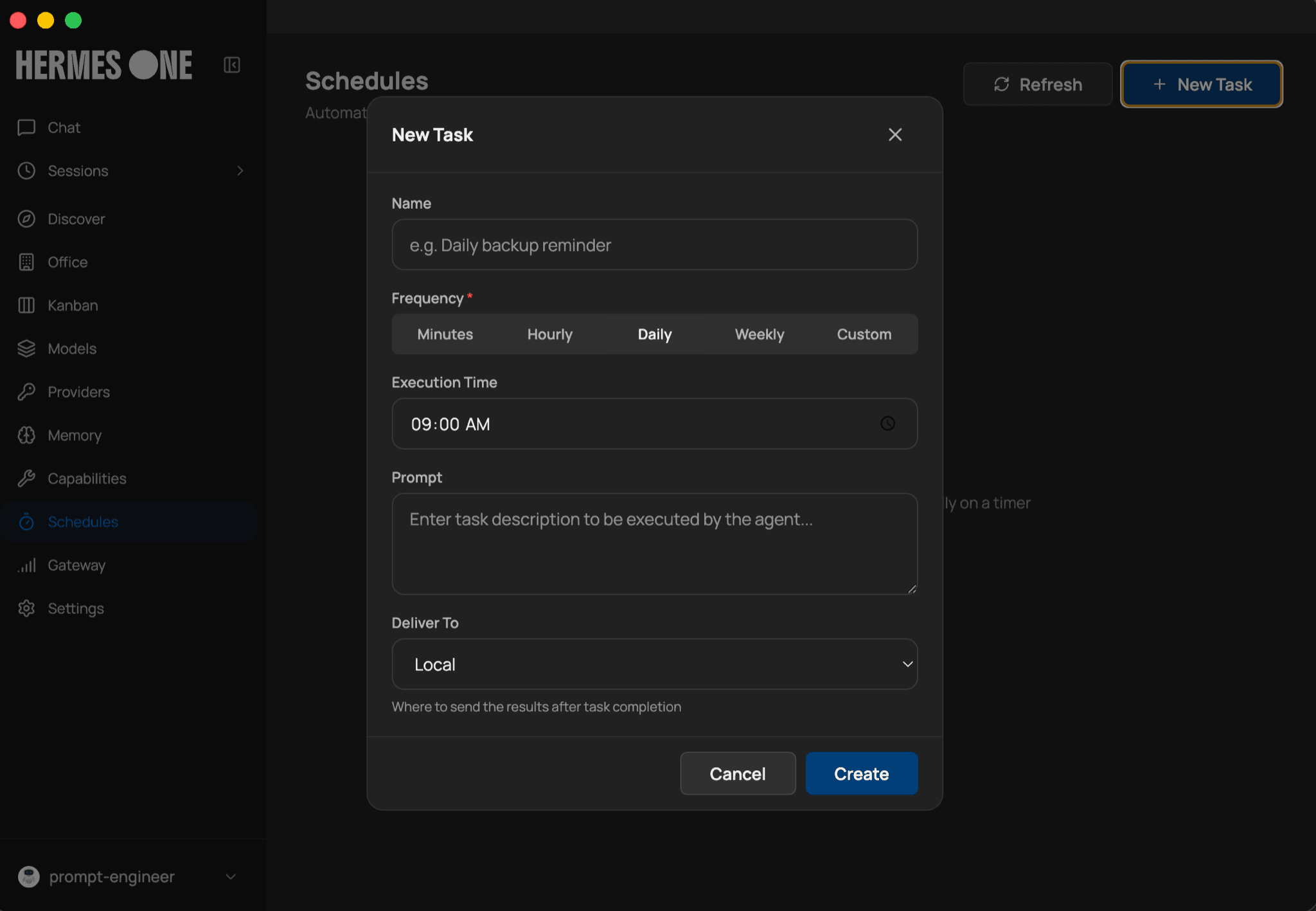
Hermes One is a community-made desktop app for Hermes Agent, the open source AI assistant from Nous Research. On first launch it installs Hermes for you and asks which model provider to use. You then get screens for chat, past sessions, memory, skills, scheduled tasks and messaging apps such as Telegram or Slack. It suits people who want to try Hermes Agent without typing commands in a terminal.
It turns a command-line agent into a point-and-click app, including scheduled tasks that send their results to your chat apps.
Start with the first one: it is a small task you can check easily.
Example prompts written by Agent Flows Hub.
From the creator's documentation.
| Feature | What it does | Runs |
|---|---|---|
| Guided install | Installs Hermes Agent and its dependencies on first launch | Your computer |
| Chat | Streaming chat with slash commands, tool progress and token counts | Your model provider |
| Memory and persona | View and edit what the agent remembers and its personality file | Your computer |
| Scheduled tasks | Daily, weekly or custom schedules, with results sent to 15 delivery targets | Your computer |
| Messaging gateways | Connect 16 apps, including Telegram, Slack, WhatsApp and email | Third-party apps |
| Toolsets | Turn web, browser, terminal, file and other toolsets on or off | Your computer |
You want Hermes Agent's chat, memory and scheduled tasks without managing its command line. Hermes One installs the agent, saves your provider settings and gives each feature its own screen.
Notes by Agent Flows Hub (original project name: Hermes Desktop), written from the creator's documentation, not from running it ourselves. Hermes One: README with install and first-time setup · Hermes One website
Tell us what happened. We take a look first; if it needs paid work, you get an estimate before anything starts.
Lets you use the Hermes agent from a browser or your phone instead of a terminal
by Nathan Esquenazi

Gives you an AI assistant that remembers you and does tasks from Telegram or Slack
by Nous Research

Lets your AI app read, edit and organize files and run commands on your computer
by Eduard Ruzga