
Skills CLI
Installs, updates and removes agent skills for Claude Code, Codex, Cursor and more
by Vercel Labs




by Jason YoungAppWrite code
Switches Claude Code, Codex and other coding tools between AI providers in one click
You want to try another model provider in Claude Code or Codex, but each tool keeps its settings in its own JSON, TOML or YAML file that you edit by hand.
For Claude Code and Codex usersDevelopers
From the project's own repository · 2 images, swipe or use the arrows.
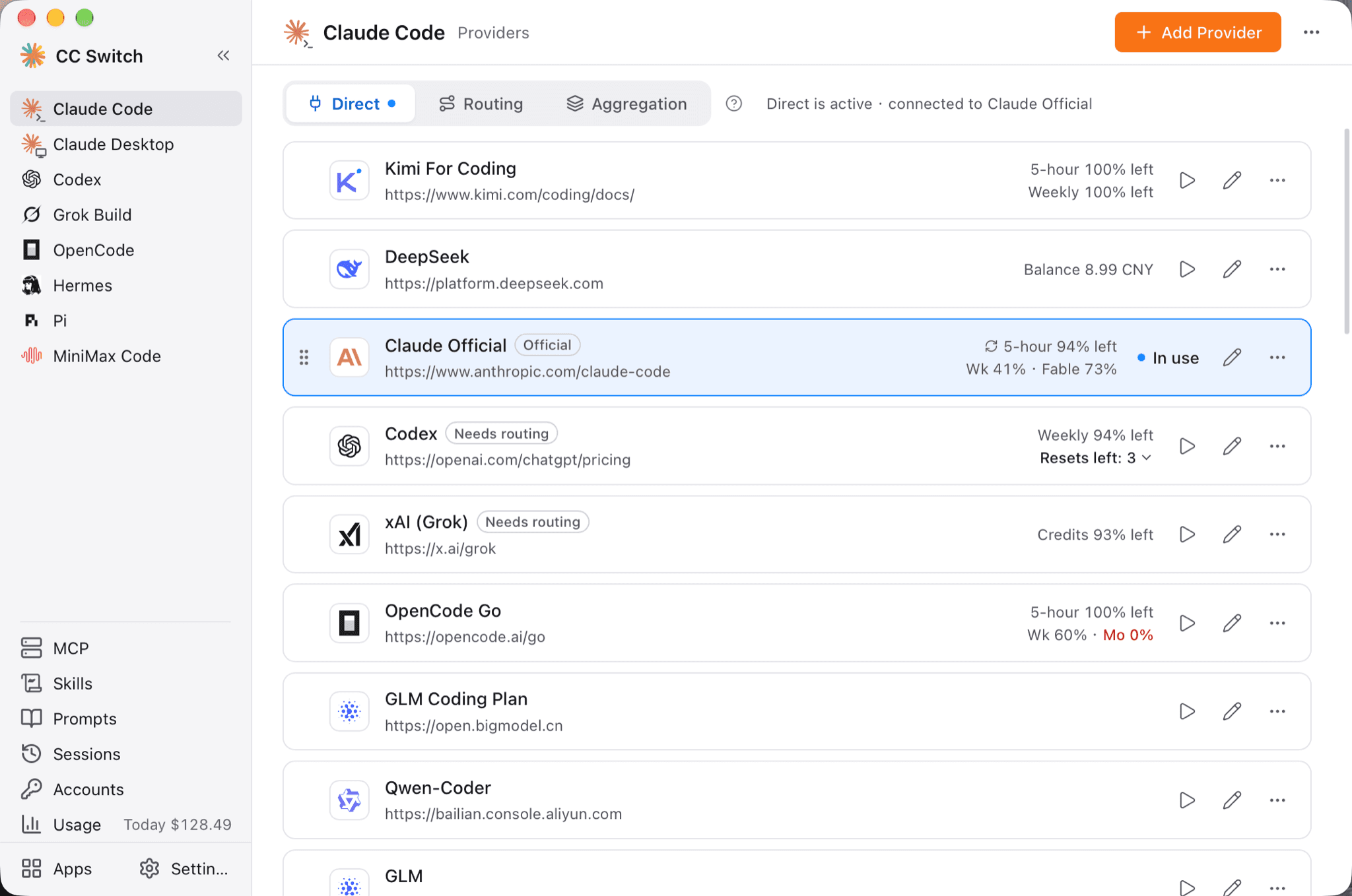
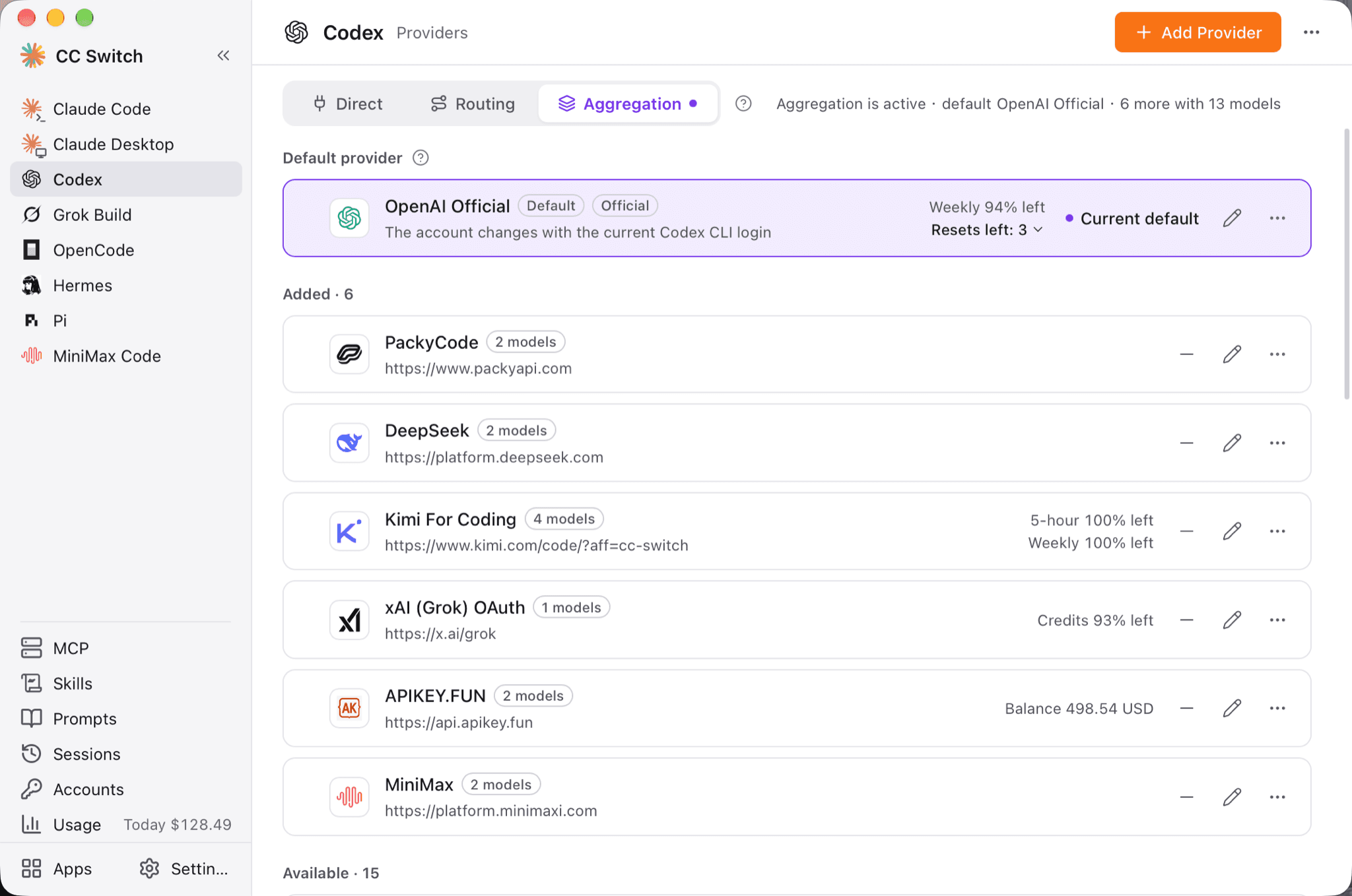
CC Switch is a desktop app for Windows, macOS and Linux that manages the connection settings of AI coding tools such as Claude Code, Codex and Gemini CLI. You pick a provider preset, enter your key and switch in one click, without editing JSON, TOML or YAML files by hand. It also keeps MCP servers, skills and prompts in one place, turns session logs into a readable view and tracks token usage. It suits people who use more than one coding tool or model provider.
Switching changes only the endpoint, key and model, and the app backs up each config file before it rewrites it for the first time.
Start with the first one: it is a small task you can check easily.
Example prompts written by Agent Flows Hub.
From the creator's documentation.
| Feature | What it does | Runs |
|---|---|---|
| Provider switching | 90+ presets; one click changes only the endpoint, key and model | Your computer |
| Local routing | Converts API formats and fails over to the next provider when a request fails | Model provider |
| MCP, Skills and prompts | Add them once, then choose which tools to sync them to | Your computer |
| Usage tracking | Reads local session logs for requests, tokens and spending | Your computer |
| Session reading view | Turns each tool's session logs into a readable view with a resume command | Your computer |
| Cloud sync | Sync settings through WebDAV or S3-compatible storage | Your cloud storage |
You use Claude Code, Codex or Gemini CLI and want to change the model provider behind them without editing each tool's config file. CC Switch keeps your providers as presets and writes only the connection details when you switch.
Notes by Agent Flows Hub (original project name: CC Switch), written from the creator's documentation, not from running it ourselves. CC Switch README
Tell us what happened. We take a look first; if it needs paid work, you get an estimate before anything starts.
Installs, updates and removes agent skills for Claude Code, Codex, Cursor and more
by Vercel Labs
Lets Claude Code ask OpenAI's Codex to review your changes or take over a task
by OpenAI

Lets you run and check Claude Code and Codex sessions from your desktop and phone
by Happy Engineering