
LibreChat
Gives you a self-hosted ChatGPT-style app where you switch between many AI models
by LibreChat



by Hugging FaceAppGet organised
Gives you your own HuggingChat-style chat page for the AI models you choose
Hugging Face's open-source chat app, the code behind HuggingChat. You run it on your computer or server, point it at an AI model service and chat in your browser, with history saved in a database and optional tools.
For Small teamsPeople running local modelsSelf-hosting hobbyists
Hugging Face is an AI community platform where people share models, datasets and apps. It also makes HuggingChat, and its GitHub profile lists New York and Paris.
From the project's own repository.
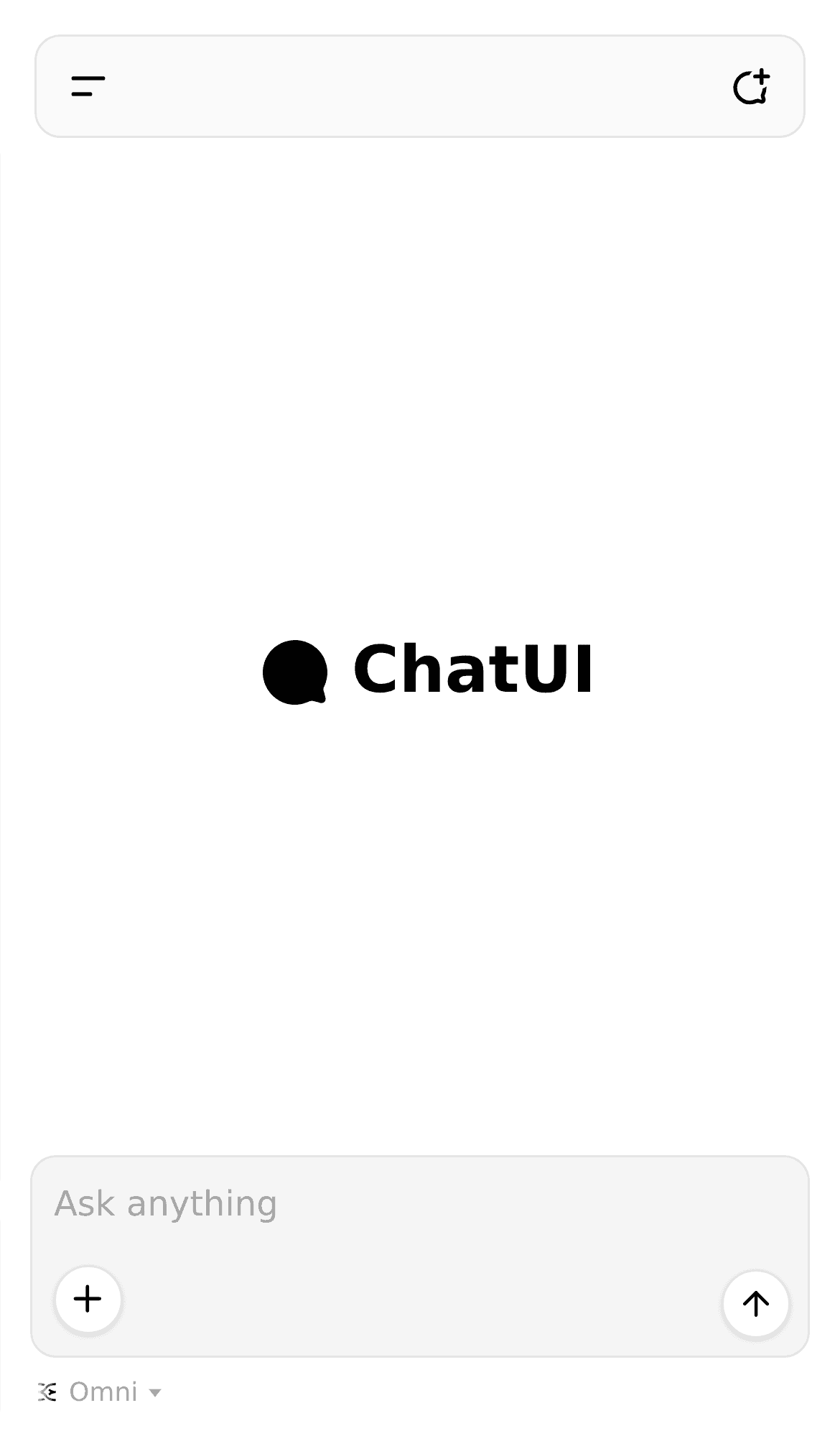
Chat UI is Hugging Face's open-source chat app, the code behind HuggingChat. You run it on your computer or server, point it at a model service that uses the OpenAI format, such as Hugging Face Inference Providers, OpenRouter or Ollama on your own machine, and open it in your browser to chat. It keeps your chat history in a database, can call tools from MCP servers you add, and lets you rename the app. It suits people and small teams who want a chat page they run and control.
It is the same code that runs HuggingChat, and it works with any model service that uses the OpenAI format, including models on your own computer.
Start with the first one: it is a small task you can check easily.
Example prompts written by Agent Flows Hub.
From the creator's documentation.
| Feature | What it does | Runs |
|---|---|---|
| Model choice | Connects to any OpenAI-compatible service, in the cloud or on your own computer | Your model service |
| Chat history | Saves chats, users and settings in MongoDB, with a built-in database by default | Your computer or server |
| MCP tools | Add MCP servers, switch them on and see each tool call and result in the chat | Servers you add |
| Omni routing | Picks a model per message: one for images, one for tools, one for the rest | Your model service |
| Per-model settings | Turn tool calling and image input on or off for each model | Your computer or server |
| Theming | Set your own app name and description | Your computer or server |
You want a private chat page for yourself or a small team, connected to the model service you pick. Chat UI runs on your machine or server, talks to any OpenAI-compatible API and keeps conversations in its own database.
Notes by Agent Flows Hub (original project name: chat-ui), written from the creator's documentation, not from running it ourselves. Chat UI README: quickstart and Docker image · Chat UI documentation
Tell us what happened. We take a look first; if it needs paid work, you get an estimate before anything starts.
Gives you a self-hosted ChatGPT-style app where you switch between many AI models
by LibreChat

Gives you a private ChatGPT-style assistant that runs AI models on your own computer
by Menlo Research

Gives you your own chat app for Claude, GPT, Gemini, DeepSeek and other models
by NextChat