
Happy
Lets you run and check Claude Code and Codex sessions from your desktop and phone
by Happy Engineering


by T3 ToolsAppWrite code
Lets you run and steer the coding agents on your computer from one app or your phone
T3 Code is a free, open-source app for running the coding agents you already use, such as Claude Code, Codex, Cursor and OpenCode, from one window on your computer or from your phone.
For DevelopersMakers who use coding agentsPeople who code on the go
Ping Labs (ping.gg) says it makes tools for people who ship software, including T3 Code and the T3 Chat app.
From the project's own repository.
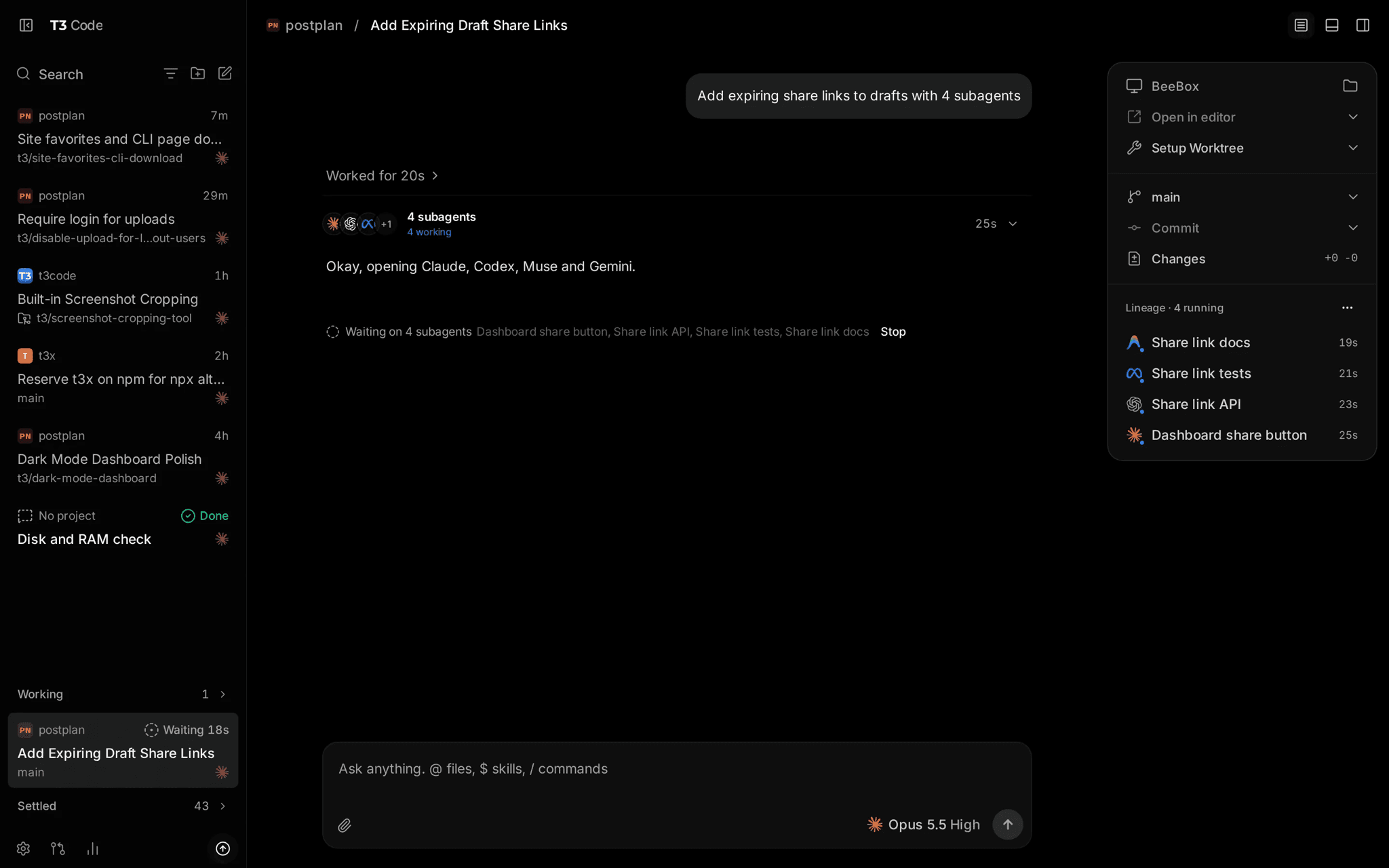
T3 Code is a free, open-source app for controlling the coding agents you already use, such as Claude Code, Codex, Cursor and OpenCode, from one window. You start threads, choose how much each agent may do without asking, approve its changes and see what it changed. With T3 Connect you can also reach your computer from the iOS and Android apps or the web app. It suits developers and makers who already run coding agents and want to manage them from anywhere.
It works with the agent subscriptions you already pay for, and the phone app turns your computer into a coding agent you can direct while away.
Start with the first one: it is a small task you can check easily.
Example prompts written by Agent Flows Hub.
From the creator's documentation.
| Feature | What it does | Runs |
|---|---|---|
| Bring your own agent | Works with Claude Code, Codex, Cursor, OpenCode, Grok Build and Antigravity on your computer | Your computer |
| Threads and projects | Start, search and switch between agent conversations per project | Your computer |
| Permission modes | Supervised, auto-accept edits, auto or full access, chosen per thread | Your computer |
| Remote access | Reach your computer from the iOS, Android or web app through T3 Connect | T3 Connect account |
| Desktop and command line | A desktop app, or a t3 command that opens a local web app | Your computer |
You already use a coding agent such as Claude Code or Codex and want one place to start, watch and approve its work. T3 Code runs on the computer where the agents live and lets you follow threads from its desktop app, web app or phone.
Notes by Agent Flows Hub (original project name: T3 Code (pingdotgg/t3code)), written from the creator's documentation, not from running it ourselves. T3 Code README · T3 Code: install and first run
Tell us what happened. We take a look first; if it needs paid work, you get an estimate before anything starts.
Lets you run and check Claude Code and Codex sessions from your desktop and phone
by Happy Engineering
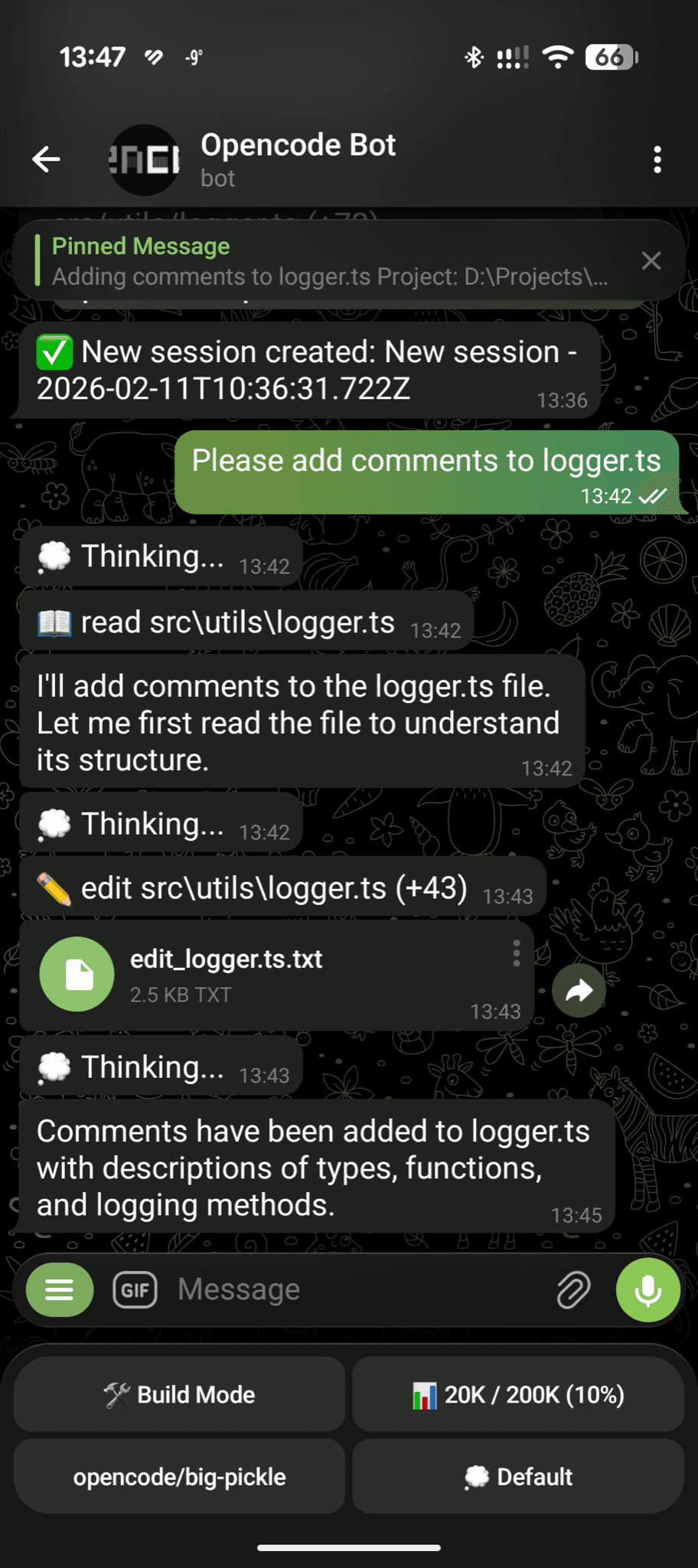
Lets you send coding tasks to OpenCode on your computer from Telegram on your phone
by Ruslan Grinev

Lets you use Claude Code, Cursor CLI or Codex from a browser on your computer or phone
by Siteboon