
Palmier Pro
Lets Claude, Codex or Cursor edit your videos on a real timeline in a Mac video editor
by Palmier



by OpenFilmAppMake video or audio
Lets your coding agent make animated videos that you can then change by hand in an editor
An open-source video maker for coding agents such as Claude Code or Codex. Describe a film in plain words, the agent builds it, and you change text, color, clips and timing in an editor before exporting MP4 or GIF.
For CreatorsMarketers and foundersCoding-agent users
OpenFilm is an open-source project run by the openfilm organisation on GitHub, with a project site at openfilm.dev.
From the project's own repository · 2 images, swipe or use the arrows.
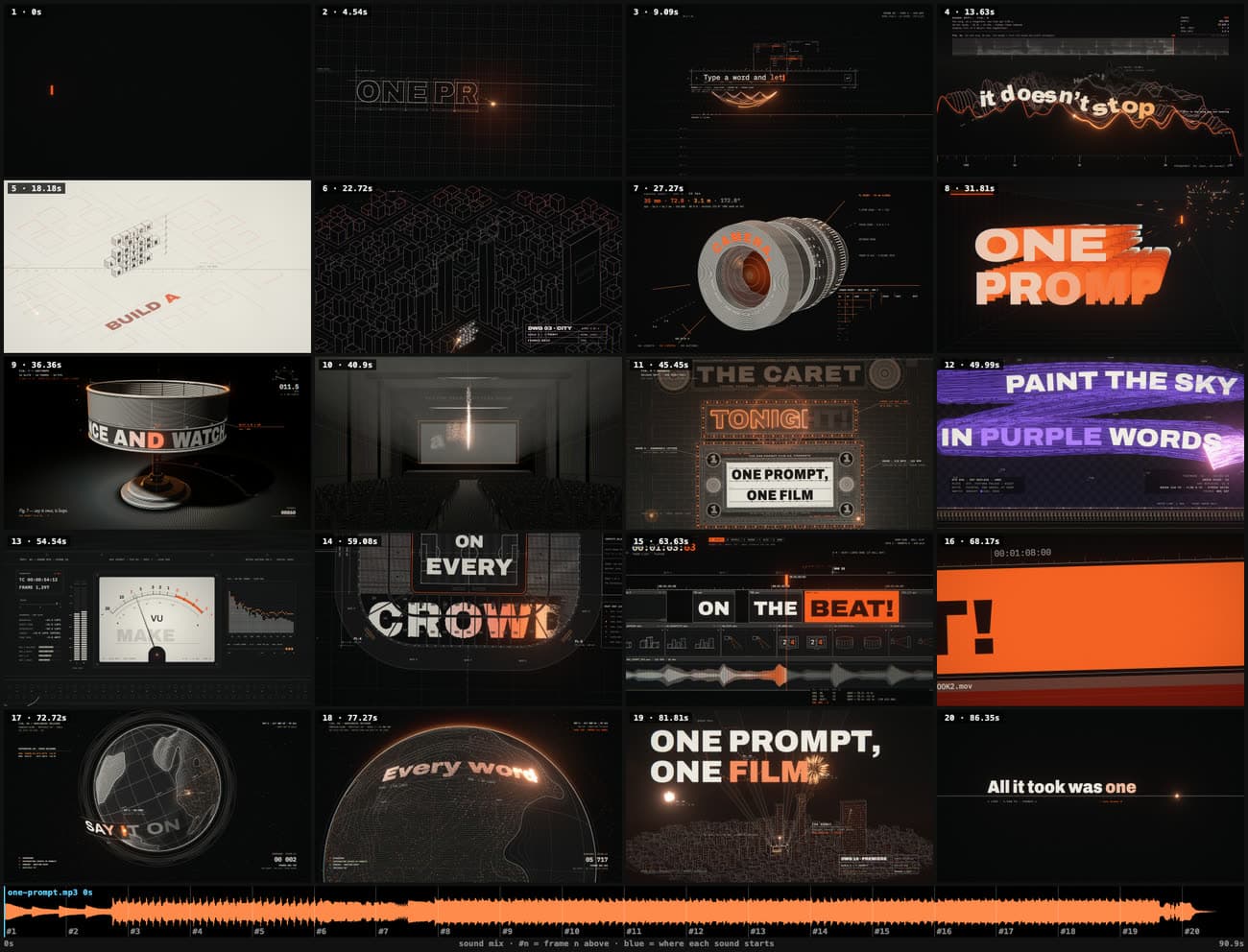
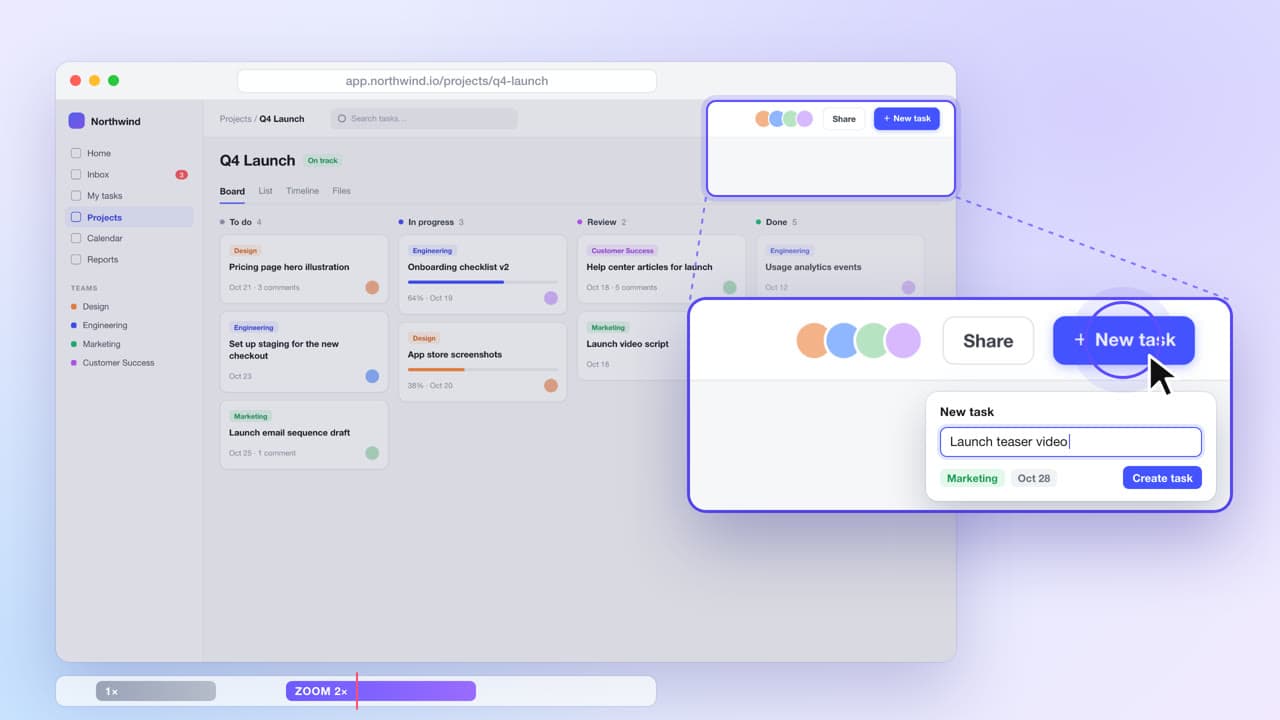
OpenFilm turns a coding agent such as Claude Code or Codex into a video maker. You ask for a film in plain words; the agent builds each shot as a web page and Studio, an editor on your computer, shows it taking shape. You can then change any text, color, clip or timing by hand or by asking, and export an MP4, GIF, subtitles or a timeline for other editors. It suits creators, marketers and teams making launch videos, explainers and short clips.
Each shot is a web page, so the agent can draw almost anything a browser can, and every word and clip stays editable afterwards.
Start with the first one: it is a small task you can check easily.
Example prompts written by Agent Flows Hub.
From the creator's documentation.
| Feature | What it does | Runs |
|---|---|---|
| Film from a prompt | Your agent writes each shot as a web page and opens the film in Studio as it takes shape | Your agent's model |
| Hand editing | Move, restyle or retext anything in a shot, and trim and cut clips on the timeline | Your computer |
| Film checks | Contact sheets plus warnings for page errors, missing fonts or sounds and cut-off text | Your computer |
| Export | MP4 up to 4K, GIF, subtitles, stills, transparent video, or a timeline for Final Cut, Premiere or Resolve | Your computer |
| Generated media | Voice-over, music, images and video from services you connect with your own keys | Your services |
| Saved versions | Named versions of a film you can go back to | Your computer |
Ask your agent for a short launch video or explainer, then fix the details yourself in Studio. The film stays a folder of editable files, and you export the final MP4 or a timeline for another editor.
Notes by Agent Flows Hub (original project name: OpenFilm), written from the creator's documentation, not from running it ourselves. OpenFilm README · OpenFilm documentation
Tell us what happened. We take a look first; if it needs paid work, you get an estimate before anything starts.
Lets Claude, Codex or Cursor edit your videos on a real timeline in a Mac video editor
by Palmier
Lets your agent cut, caption and reframe videos on your own computer with FFmpeg
by Shogo Kajiyama

Lets you edit videos by chatting with an AI, then fine-tune the cuts on a real timeline
by sline