
Concat
Lets you edit video on your computer, with auto-captions, voices and background removal
by Jareer A.



by Shogo KajiyamaSkillMake video or audio
Lets your agent cut, caption and reframe videos on your own computer with FFmpeg
You recorded a 40-minute talk and need a captioned 60-second vertical clip for Reels, but a full video editor is more than you want to learn.
For Short-video creatorsPodcastersSocial media teams
From the project's own repository.
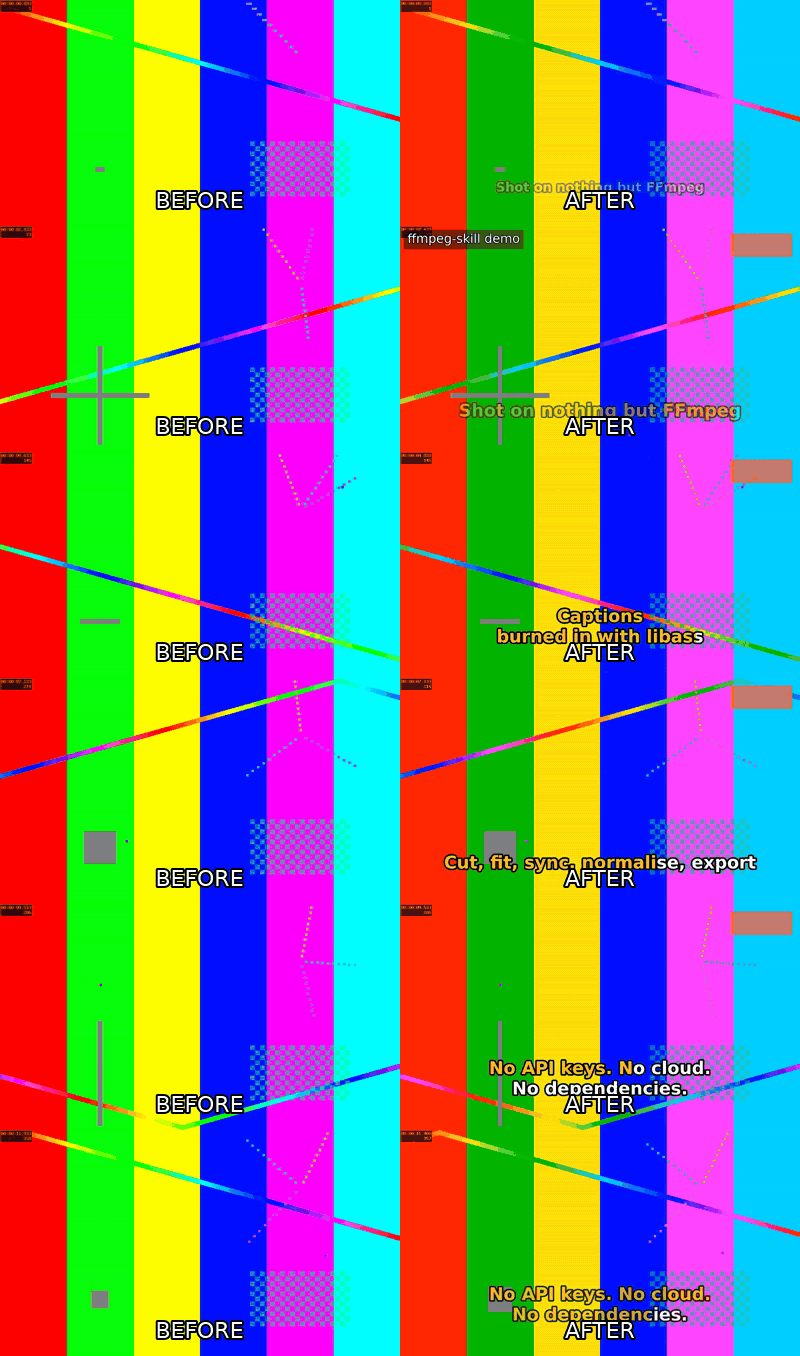
ffmpeg-skill gives your AI agent 42 video and audio tools built on FFmpeg, the free media program. You ask in plain words, for example to keep two parts of an interview and make a 60-second vertical clip; the agent measures the file, edits it, exports it for the platform and checks the result before it reports back. Everything runs on your computer, with no cloud upload and no API key. It suits creators, podcasters and social media teams who edit short clips.
It checks its own output, measuring length, size and loudness and making a contact sheet to look at, instead of just saying it is done.
Start with the first one: it is a small task you can check easily.
Example prompts written by Agent Flows Hub.
From the creator's documentation.
| Output | What it is | Reads |
|---|---|---|
| Cut and join | Trim sections, join clips and remove silences, without re-encoding where possible | Your files |
| Reframe | Change the shape to 9:16 or 1:1 by cropping or padding | Your files |
| Captions and titles | Burned-in captions, animated or karaoke style, plus logos and lower-thirds | Your files |
| Audio | Loudness levelling, background music with ducking and external-mic sync | Your files |
| Platform export | Presets and spec checks for YouTube, Reels, TikTok and X | Your computer |
| Result check | Measures the output and makes a contact sheet for the agent to look at | Your computer |
Cut a long recording into a short vertical clip with captions and the right loudness for a platform. The skill measures the file first, runs fixed editing tools and checks the exported file against the platform's specs.
Notes by Agent Flows Hub (original project name: ffmpeg-skill), written from the creator's documentation, not from running it ourselves. ffmpeg-skill README: quick start, install and requirements · ffmpeg-skill: SKILL.md
Tell us what happened. We take a look first; if it needs paid work, you get an estimate before anything starts.
Lets you edit video on your computer, with auto-captions, voices and background removal
by Jareer A.

Lets Claude, Codex or Cursor edit your videos on a real timeline in a Mac video editor
by Palmier
Lets your coding agent make animated videos that you can then change by hand in an editor
by OpenFilm