

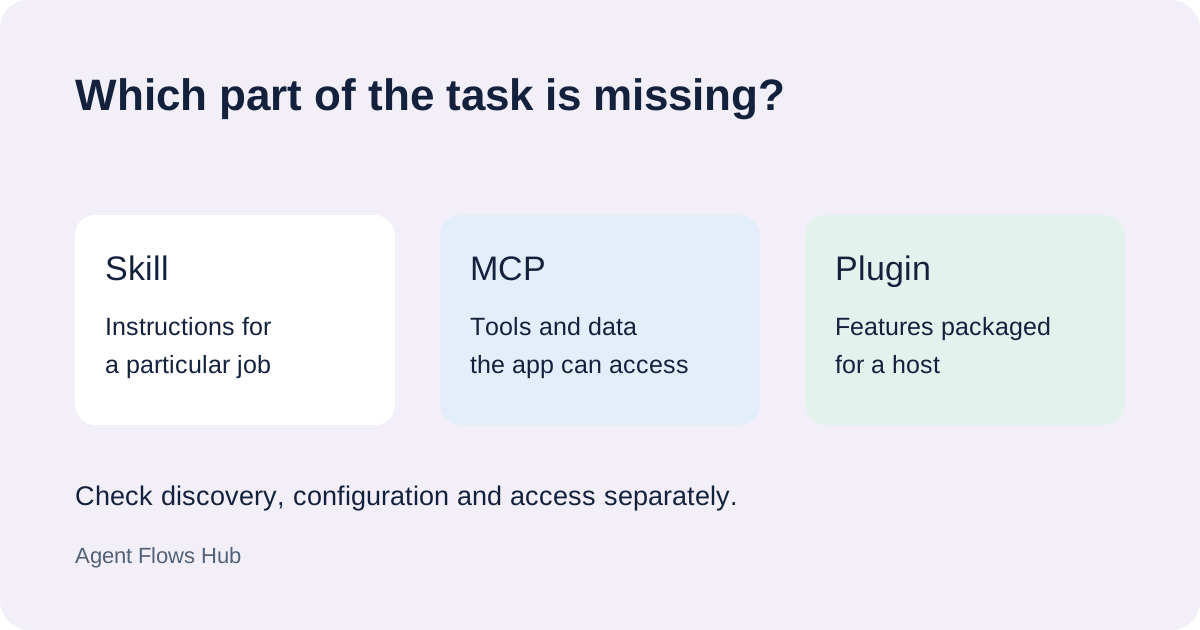
Copying a folder does not show that an agent has used its instructions. The host has to discover the skill and select it for a request. If the output does not change, check those stages before rewriting the whole skill.
Check the files and scope
The Agent Skills format expects SKILL.md with metadata and instructions. Check the exact filename and the directory around it. An extra folder from an extracted archive can leave the file outside the location the host scans.
Use the current discovery rules for your host. A skill in a project folder and a personal skill may apply to different sessions. Another application's skill listing is not evidence for the client you are using.
Check whether the host lists it
Use the host's skill listing or discovery controls. If the skill is absent, inspect the location and configuration first. A new session can distinguish an older session's view from the current installation; refresh behavior varies by host.
Avoid copying the same skill into several locations as a shortcut. When names overlap, precedence rules determine which version loads. Find the source of the listed entry before editing a different copy.
Check how it is selected
A description should identify the job and the input. “Helps with work” is less useful than “turns a meeting transcript into decisions and action items.”
Try the host's documented explicit invocation with a short, relevant request. Use the same input while comparing results. Where the host provides invocation or file-read evidence, inspect it; a better-looking answer alone does not establish that the skill loaded.
If it loads but cannot finish
Read its supporting files and prerequisites. Some skills use scripts or online services. A missing runtime or account connection is a different problem from skill discovery. Identify the failed operation before changing access settings.
For setup help, include the host, skill source, installation location, listing result and the request you tried. The skill collection explains the kinds of instructions available.
Sources
- Agent Skills specification: required file structure and metadata.
- Claude Code skills: locations, invocation and precedence.
- OpenAI skill documentation: supported discovery and usage.