
Nanobrowser
Works through web pages for you in Chrome, clicking, typing and moving between tabs
by Nanobrowser



by iFuryStConnectorGet organised
Lets your AI agent see and operate the apps on your computer by clicking and typing
An open-source connector that lets an AI agent operate desktop apps on macOS, Linux and Windows. It reads each app's window, then clicks and types for the agent. Works with Codex, Claude Code and Gemini CLI.
For People using AI agentsMac, Windows and Linux users
An open-source project published on GitHub by iFurySt. Its README says it was inspired by OpenAI's Codex Computer Use.
From the project's own repository.
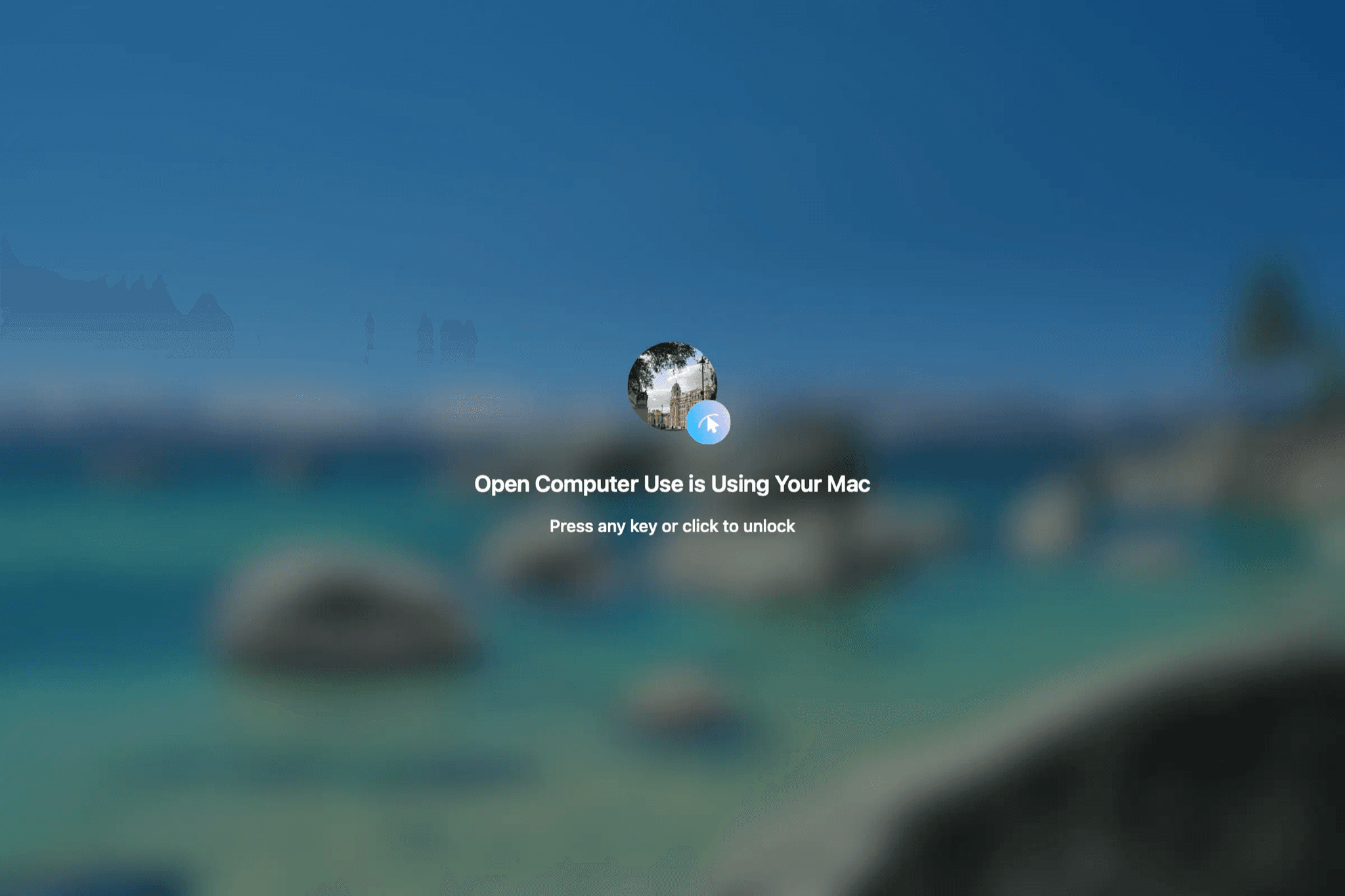
Open Computer Use is an open-source MCP server that gives an AI agent control of desktop apps on macOS, Linux and Windows. It reads each app's interface through accessibility data and screenshots, then clicks, types and presses keys for the agent. You install it with npm, grant permissions on a Mac, and run one command to add it to Codex, Claude Code, Gemini CLI or opencode. It suits people who want an agent to finish tasks in apps that have no API.
It brings the desktop-control approach of OpenAI's Codex Computer Use to any MCP client, as open source.
Start with the first one: it is a small task you can check easily.
Example prompts written by Agent Flows Hub.
From the creator's documentation.
| Toolset | What your agent can do | Access |
|---|---|---|
| App list | Lists the apps that are open on your computer | Your computer |
| App state | Reads an app's interface elements and takes screenshots | Your computer |
| Clicks and typing | Clicks, types and presses keys in the app you name | Your computer |
| Agent setup | One command adds it to Codex, Claude Code, Gemini CLI or opencode | Your config files |
| Locked Use | Optional on Mac: keeps working while the screen is locked, behind a full-screen shield | System settings |
Hand an agent a task inside a desktop app, such as typing a note in TextEdit. It lists the open apps, reads the window's interface and then clicks and types step by step.
Notes by Agent Flows Hub (original project name: open-computer-use), written from the creator's documentation, not from running it ourselves. Open Computer Use README · Locked Use guide
Tell us what happened. We take a look first; if it needs paid work, you get an estimate before anything starts.
Works through web pages for you in Chrome, clicking, typing and moving between tabs
by Nanobrowser
Lets an AI agent see and use Windows apps and web pages: click, type and read the screen
by Yu-tao-Li

Lets you hand research, writing and coding tasks to an open source agent on your computer
by Agentic AI Foundation
See all 52 connectors · An MCP server is missing or disconnected