
Claude in Chrome
Lets Claude read pages in Chrome, then click, type and fill in forms for you
by Anthropic


by Yu-tao-LiConnectorGet organised
Lets an AI agent see and use Windows apps and web pages: click, type and read the screen
Windows Computer Use for DSH is a connector that lets an AI agent see and use Windows programs and web pages: find buttons, read on-screen text, click, type and manage windows.
For Windows usersDeepSeek Harness users
An open-source project by GitHub user Yu-tao-Li, made as a plugin for DeepSeek Harness Desktop and usable in other MCP clients.
From the project's own repository · 3 images, swipe or use the arrows.
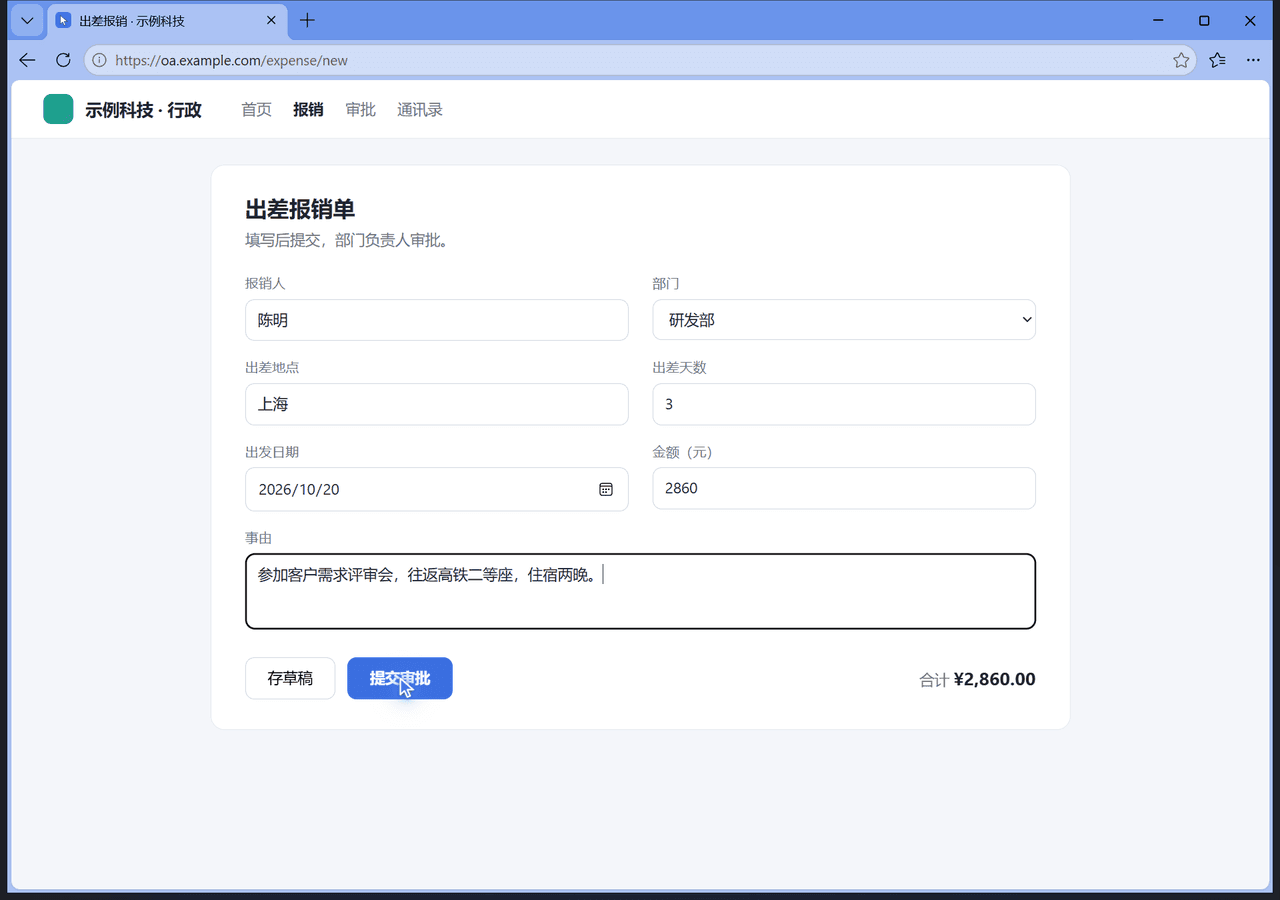
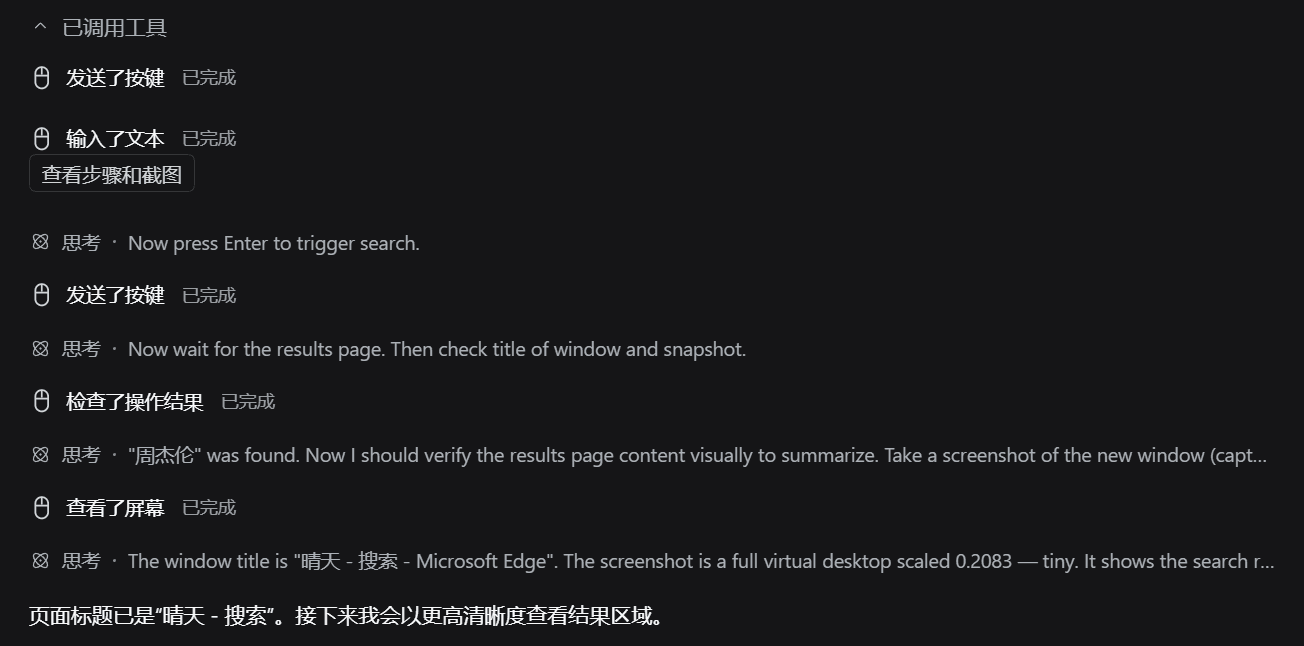
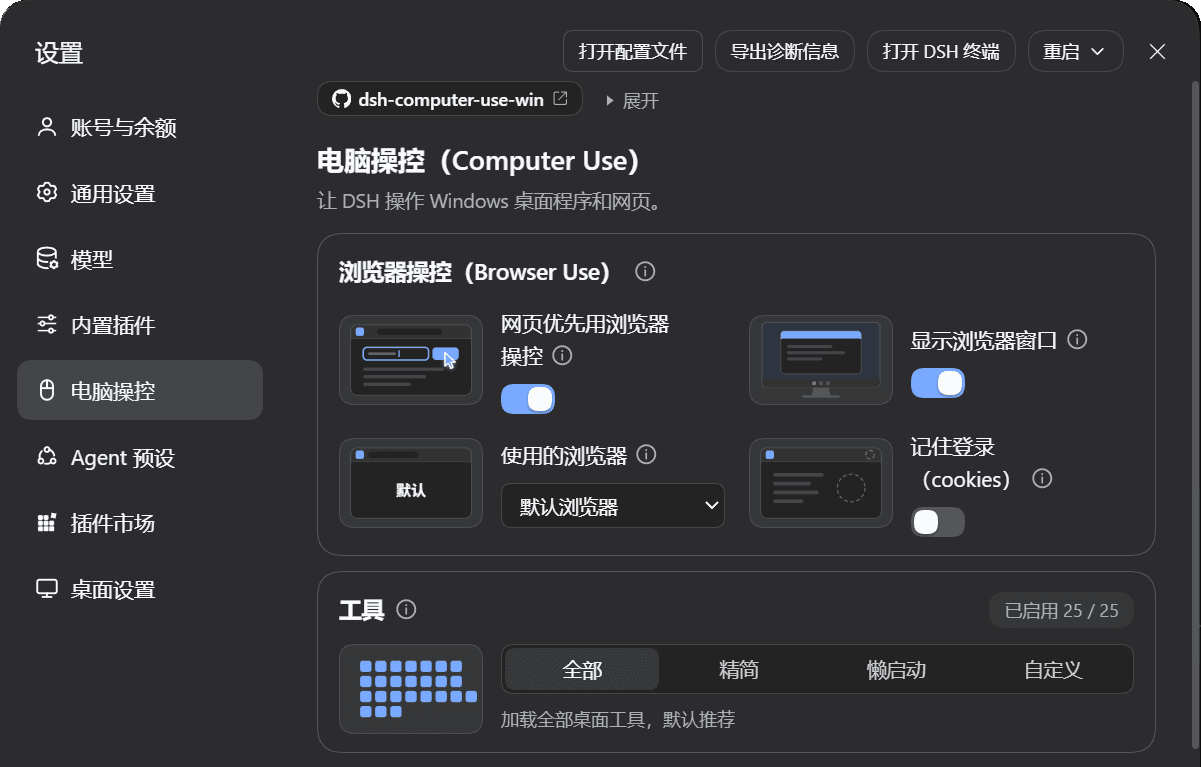
This connector lets an AI agent work with the real Windows programs and web pages on your computer. It finds buttons and text fields through Windows UI Automation, reads on-screen text with the built-in Windows OCR, clicks, types and manages windows, and works on web pages in a background browser without taking your mouse. It is made as a plugin for DeepSeek Harness (DSH) Desktop and also runs in other MCP clients. It suits Windows users who want an agent to carry out desktop chores.
It works in the background where it can, shows clear on-screen signs when it takes the mouse, and stops when you press Esc.
Start with the first one: it is a small task you can check easily.
Example prompts written by Agent Flows Hub.
From the creator's documentation.
| Toolset | What your agent can do | Access |
|---|---|---|
| Windows and controls | Lists open windows and finds buttons and fields with UI Automation | Read |
| Screen text | Reads on-screen text with the built-in Windows OCR | Read |
| Click and type | Presses buttons, fills fields, types text and sends key presses | Read + write |
| Browser lane | Reads and fills web pages in Chrome or Edge in the background | Read + write |
| Window management | Switches, moves and manages windows on the desktop | Read + write |
| Wait and check | Waits for a window, control or text, then confirms the result | Read |
You want an agent to do a short task in a Windows app, such as typing into Notepad or searching in a music app. The connector finds the controls, acts on them and reads the screen to check the result.
Notes by Agent Flows Hub (original project name: dsh-computer-use-win), written from the creator's documentation, not from running it ourselves. dsh-computer-use-win README (English)
Tell us what happened. We take a look first; if it needs paid work, you get an estimate before anything starts.
Lets Claude read pages in Chrome, then click, type and fill in forms for you
by Anthropic

Lets your AI agent open apps, click, type and manage files on your Windows PC
by CursorTouch

Lets an AI agent click, type and switch apps on your computer to do a task you describe
by Shenzhen New Generation Technology
See all 52 connectors · An MCP server is missing or disconnected