Xiaohongshu Post Uploader
Has your agent post a video or picture note to Xiaohongshu, now or at a time you choose
by Alleria


by zyConnectorGrow an audience
Lets your AI agent search Xiaohongshu and post picture or video notes from your account
A connector that lets an AI agent use Xiaohongshu (RedNote) through a browser signed in to your account. It can search notes, read details and comments, publish picture or video notes, and comment, like or save.
For Xiaohongshu creatorsSmall teams posting content
An open-source project by developer zy, published on GitHub, with a project page on haha.ai.
From the project's own repository.
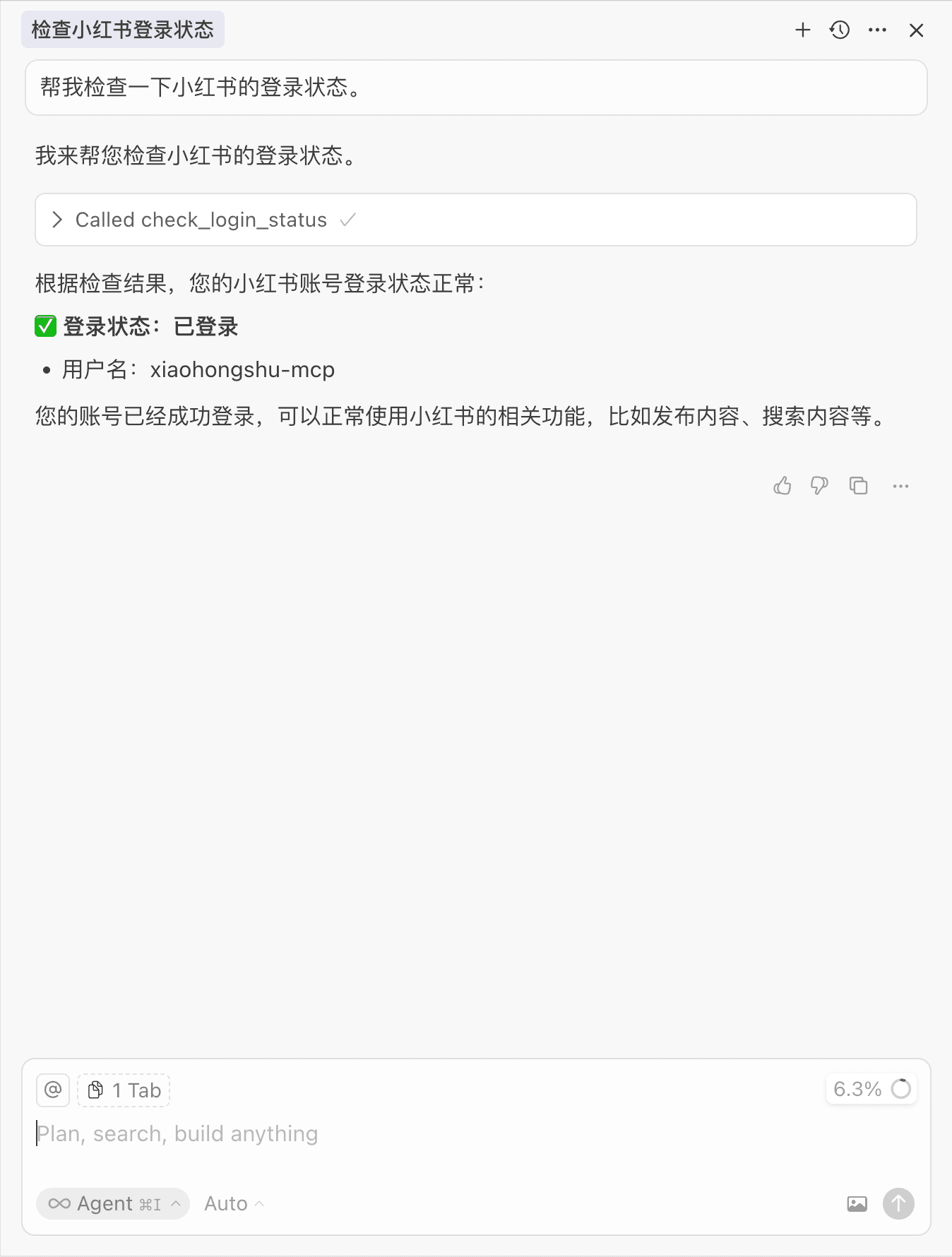
Xiaohongshu MCP is a connector that lets an AI agent use Xiaohongshu (RedNote) through a browser signed in to your account. You run a small login tool once by scanning a QR code, start the service, and add it to your agent. The agent can then search notes, read a note's details and comments, publish picture or video notes, and comment, like or save. It suits creators and small teams who post to Xiaohongshu regularly.
It turns Xiaohongshu posting into plain requests to your agent, with ready-made programs for Mac, Windows and Linux and a Docker image.
Start with the first one: it is a small task you can check easily.
Example prompts written by Agent Flows Hub.
From the creator's documentation.
| Toolset | What your agent can do | Access |
|---|---|---|
| Login check | Sign in once by QR code and check whether the account is still signed in | Your account |
| Search and feed | Search notes by keyword and list the home feed | Read |
| Note details | A note's content, likes, saves and comments, and a user's public profile | Read |
| Publishing | Post picture notes from local files or links, and video notes from local files, with tags | Write |
| Comments and reactions | Comment, reply to comments, like and save notes | Write |
You want your agent to draft and publish Xiaohongshu notes, or to search notes on a topic, without opening the website each time. The connector drives a browser signed in to your account and exposes search, read, publish and reaction tools.
Notes by Agent Flows Hub (original project name: xiaohongshu-mcp), written from the creator's documentation, not from running it ourselves. xiaohongshu-mcp README: setup and client configuration
Tell us what happened. We take a look first; if it needs paid work, you get an estimate before anything starts.
Has your agent post a video or picture note to Xiaohongshu, now or at a time you choose
by Alleria

Lets your AI assistant look up and update contacts, deals and notes in your Attio CRM
by Attio

Lets your AI assistant check, create and adjust your Facebook and Instagram ad campaigns
by Pipeboard
See all 52 connectors · An MCP server is missing or disconnected