

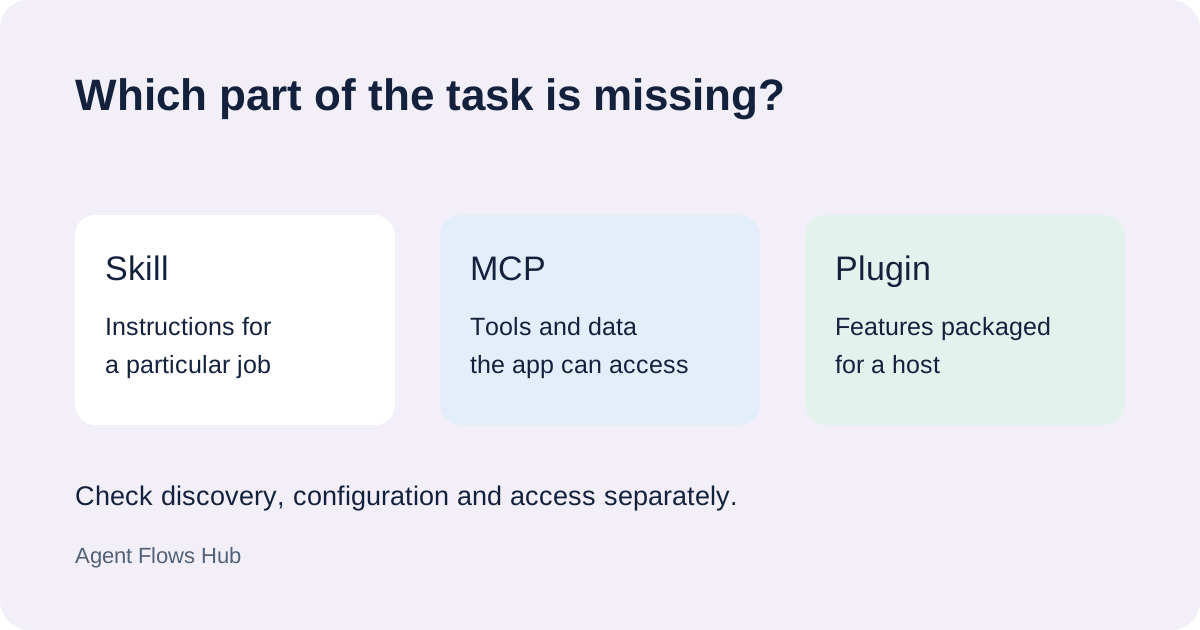
“The MCP is not working” can mean that the server is absent from your client's list, listed but disconnected, or connected without the tool you expected. Write down which state you see before editing the configuration.
The server is absent
First name the exact host: Claude Code, Codex, a desktop app or another client. Settings for one application do not establish a connection in another. Check the host's documented configuration locations and scope, including which project folder the session is using.
In Claude Code, /mcp opens the documented server controls. If a plugin supplies the server, check that plugin before adding another manual copy. A duplicate can make it harder to tell which configuration is in use.
The server is listed but disconnected
For a local server, check the command and its required runtime. An app launched separately from your terminal may have a different environment, so a command working in the terminal is only part of the evidence.
For a remote server, check the documented endpoint and sign-in method. Opening the service's public homepage does not establish access to its MCP endpoint. Read the connection error before changing credentials or transport settings.
Keep a copy of the relevant configuration before following a documented reset. Record one change at a time and check the same connection again.
The server connects but the tool is missing
Inspect the tools the client exposes and compare them with the server's official documentation. Connection status, account access and tool availability are separate checks.
Try a small request naming the intended operation and a known input. Then inspect the client's tool activity. An answer that sounds right does not prove that a tool ran; the model may have answered another way.
What to send with a help request
Include the host and interface, project or configuration scope, server name, connection method, displayed status and exact error. Remove credentials and private data from the example.
The MCP collection links to official sources. If you want help working through the setup, send those details. We confirm scope and price before paid work.
Sources
- Claude Code MCP documentation: server controls, scopes and status.
- MCP architecture: the client/server connection and exposed capabilities.