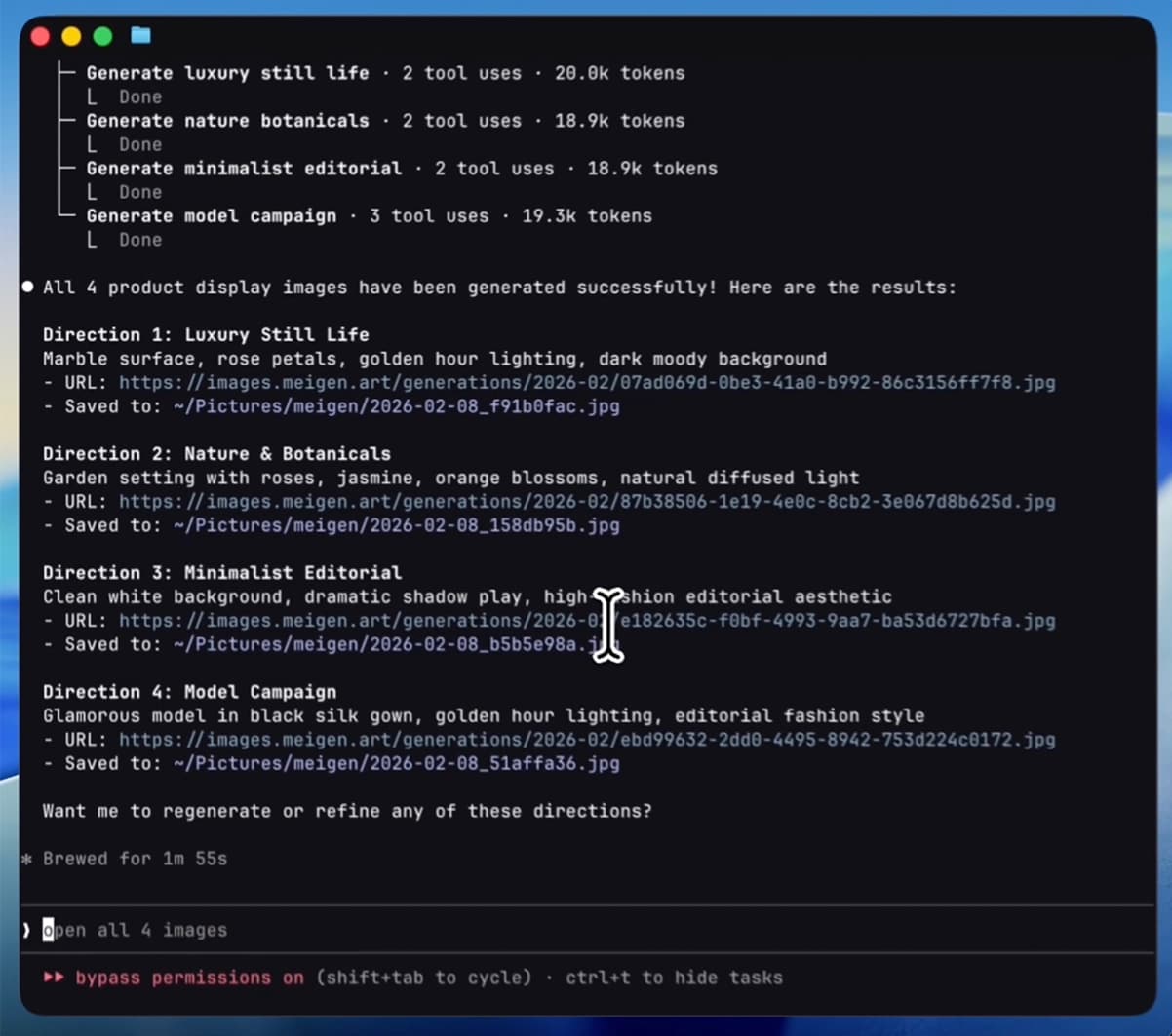
MeiGen AI Design
Lets ChatGPT, Claude or Cursor find visual ideas and make images and videos for you
by MeiGen



by AirtableConnectorMake visuals
Lets your AI agent find, add and update records in your Airtable bases
Airtable's hosted connector that lets an AI agent search and analyse records in the bases you share, add and update them, and create tables, interface pages and automations, within your Airtable permissions.
For Teams that track work in AirtableContent and marketing teamsOperations staff
Airtable makes a platform for building apps, workflows and AI agents on top of your own data.
Airtable MCP is the connector Airtable hosts for AI agents. Once you sign in and pick which bases to share, your agent can search and analyse records, add and update them, create bases and tables, build interface pages and draft automations, always within your Airtable permissions. There is nothing to install: you add one web address to your agent. It suits teams and individuals who track projects, content or customers in Airtable.
It is Airtable's own hosted connector on every plan, and you choose which bases and workspaces the agent can reach when you sign in.
Start with the first one: it is a small task you can check easily.
Example prompts written by Agent Flows Hub.
From the creator's documentation.
| Toolset | What your agent can do | Access |
|---|---|---|
| Search and analyse | Find records and answer questions across the bases you shared | Read |
| Records | Create records (up to 10 per request) and update existing ones | Read + write |
| Bases and tables | Create bases, tables and fields, if your role allows it | Read + write |
| Interfaces and forms | Read interface pages, create new ones and submit forms for you | Read + write |
| Automations | List and inspect automations, create drafts; turning them on happens in Airtable | Read + write |
You keep a project tracker or content calendar in Airtable and want answers from it without building views by hand. Connect the server, sign in, and ask your agent to find, count or update records in the bases you shared.
Notes by Agent Flows Hub (original project name: Airtable MCP server), written from the creator's documentation, not from running it ourselves. Using the Airtable MCP server · Airtable MCP server overview
Tell us what happened. We take a look first; if it needs paid work, you get an estimate before anything starts.
Lets ChatGPT, Claude or Cursor find visual ideas and make images and videos for you
by MeiGen

Lets your AI agent build and change 3D scenes in Blender from plain-language requests
by Siddharth Ahuja

Lets your AI agent turn your numbers into charts, mind maps and flow diagrams
by AntV (Ant Group)
See all 52 connectors · An MCP server is missing or disconnected