
Instant Chart Maker
Turns a table of numbers into a ready-made chart image in seconds
by AntV (Ant Group)



Lets your AI agent build and change 3D scenes in Blender from plain-language requests
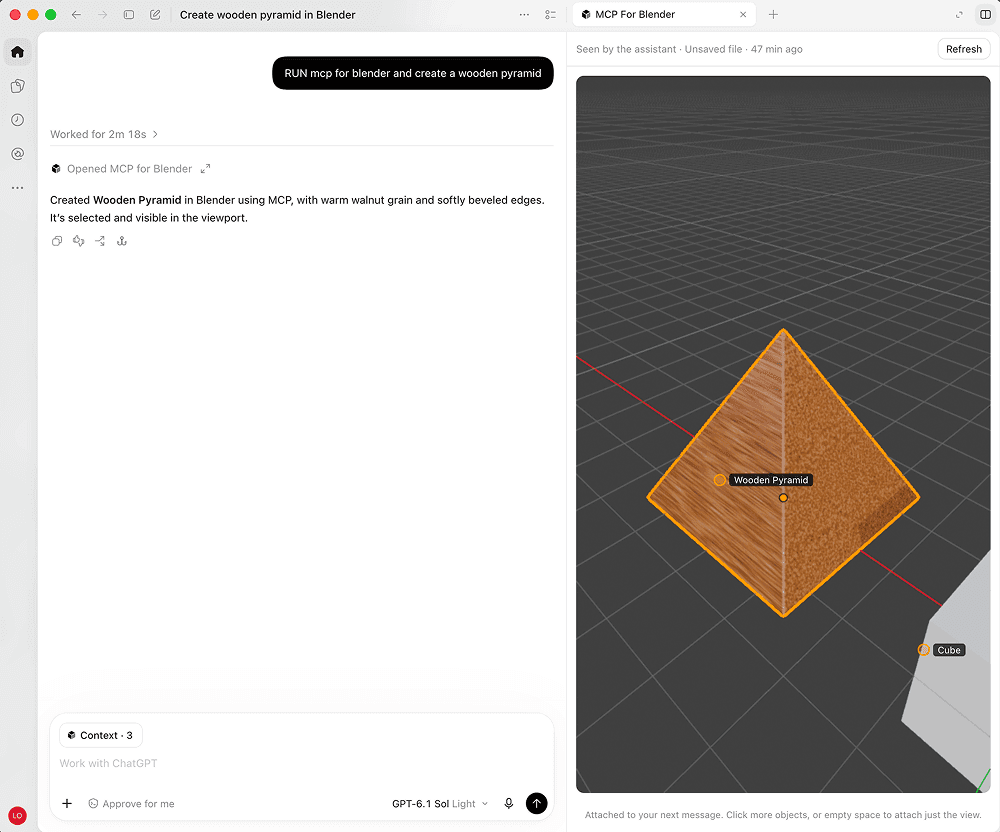
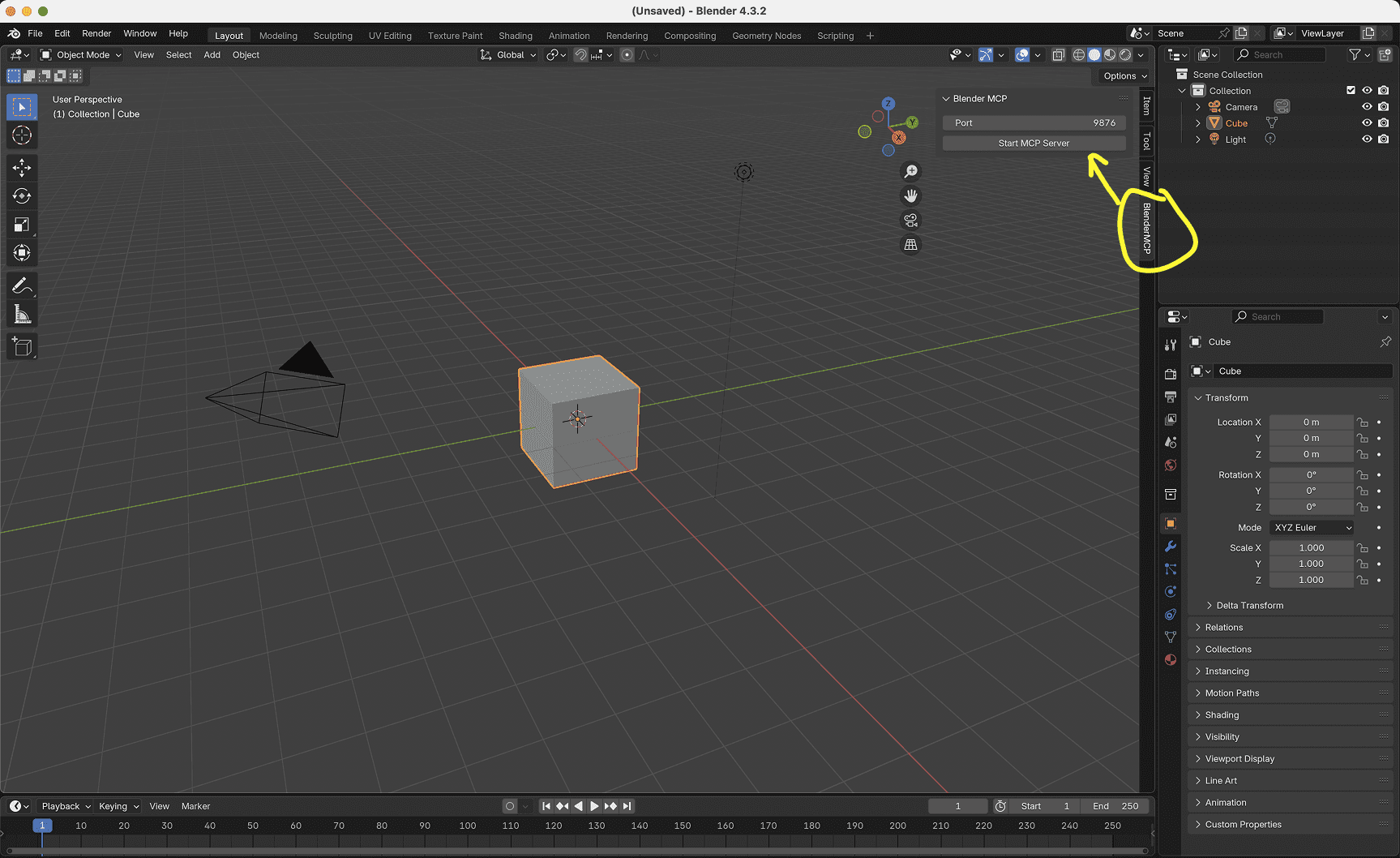
MCP for Blender connects an AI agent to Blender, the free 3D app. You describe what you want, and the agent creates and moves objects, applies materials, checks the scene from several angles and renders it; it can also bring in free models and textures from sites like Poly Haven. It is a community project, not made by the Blender Foundation, and sends an anonymous usage record by default that you can turn off. It suits hobbyists and 3D artists who want a quick start on a scene.
It is one of the most popular community MCP servers, and it shows clearly what an agent can do in a creative desktop app.
Steps follow the creator's instructions.
Tell us what happened. We confirm scope and price before any paid work.
Turns a table of numbers into a ready-made chart image in seconds
by AntV (Ant Group)

Makes interactive generative art you can tweak with sliders and save as images
by Anthropic

Generates images, video and audio with AI models through a visual node canvas
by Comfy Org