Draw.io Diagrams from Text
Turns a description into an editable draw.io flowchart, mind map or system diagram
by Agents365.ai


by Dayuan JiangAppMake visuals
Draws flowcharts and architecture diagrams from a sentence, ready to edit in draw.io
Next AI Draw.io draws flowcharts, process maps and architecture diagrams on a draw.io canvas from your description or an uploaded sketch, then lets you edit by hand or by asking. It runs on the web and as a desktop app.
For People mapping processesEngineers drawing architecture
An open-source project by developer Dayuan Jiang, published on GitHub.
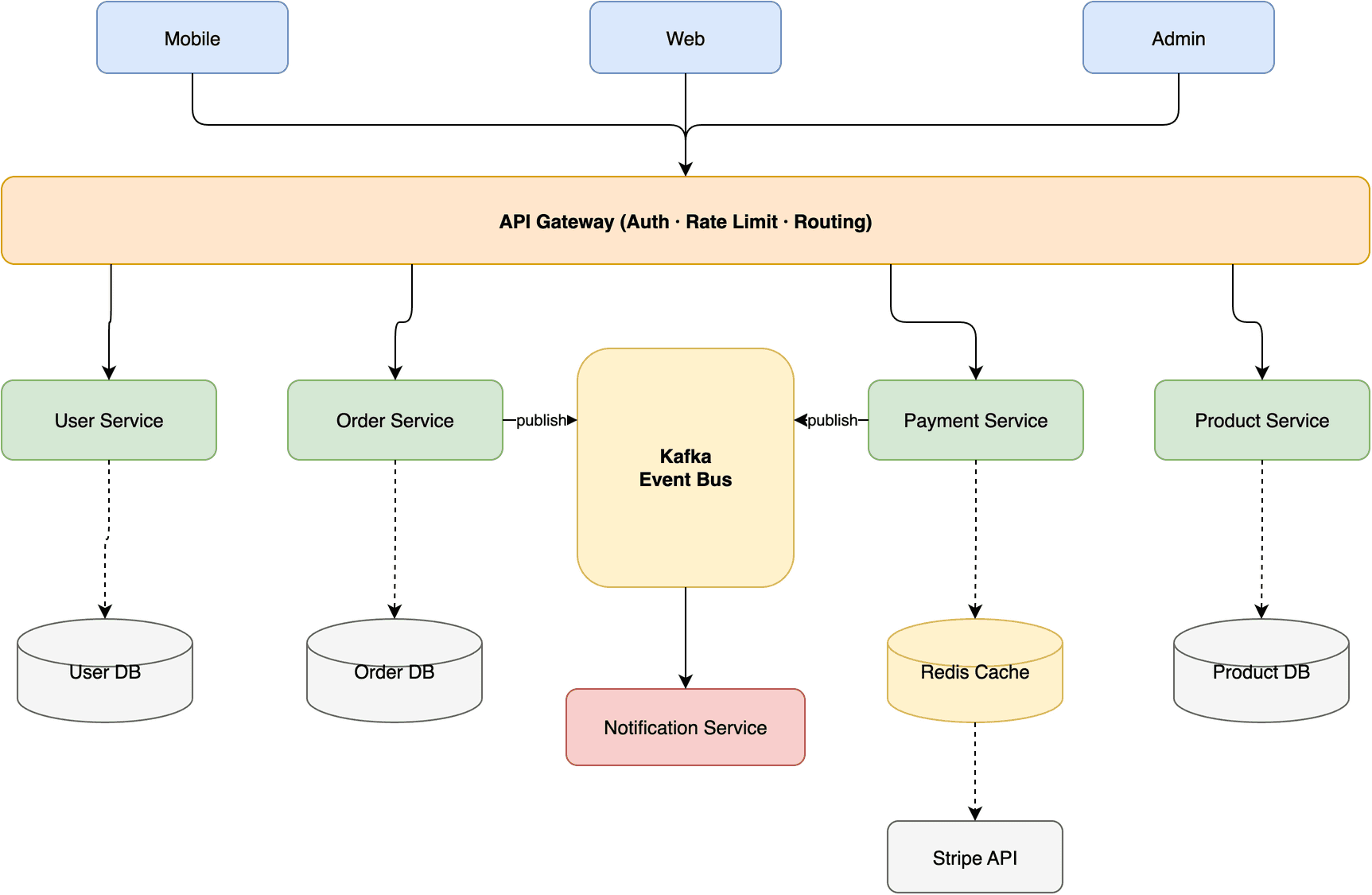
Next AI Draw.io is a web and desktop app that draws diagrams on a real draw.io canvas from what you type. Describe a flowchart, system architecture or process, or upload a sketch, screenshot or document, and it draws the diagram; then edit shapes by hand, or select a few and ask for changes. Each AI edit is kept as a separate version, so you can go back, and you can export the diagram as .drawio, PNG or SVG. It suits anyone who needs clear diagrams without drawing them box by box.
The result is an ordinary draw.io diagram you can keep editing by hand, not a picture you have to redraw.
Start with the first one: it is a small task you can check easily.
Example prompts written by Agent Flows Hub.
From the creator's documentation.
| Feature | What it does | Runs |
|---|---|---|
| Diagrams from text | Flowcharts, architecture, sequence and other diagrams from a description | Your AI provider |
| From uploads | Redraws a sketch or screenshot, or diagrams a PDF, Markdown or code file | Your AI provider |
| Hand editing | A normal draw.io canvas: drag, rename, restyle and add pages | In the app |
| Versions | Each AI edit is kept as a version: compare it, restore it or undo it | In the app |
| Export | .drawio, .png, .svg or .drawio.svg files | In the app |
| Agent connector | An MCP server so Claude Code, Cursor or VS Code can draw diagrams too | Your agent |
Get a first draft of a flowchart, architecture or process diagram from a short description, then finish it by hand. The app works on a draw.io canvas, so the result stays an editable diagram.
Notes by Agent Flows Hub (original project name: next-ai-draw-io), written from the creator's documentation, not from running it ourselves. Next AI Draw.io: README · Next AI Draw.io documentation
Tell us what happened. We take a look first; if it needs paid work, you get an estimate before anything starts.
Turns a description into an editable draw.io flowchart, mind map or system diagram
by Agents365.ai
Turns a plain request into a clean flowchart, timeline or chart as one HTML file
by Cathryn Lavery

Lets your AI agent draw rooms, walls and furniture in a 3D home model you can then edit
by Pascal