
Next AI Draw.io
Draws flowcharts and architecture diagrams from a sentence, ready to edit in draw.io
by Dayuan Jiang


by Agents365.aiSkillMake visuals
Turns a description into an editable draw.io flowchart, mind map or system diagram
A skill that has your AI agent draw flowcharts, mind maps and system diagrams as editable draw.io files, from a description or from your code, and export a PNG. You keep editing in the free draw.io app.
For People making stakeholder decksEngineers documenting systemsAnyone mapping a process
The author, listed only as Agents365-ai, publishes open-source diagram skills on GitHub for draw.io, Excalidraw, tldraw, Mermaid and PlantUML.
From the project's own repository · 3 images, swipe or use the arrows.
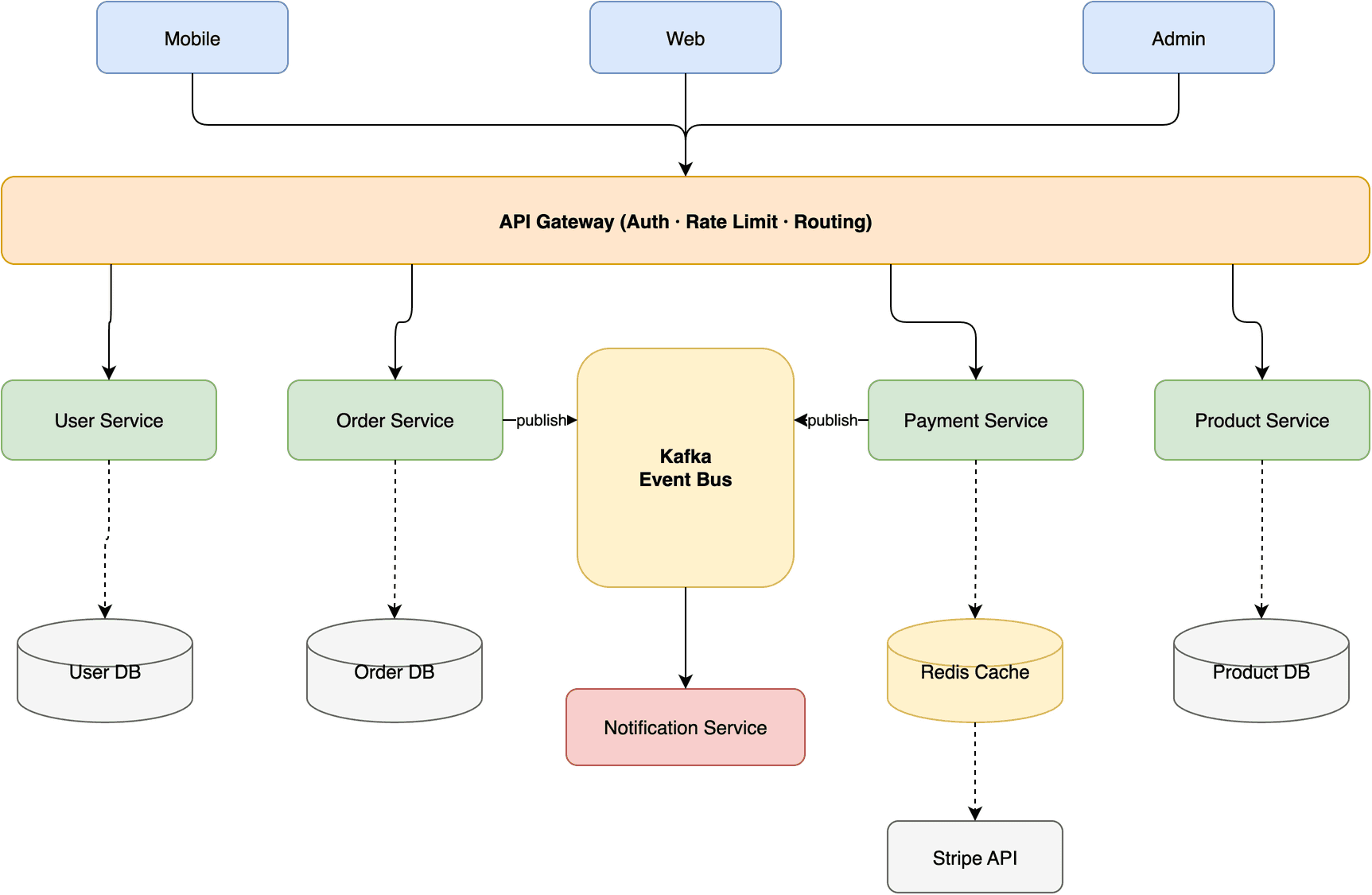
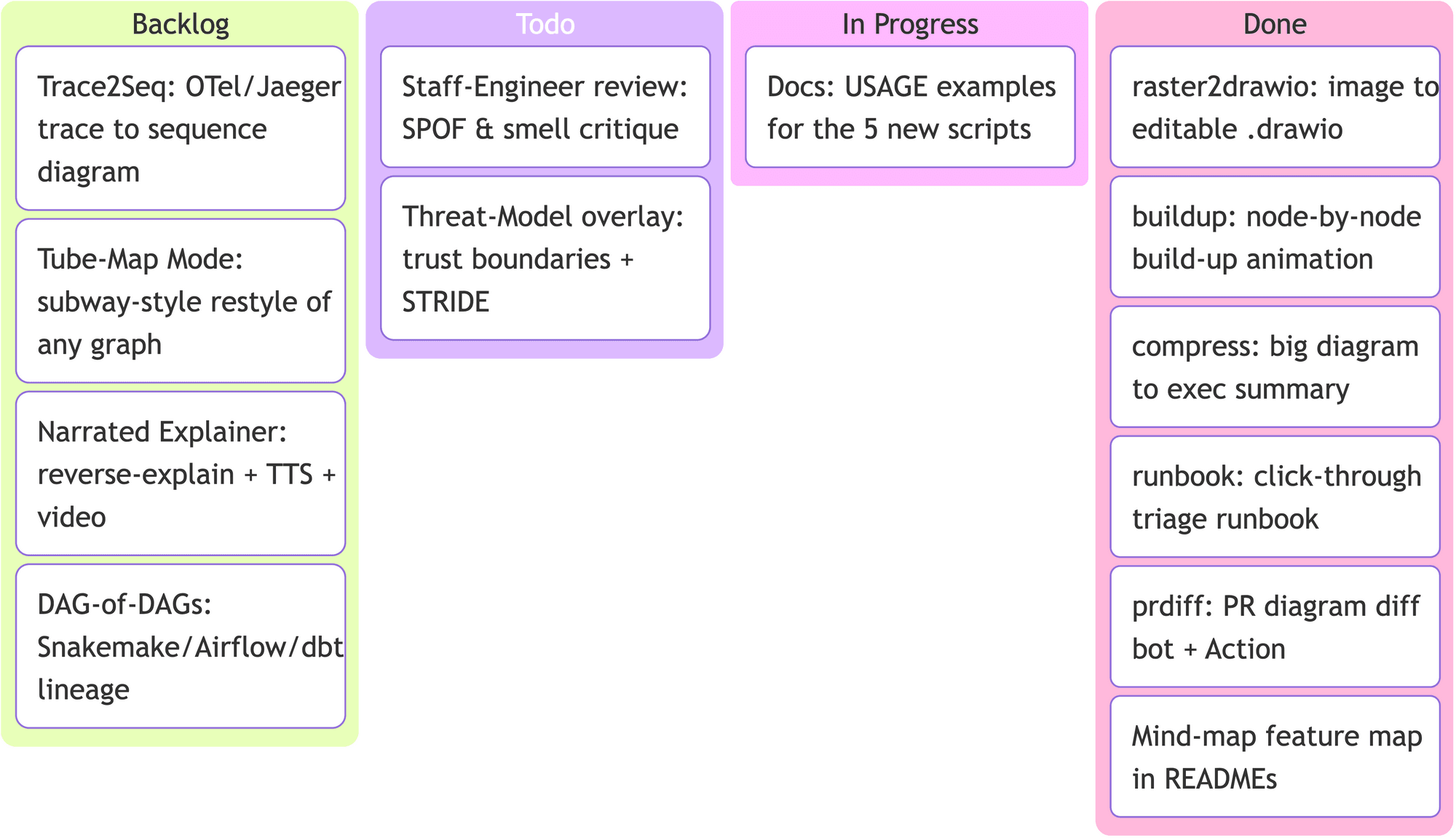
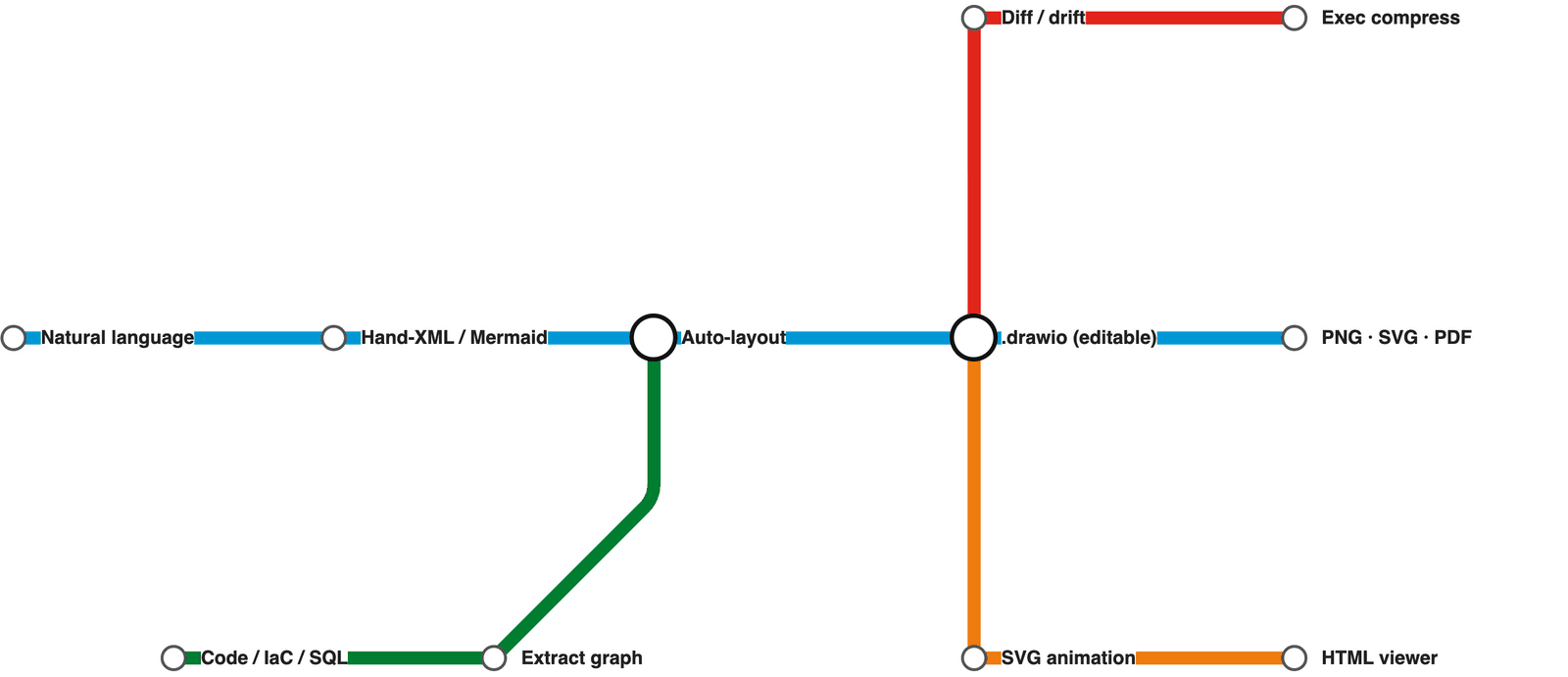
This skill has your AI agent draw diagrams as editable draw.io files. You describe a process, a timeline or a system, or point it at code or a database schema, and it lays out the diagram, exports a PNG to check its own work and fixes overlaps before showing you. You can keep editing the result in the free draw.io app. It suits anyone who explains processes or systems in pictures, from team leads to engineers.
You get a real draw.io file you can open and change, not a flat picture, and it can redraw a whiteboard photo as an editable diagram.
Start with the first one: it is a small task you can check easily.
Example prompts written by Agent Flows Hub.
From the creator's documentation.
| Output | What it is | Reads |
|---|---|---|
| Editable diagram file | A .drawio file you can open and change in draw.io or diagrams.net | Your files |
| Exports | PNG, SVG or PDF through the draw.io desktop app | Your computer |
| Self-check | Checks its own PNG and fixes overlaps and clipped labels, up to two rounds | Your computer |
| Diagram types | Flowcharts, mind maps, timelines, swimlanes, kanban boards, database and UML diagrams | What you describe |
| From your files | Diagrams from code, Terraform, SQL schemas, API files or a whiteboard photo | Your files |
| Brand icons | Optional AI and cloud logos, downloaded from fixed web addresses when you embed them | The web |
Describe a process or system in plain words and get a .drawio file you can open and edit in draw.io. The skill can also build diagrams from code, database schemas or API files, and redraw a whiteboard photo as an editable diagram.
Notes by Agent Flows Hub (original project name: drawio-skill), written from the creator's documentation, not from running it ourselves. drawio-skill: SKILL.md · drawio-skill: installation
Tell us what happened. We take a look first; if it needs paid work, you get an estimate before anything starts.
Draws flowcharts and architecture diagrams from a sentence, ready to edit in draw.io
by Dayuan Jiang

Lets your AI agent turn your numbers into charts, mind maps and flow diagrams
by AntV (Ant Group)

Turns a plain request into a clean flowchart, timeline or chart as one HTML file
by Cathryn Lavery