
Next AI Draw.io
Draws flowcharts and architecture diagrams from a sentence, ready to edit in draw.io
by Dayuan Jiang


by Cathryn LaverySkillMake visuals
Turns a plain request into a clean flowchart, timeline or chart as one HTML file
A skill that has your AI agent draw diagrams in one clean editorial style: it picks from 45 diagram types and writes a single HTML file you open in your browser. It can match your brand and export PNG or SVG.
For Bloggers and writersFounders and product teamsAnyone making slides or docs
Cathryn Lavery writes about AI, entrepreneurship and design at littlemight.com. This open-source skill is published from her GitHub repository, which she says is the only source of official builds.
From the project's own repository · 4 images, swipe or use the arrows.
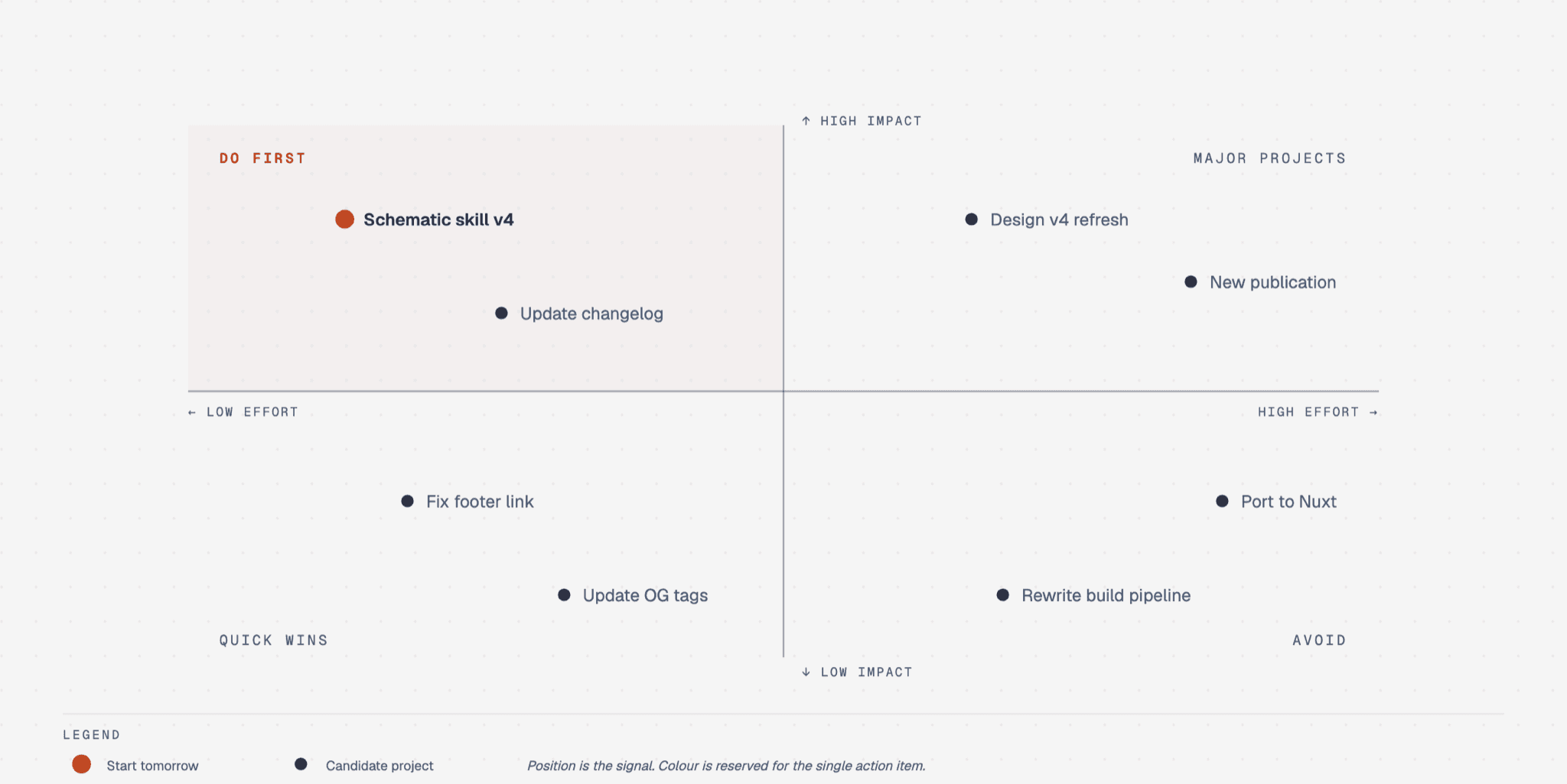
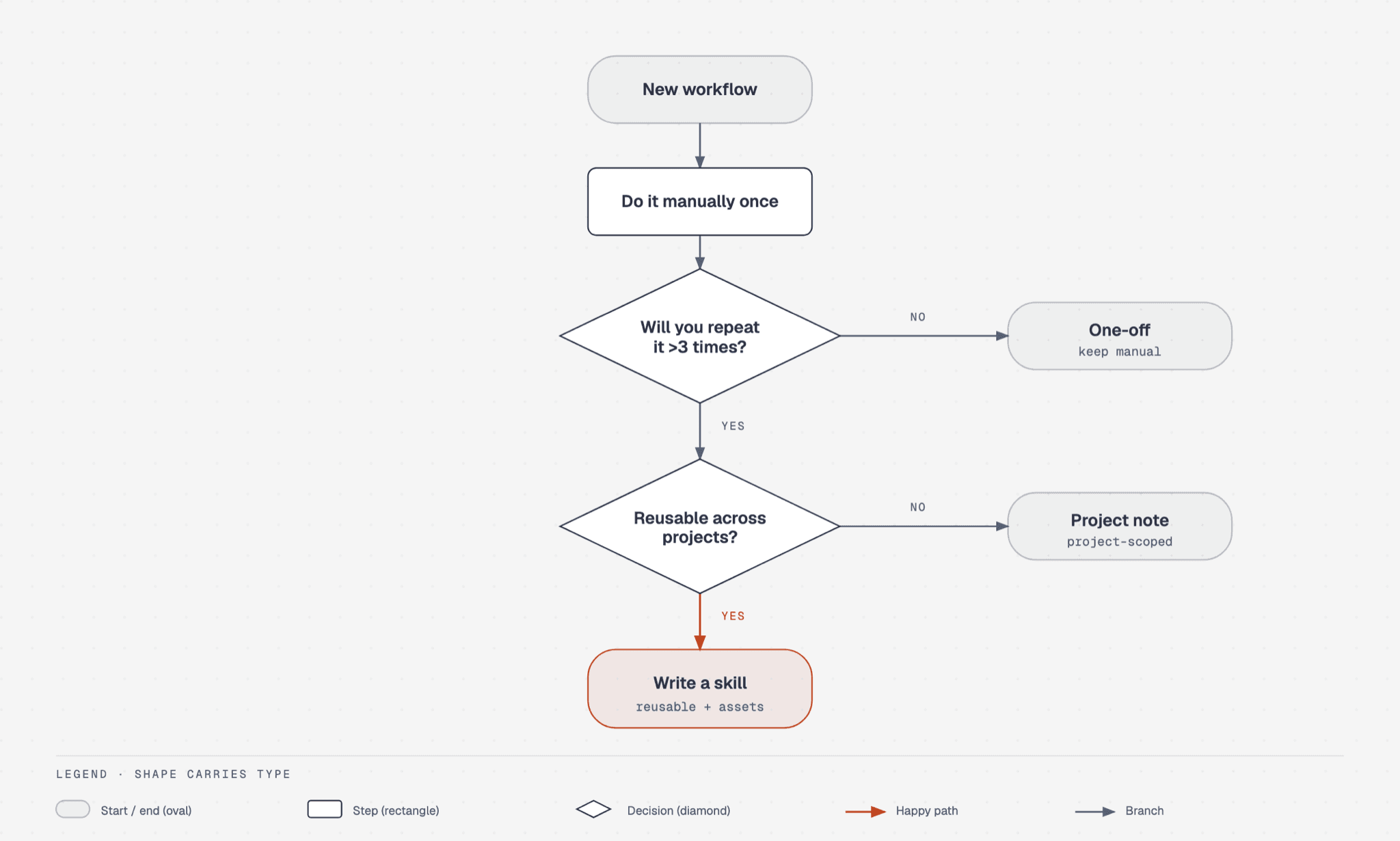
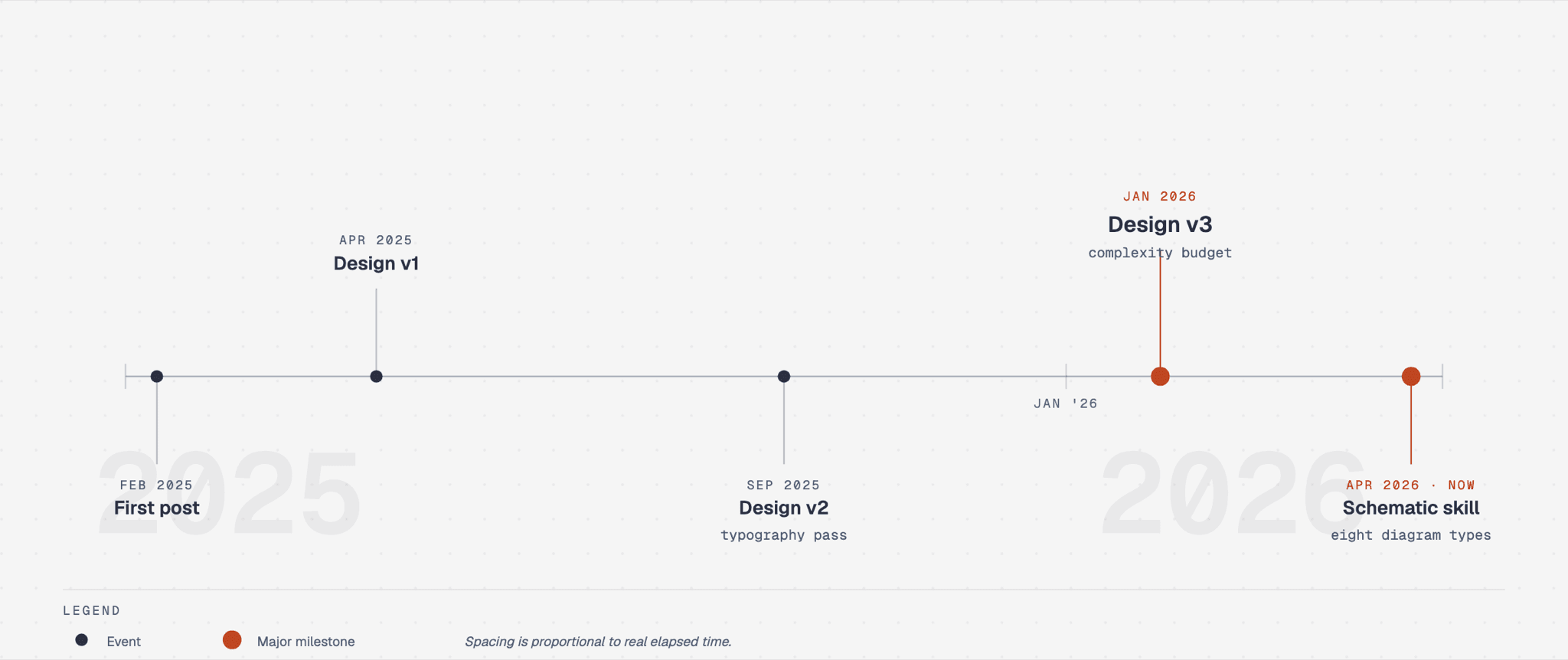
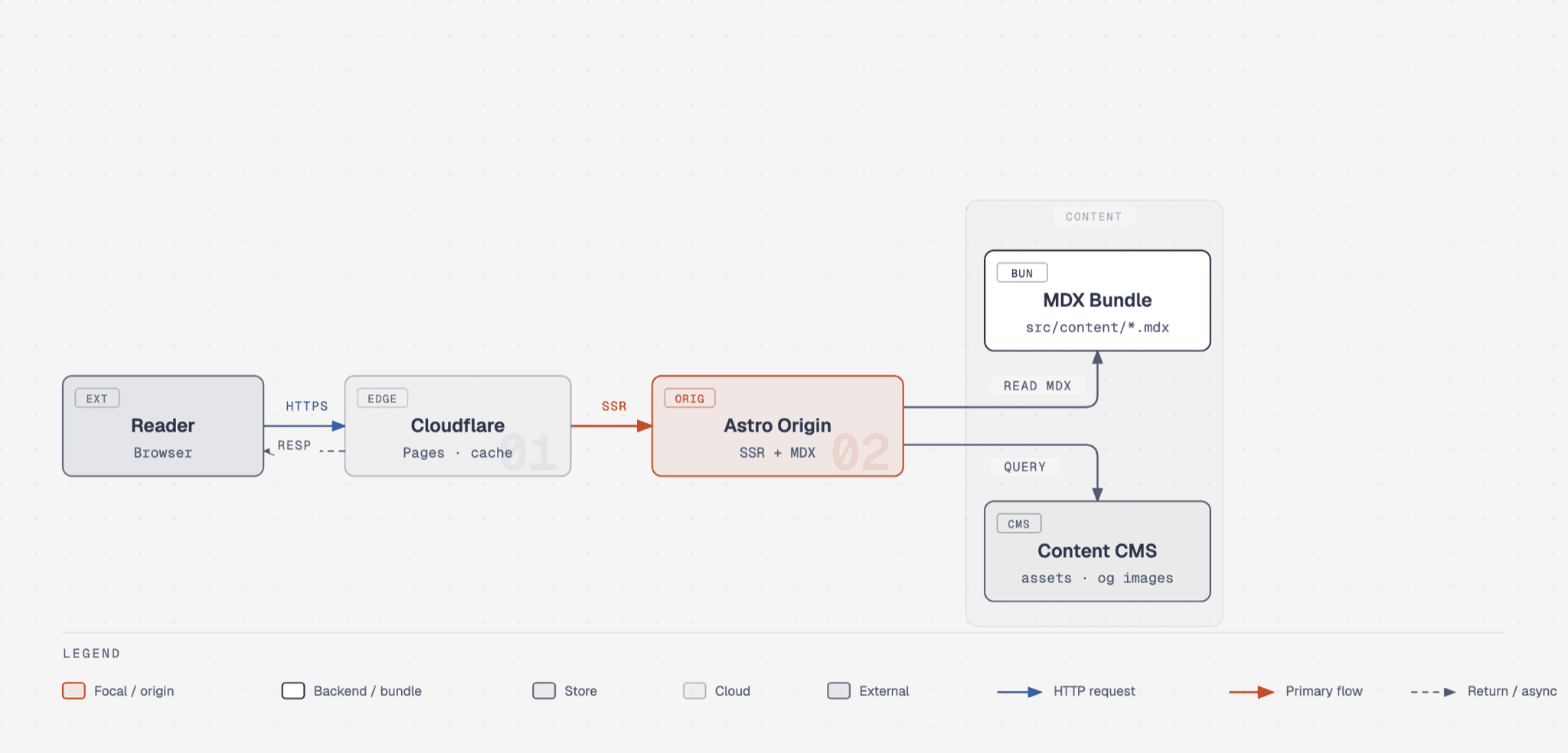
Diagram Design is a skill that teaches your AI agent to draw diagrams in one calm editorial style. You describe what you need in plain words, such as a quadrant of projects by impact and effort, and the agent picks one of 45 diagram types and writes a single HTML file you open by double-clicking. It can match your brand colours and fonts from your website, redraw Mermaid, draw.io or Excalidraw files, and export PNG or SVG. It suits writers, founders and teams who need a diagram for a post, a deck or a document.
It gives agent-made diagrams one consistent, restrained look instead of generic rounded boxes, and it can learn your brand from a single URL.
Start with the first one: it is a small task you can check easily.
Example prompts written by Agent Flows Hub.
From the creator's documentation.
| Output | What it is | Reads |
|---|---|---|
| 45 diagram types | Flowcharts, timelines, quadrants, org charts, Gantt, funnels, Venn and more | What you describe |
| One HTML file | A single file with inline SVG that opens with a double-click | Your computer |
| Brand matching | Pulls the palette and fonts from a website you name and saves them as a profile | Your website |
| Import | Redraws Mermaid, draw.io and Excalidraw files | Files you give it |
| Export | Saves a diagram as SVG, or as PNG with Python and Playwright installed | Your computer |
| Web fonts | Diagrams load fonts from Google Fonts unless you ask for system fonts | Google Fonts |
You need one clear diagram for a blog post, a slide or a document. Describe it in plain words and the agent picks a diagram type, states its plan and writes a single HTML file with the drawing.
Notes by Agent Flows Hub (original project name: diagram-design), written from the creator's documentation, not from running it ourselves. Diagram Design README: install, diagram types and export · Diagram Design skill file
Tell us what happened. We take a look first; if it needs paid work, you get an estimate before anything starts.
Draws flowcharts and architecture diagrams from a sentence, ready to edit in draw.io
by Dayuan Jiang
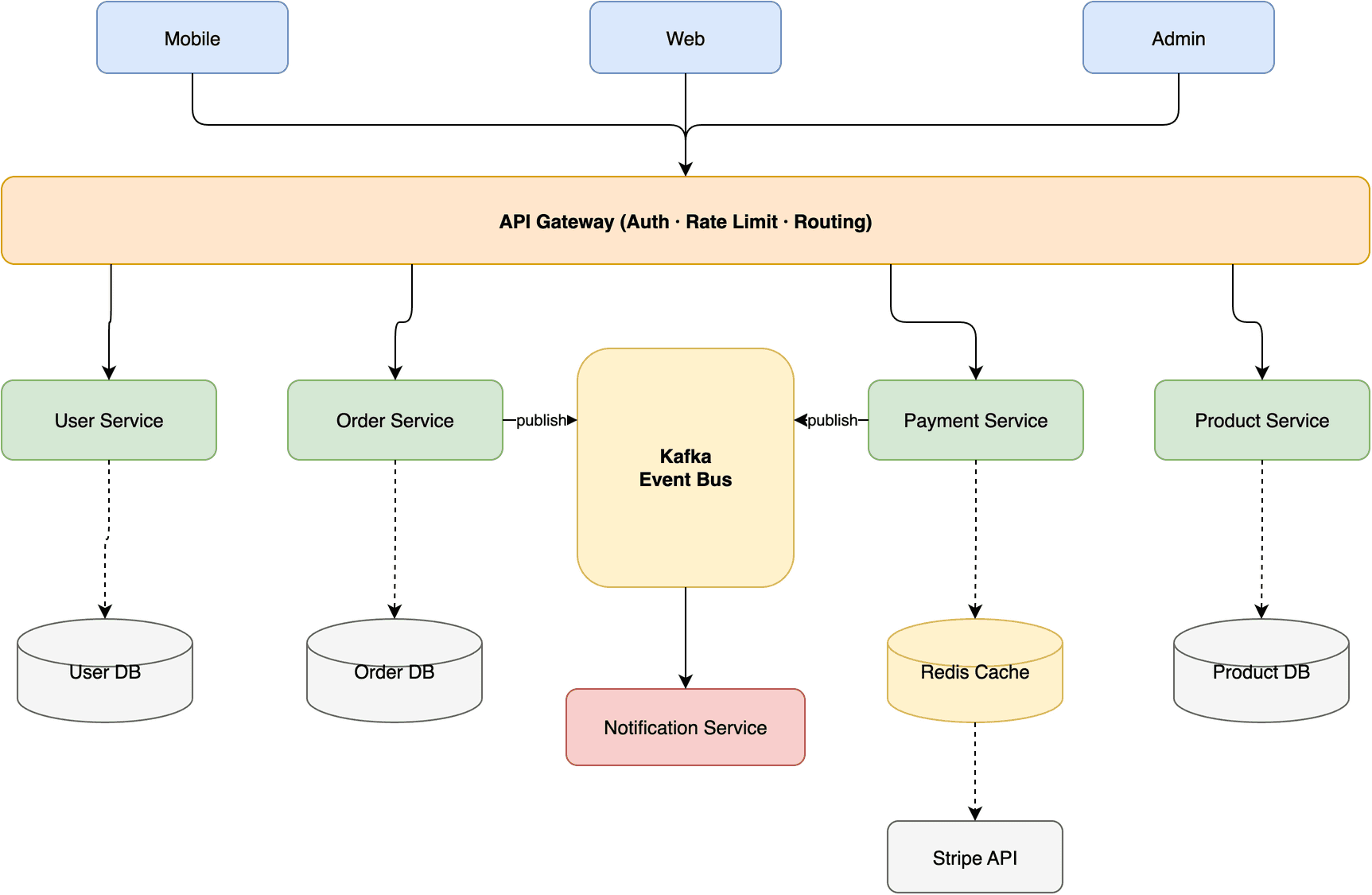
Turns a description into an editable draw.io flowchart, mind map or system diagram
by Agents365.ai

Lets your AI agent build and change 3D scenes in Blender from plain-language requests
by Siddharth Ahuja