
GitMCP
Gives your AI assistant the current docs and code of any GitHub project from one URL
by Ido Salomon



by Ahmed KhaleelConnectorWrite code
Turns any public GitHub project into a clickable diagram of how its parts fit together
GitDiagram is a free website and connector that turns a GitHub repository into an interactive architecture diagram with a written explanation. Your AI agent can read the same explanation through it, with no sign-in.
For People exploring a new codebaseDevelopers using AI agents
An open-source project (MIT license) by Ahmed Khaleel, published on GitHub under the account ahmedkhaleel2004. It credits Romain Courtois's Gitingest as its inspiration.
From the project's own repository.
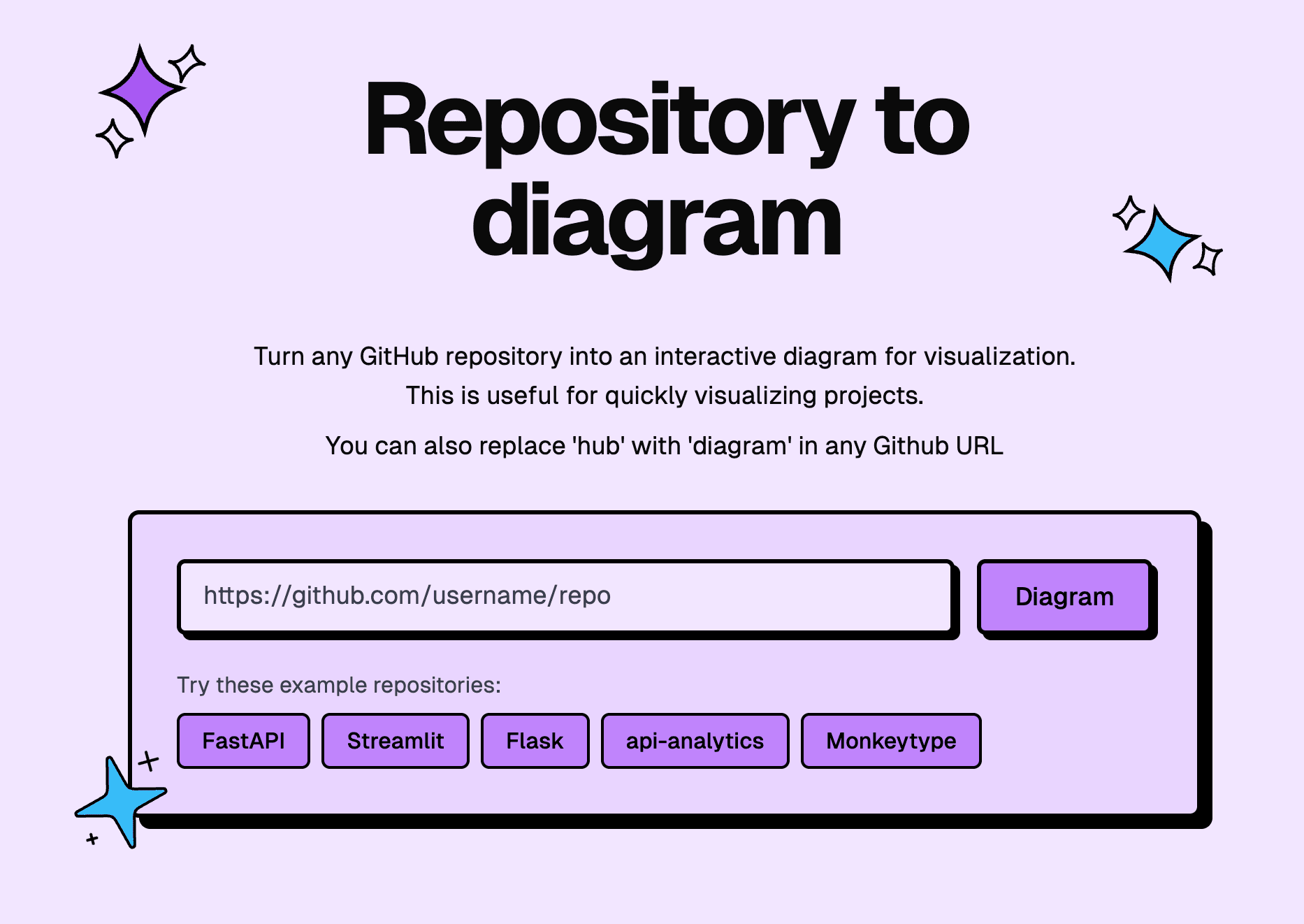
GitDiagram is a free website and MCP connector by Ahmed Khaleel that draws the architecture of a GitHub repository. Paste a repository link, or replace 'hub' with 'diagram' in its GitHub address, and you get an interactive diagram with a written explanation, where each part links to its files. Your AI agent can read the same explanation, components and Mermaid source through the connector, with no key or sign-in. It suits anyone trying to understand an unfamiliar codebase.
You see how a project is organised before reading any code, and the connector gives your agent the same map.
Start with the first one: it is a small task you can check easily.
Example prompts written by Agent Flows Hub.
From the creator's documentation.
| Toolset | What your agent can do | Access |
|---|---|---|
| Architecture explanation | A written explanation of how a public repository is put together | Read |
| Components and connections | The main parts of the project and how they link | Read |
| Mermaid source | The diagram as Mermaid code you can reuse | Read |
| Diagram search | Search the diagrams GitDiagram has already stored | Read |
| Explainer videos | Links to one-minute narrated videos; making new ones is in early access | Read |
Understand how an unfamiliar public repository is organised before reading its code. The site and connector give a diagram, an explanation of the main components and how they connect, and links to the files behind each part.
Notes by Agent Flows Hub (original project name: gitdiagram), written from the creator's documentation, not from running it ourselves. GitDiagram README: features and use from AI agents
Tell us what happened. We take a look first; if it needs paid work, you get an estimate before anything starts.
Gives your AI assistant the current docs and code of any GitHub project from one URL
by Ido Salomon

Turns a codebase or notes folder into a clickable map with plain-English explanations
by EgonexAI

Lets your AI agent read code, manage issues and pull requests, and check builds on GitHub
by GitHub
See all 52 connectors · An MCP server is missing or disconnected