
FunClip
Transcribes a video, then cuts out the parts you pick from the text, with subtitles
by ModelScope



by Chidi WilliamsAppMake video or audio
Turns recordings, videos and YouTube links into text and subtitles on your own computer
You have an hour-long interview to quote from, and typing it out by hand would take the rest of your day.
For People transcribing interviewsVideo makers adding subtitlesPresenters at live events
From the project's own repository · 4 images, swipe or use the arrows.
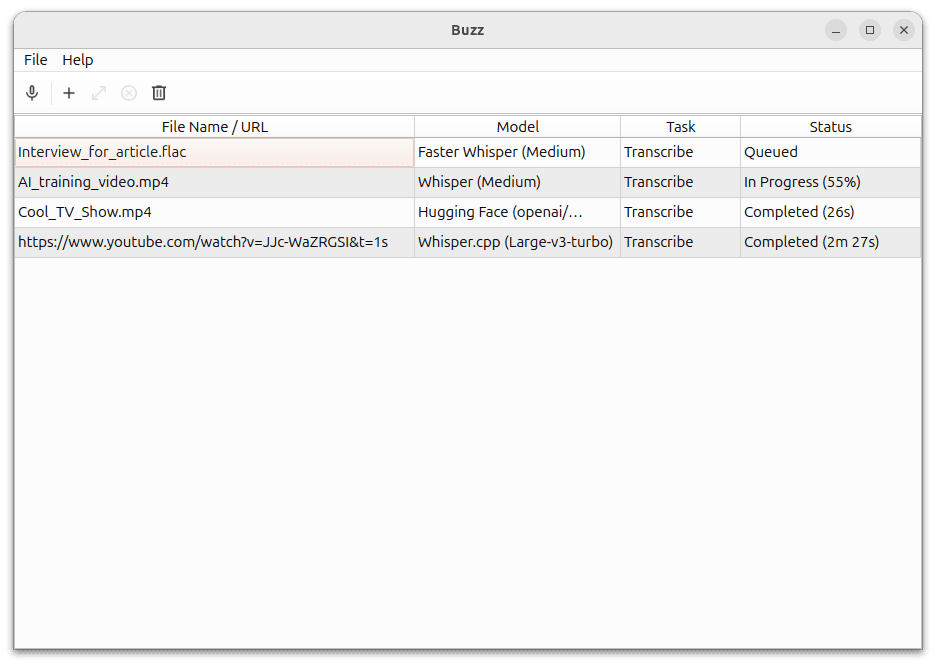
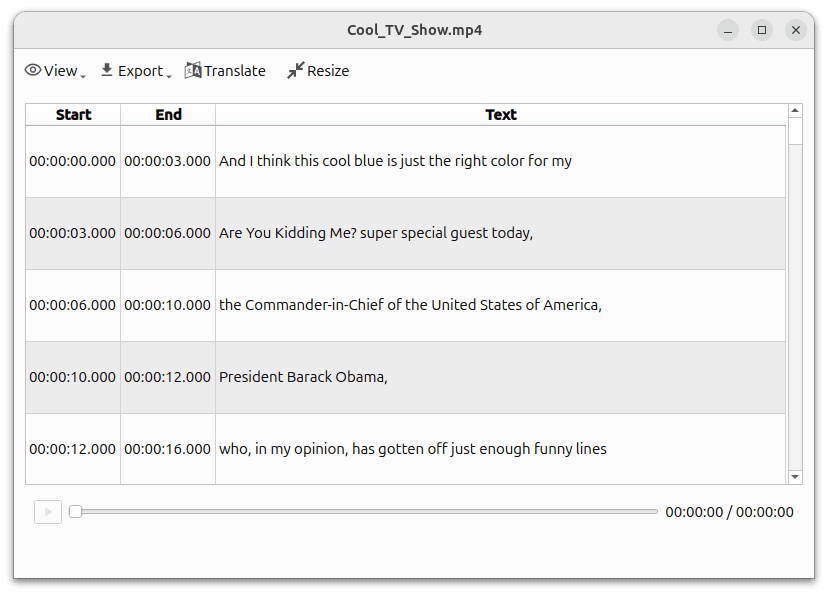
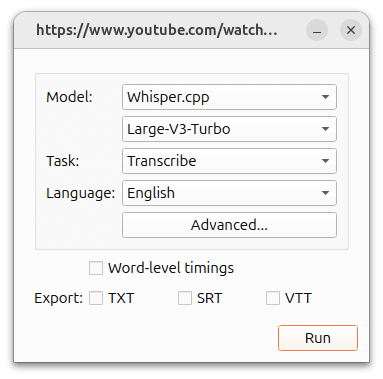
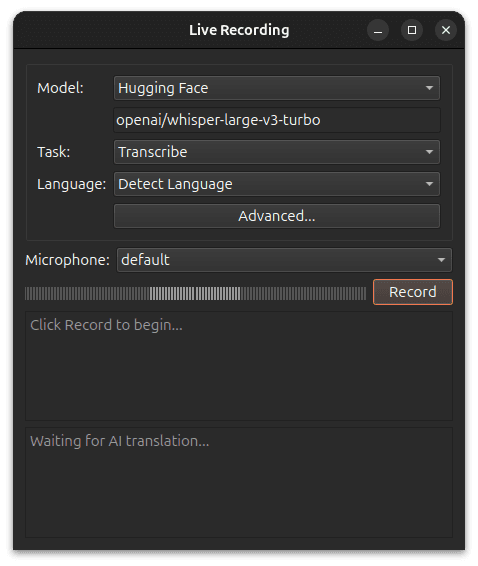
Buzz is a free desktop app that transcribes and translates audio offline, using Whisper speech models that run on your computer. You import an audio or video file, a YouTube link or your microphone, and get a transcript you can search, play back and export as TXT, SRT or VTT. It can also label speakers and clean up noisy audio first. It suits anyone who records interviews, talks or videos and needs the words in writing.
Transcription runs on your computer, and one window covers files, live microphone input and subtitle export.
Start with the first one: it is a small task you can check easily.
Example prompts written by Agent Flows Hub.
From the creator's documentation.
| Feature | What it does | Runs |
|---|---|---|
| File transcription | Turns audio and video files into text with Whisper-based models | Your computer |
| Live transcription | Writes down what your microphone hears, with a presentation window for events | Your computer |
| Subtitle export | Saves transcripts as TXT, SRT or VTT files | Your computer |
| Speakers and noise | Labels speakers and separates speech from background noise before transcribing | Your computer |
| YouTube links | Transcribes a video from its YouTube link | Internet |
| Online options | Translation with an OpenAI-compatible AI service, or the OpenAI Whisper API, when you add a key | Your AI service |
You have an interview recording or a video and need its words as text or subtitles. Buzz transcribes the file on your computer and exports the result as TXT, SRT or VTT.
Notes by Agent Flows Hub (original project name: Buzz), written from the creator's documentation, not from running it ourselves. Buzz documentation: installation · Buzz documentation: introduction and features
Tell us what happened. We take a look first; if it needs paid work, you get an estimate before anything starts.
Transcribes a video, then cuts out the parts you pick from the text, with subtitles
by ModelScope

Clones voices, dubs videos and reads text aloud on your own computer
by Palash Debnath

Turns text into speech, cloned voices and songs on your own computer, with no API fees
by leemysw