
OpenChatCut
Lets you edit videos by chatting with an AI, then fine-tune the cuts on a real timeline
by sline



by ModelScopeAppMake video or audio
Transcribes a video, then cuts out the parts you pick from the text, with subtitles
You have a one-hour talk and need a two-minute clip of one answer, but finding it means scrubbing back and forth through the timeline.
For Video editorsPeople who share talks and interviewsTeachers and course makers
FunClip is an open-source video clipping tool built on the open FunASR speech models from Alibaba's Tongyi speech lab. You upload a video, it writes out what is said with timestamps and can tell speakers apart, and you copy the sentences or speaker you want to keep. It then cuts those parts into a new clip, with subtitles if you ask, and can also let a language model suggest the highlights. You can try it on an official web page or run it on your own computer. It suits people who edit talks, interviews and lectures, especially in Chinese.
You edit the video by choosing sentences in a transcript instead of scrubbing a timeline, and the speech recognition runs on open models.
Start with the first one: it is a small task you can check easily.
Example prompts written by Agent Flows Hub.
From the creator's documentation.
| Feature | What it does | Runs |
|---|---|---|
| Transcription | Full text of the speech with timestamps and an SRT subtitle file | Your video |
| Text-based clipping | Cuts out the sentences you copy from the transcript, with optional start and end padding | Your video |
| Speaker clipping | Tells speakers apart and clips everything one speaker says | Your video |
| Subtitles on clips | Burns subtitles into the clip in the font size and colour you pick | Your video |
| Hotwords | A list of names or terms to help recognition get them right (Chinese only) | Your video |
| AI highlights | A language model suggests clip ranges from the subtitles; needs that service's API key | LLM service |
Cut highlight clips from a recorded talk or interview. FunClip transcribes the video, lets you choose the sentences or the speaker you want and exports those parts as a clip with matching subtitles.
Notes by Agent Flows Hub (original project name: FunClip), written from the creator's documentation, not from running it ourselves. FunClip README · FunClip on Hugging Face Spaces
Tell us what happened. We take a look first; if it needs paid work, you get an estimate before anything starts.
Lets you edit videos by chatting with an AI, then fine-tune the cuts on a real timeline
by sline

Turns recordings, videos and YouTube links into text and subtitles on your own computer
by Chidi Williams
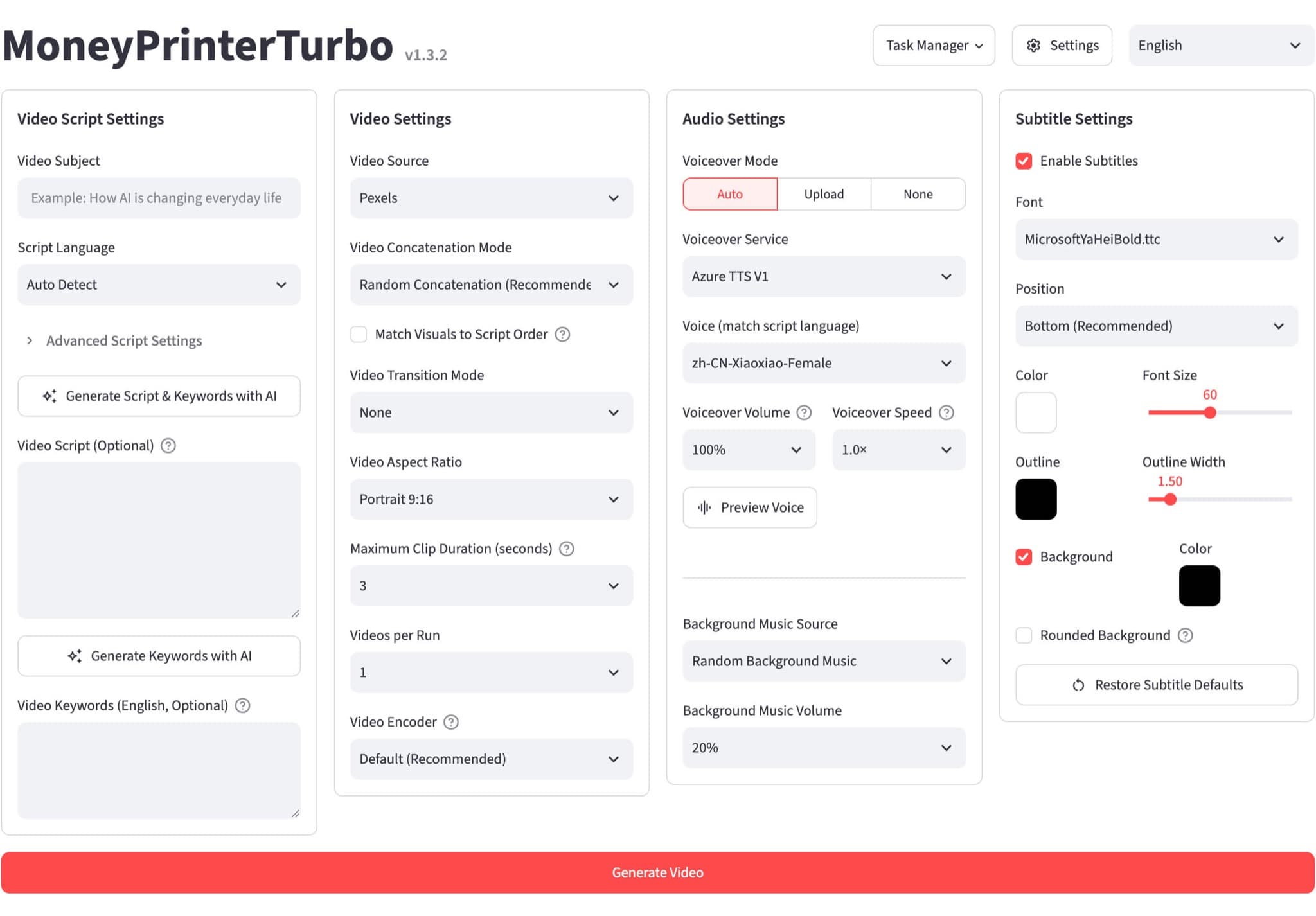
Makes a short video with script, voiceover, subtitles and music from just a topic
by Harry