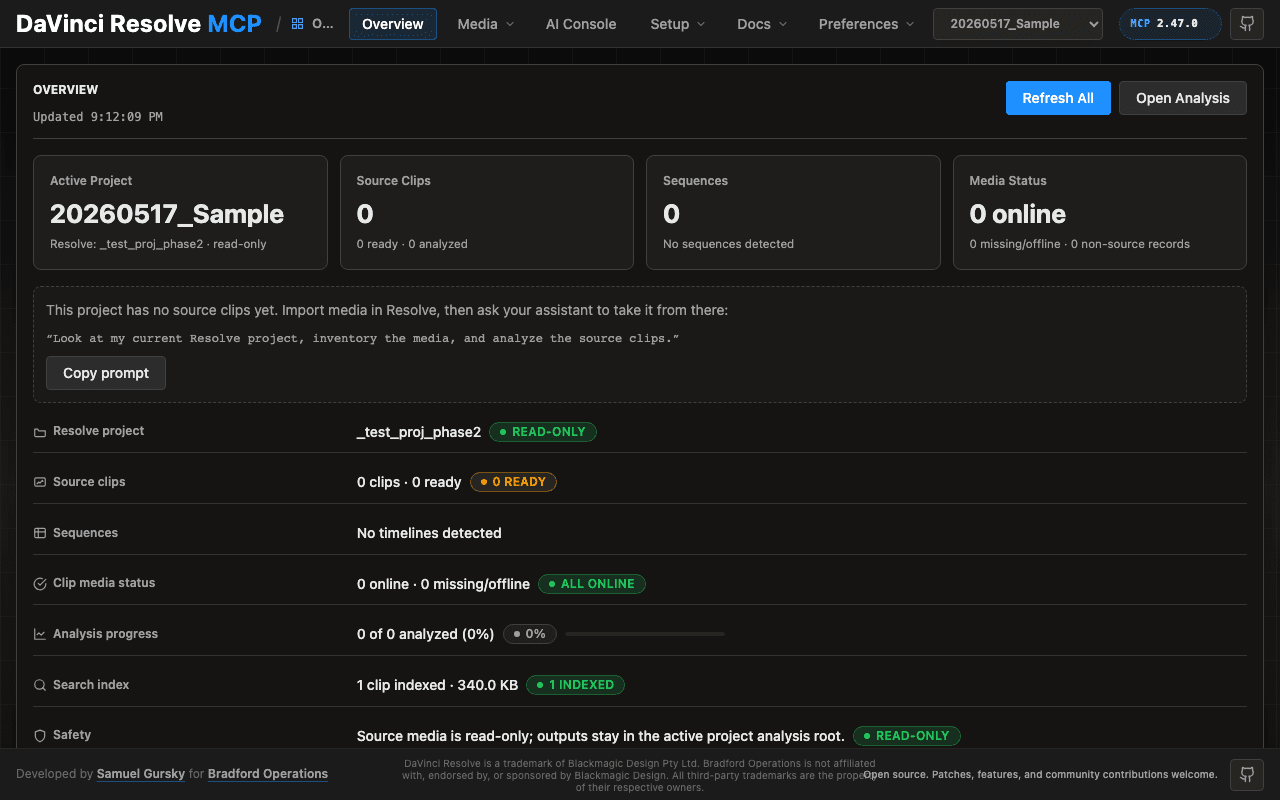
DaVinci Resolve MCP
Lets your AI agent sort media, build timelines, grade and render in DaVinci Resolve
by Samuel Gursky



by ArtCraftAppMake video or audio
Lets you stage a scene in 2D or 3D, then render it as an AI image or video
You asked an image model for the same character in a second shot, and it changed the face, the room and the camera angle.
For ArtistsDesignersFilmmakers
ArtCraft is an open-source desktop and web app for making AI images and video with more control than a text prompt. You lay out a scene on a 2D canvas or in 3D, pose characters and set the camera, then render it with image and video models such as Nano Banana, GPT Image, Seedance or Kling. It can also remove backgrounds, turn an image into a 3D object and animate a still image. It suits artists, designers and filmmakers who want repeatable shots.
You compose the shot yourself, with poses, props and camera angles, so the render follows your layout instead of a guess from text.
Start with the first one: it is a small task you can check easily.
Example prompts written by Agent Flows Hub.
From the creator's documentation.
| Feature | What it does | Runs |
|---|---|---|
| Text to image | Create images from a prompt with models such as Nano Banana, GPT Image, FLUX or Seedream | ArtCraft credits |
| 3D scene staging | Pose characters, place props and set the camera before you render | In the app |
| 2D compositing | Layer images, remove backgrounds and draw on a canvas to compose a scene | In the app |
| Image to 3D | Turn an image into a 3D object you can position, rotate and frame | ArtCraft credits |
| Image to video | Animate a still image with video models such as Seedance, Kling or Veo | ArtCraft credits |
| Other providers | Use Grok, Midjourney, Sora or World Labs models inside the app | Your own subscription |
You want the same character, room and camera angle across several AI shots. ArtCraft lets you block the scene in 2D or 3D first, then render that layout with the image or video model you choose.
Notes by Agent Flows Hub (original project name: ArtCraft (ArtCraft Studio)), written from the creator's documentation, not from running it ourselves. ArtCraft README: features, models and downloads · ArtCraft pricing and plans
Tell us what happened. We take a look first; if it needs paid work, you get an estimate before anything starts.
Lets your AI agent sort media, build timelines, grade and render in DaVinci Resolve
by Samuel Gursky

Lets your coding agent make animated videos that you can then change by hand in an editor
by OpenFilm

Lets you edit videos by chatting with an AI, then fine-tune the cuts on a real timeline
by sline