
Launch Video Maker
Turns the website or app you built into a short launch video with music and share copy
by Latent Spaces



by Kris KAppMake video or audio
Turns a long interview, podcast or course video into captioned short clips with post copy
Your two-hour podcast has five great moments, and finding, cutting and captioning each one for Shorts eats your whole weekend.
For PodcastersCourse creatorsCreators reusing interviews
From the project's own repository.
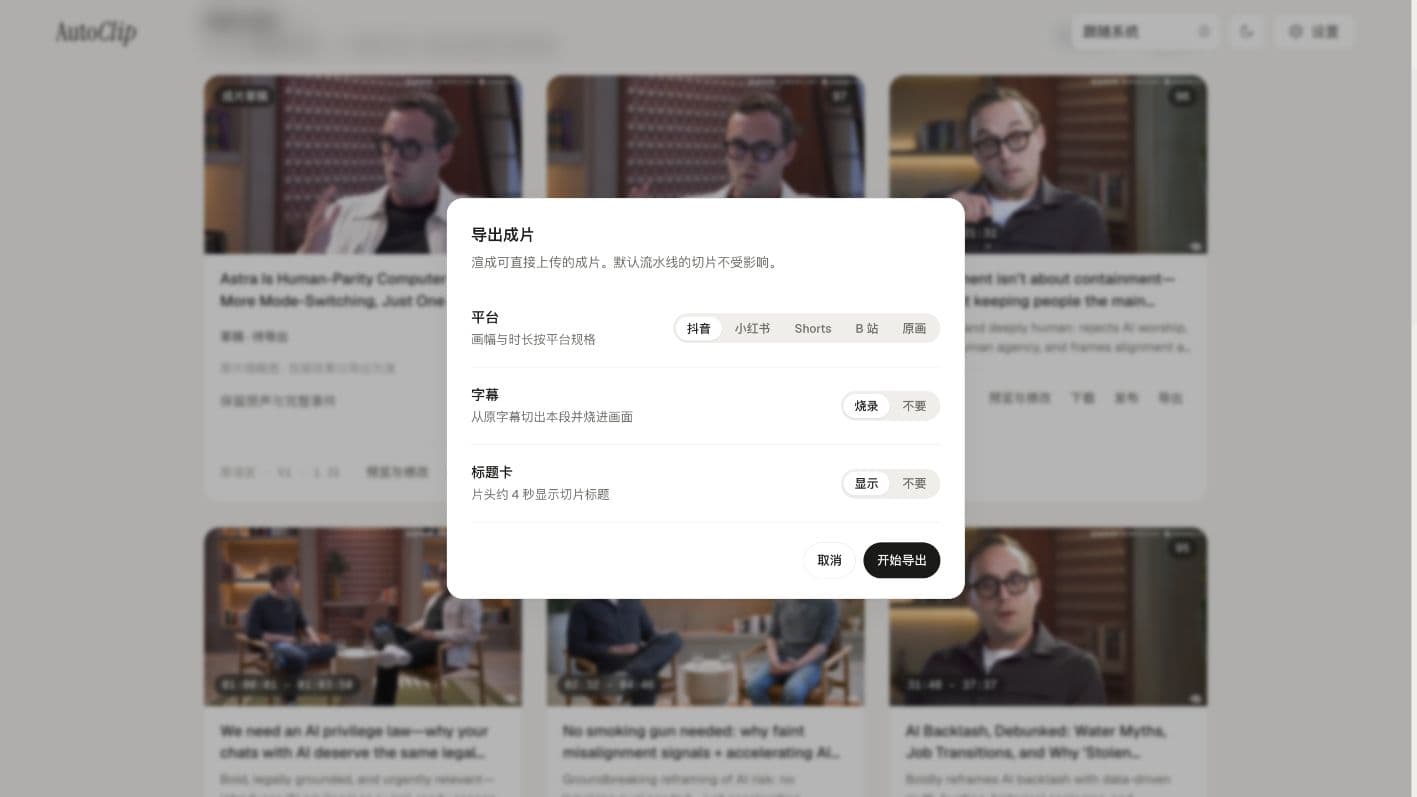
AutoClip is a desktop app that cuts long videos into short clips for social platforms. You paste a video link or import a file and pick a platform such as Douyin, Xiaohongshu, TikTok, Reels, YouTube Shorts, Bilibili or YouTube; it picks the moments, cuts and frames them, adds captions, and gives each clip a cover, title, description and hashtags. Cutting and rendering run on your computer, and the analysis uses an AI model you connect. It suits podcasters, course makers and creators reusing interviews.
It returns finished clips with a cover and post text in one pass, and you can still open each clip in its editor to adjust it.
Start with the first one: it is a small task you can check easily.
Example prompts written by Agent Flows Hub.
From the creator's documentation.
| Feature | What it does | Runs |
|---|---|---|
| Link or file import | Paste a Bilibili or YouTube link, or import a video file | Your computer |
| Platform presets | Frame and length rules for Douyin, Xiaohongshu, TikTok, Reels, Shorts, Bilibili and YouTube | Your computer |
| Clip picking | An AI model ranks moments and up to 10 clips per platform are rendered | Your model provider |
| Publish kit | Each clip comes with a cover, title, description, hashtags and a ZIP kit | Your computer |
| Editor | Adjust title templates, captions, translation and sound before export | Your computer |
| Publishing | Post directly after you connect a Bilibili or Upload-Post account | Your accounts |
You recorded or found a long interview and want several short vertical clips for one platform. AutoClip picks the moments, frames the speaker, burns in captions and writes a cover, title, description and hashtags for each clip.
Notes by Agent Flows Hub (original project name: AutoClip), written from the creator's documentation, not from running it ourselves. AutoClip README (English) · AutoClip installation guide
Tell us what happened. We take a look first; if it needs paid work, you get an estimate before anything starts.
Turns the website or app you built into a short launch video with music and share copy
by Latent Spaces

Translates and dubs videos, writes scripts and posts, and makes images and videos
by Joshua Yin Junxi

Turns a story idea into scripts, storyboards and video clips on one canvas
by HBAI-Ltd