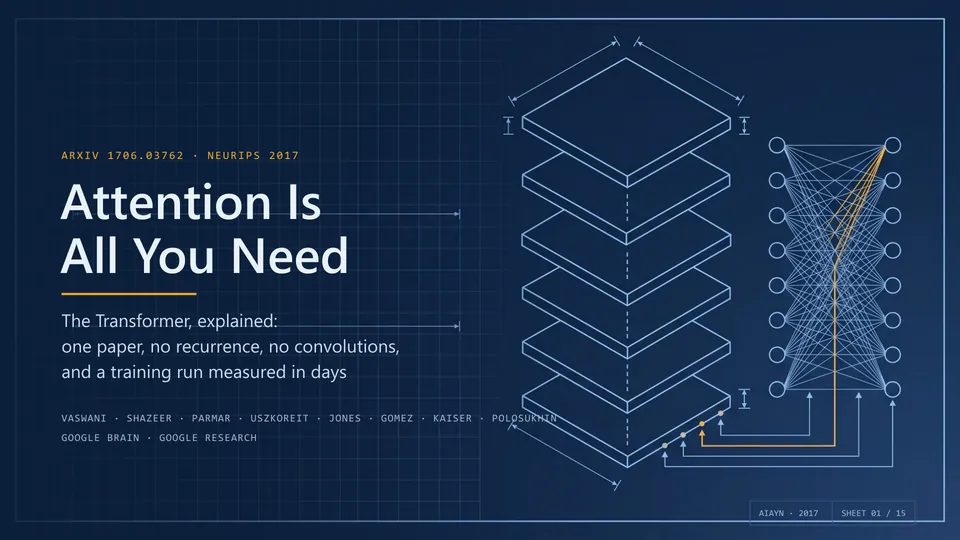
PPT Master
Turns a document or a topic into a PowerPoint deck you can keep editing
by Hugo He



by PresentonAppMake visuals
Turns a topic or a document into an editable slide deck to download as PowerPoint or PDF
You need a ten-slide update by this afternoon, and you are still staring at a blank title slide.
For Office workersFoundersTeachers
From the project's own repository · 4 images, swipe or use the arrows.
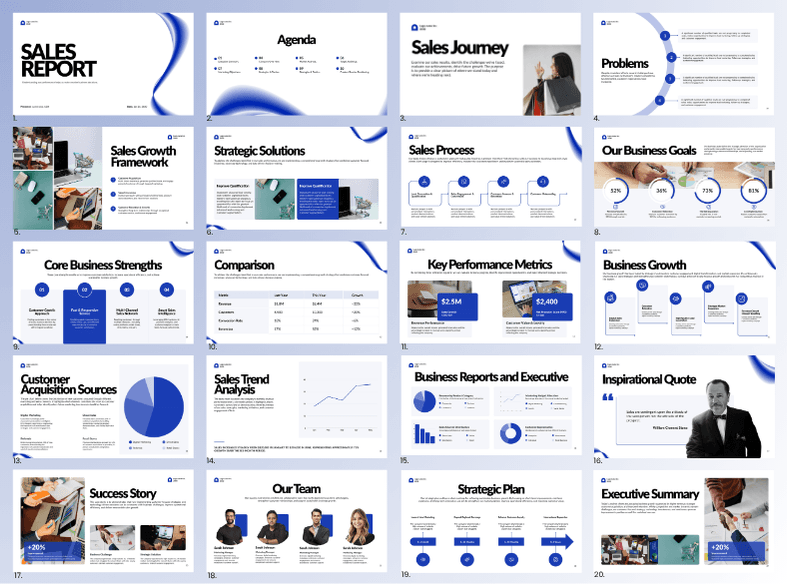
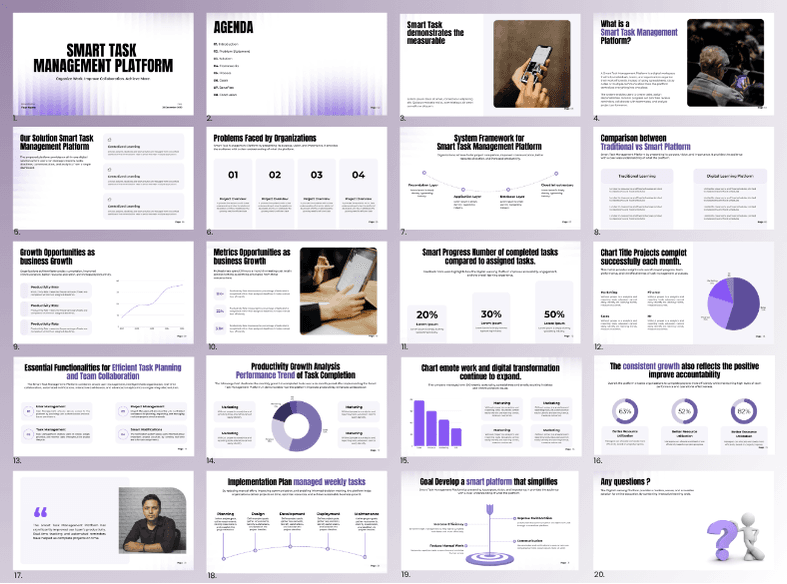
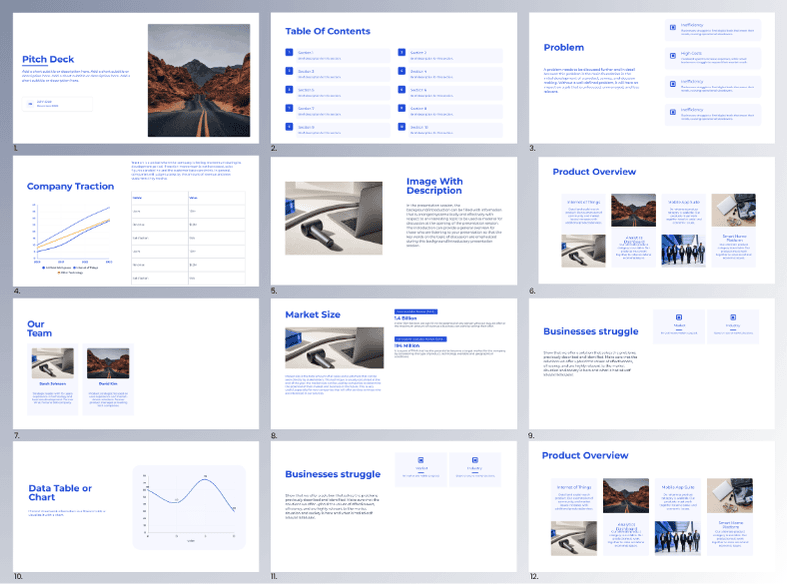
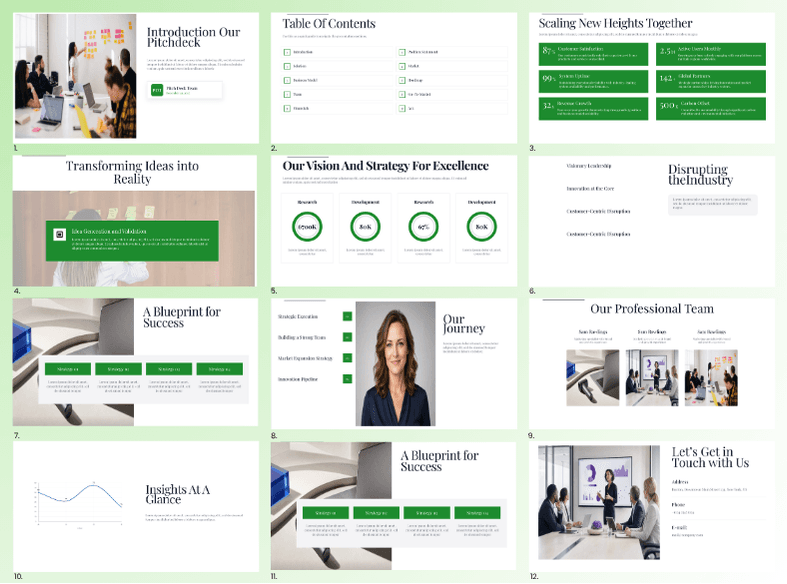
Presenton is an open-source presentation maker. You type a topic, upload a document or start from your own PowerPoint design, pick a template, and it writes and lays out the slides with images, icons and charts. You can edit the result in a drag-and-drop editor, then export a fully editable PPTX or a PDF. Use the desktop app for Mac, Windows or Linux, host it yourself with Docker, or use Presenton Cloud in the browser. It suits anyone who makes reports, pitches or class slides.
It is an open-source alternative to paid slide makers, and the decks it exports stay fully editable in PowerPoint.
Start with the first one: it is a small task you can check easily.
Example prompts written by Agent Flows Hub.
From the creator's documentation.
| Feature | What it does | Runs |
|---|---|---|
| Generate from a prompt | Writes and lays out a full deck from a topic you type | Your AI model |
| Generate from files | Builds slides from a document or other file you upload | Your AI model |
| Templates | Built-in templates, or a template made from your own PPTX | Your computer |
| Editor | Drag-and-drop editing of the slides before you export | Your computer |
| Export | Download a fully editable PPTX or a PDF | Your computer |
| Images and charts | Adds images from AI generation, Pexels or Pixabay, plus icons and charts | Image services |
Make a first draft of a report, pitch or lesson deck from a topic or an existing document. Presenton generates the slides in a template you choose, lets you edit them and exports an editable PowerPoint or PDF file.
Notes by Agent Flows Hub (original project name: Presenton), written from the creator's documentation, not from running it ourselves. Presenton README · Start with Presenton
Tell us what happened. We take a look first; if it needs paid work, you get an estimate before anything starts.
Turns a document or a topic into a PowerPoint deck you can keep editing
by Hugo He

Turns an article into a set of slide images, merged into PowerPoint and PDF files
by Jim Liu
Rebuilds slide screenshots, PDFs or image-only decks as PowerPoint files you can edit
by ningzimu