
Presenton
Turns a topic or a document into an editable slide deck to download as PowerPoint or PDF
by Presenton


by Hugo HeSkillMake visuals
Turns a document or a topic into a PowerPoint deck you can keep editing
The report is done, the meeting is tomorrow, and you still have to turn forty pages into slides someone will actually read.
For People who make reports and pitch decksTeachersStudents presenting papers
From the project's own repository · 3 images, swipe or use the arrows.
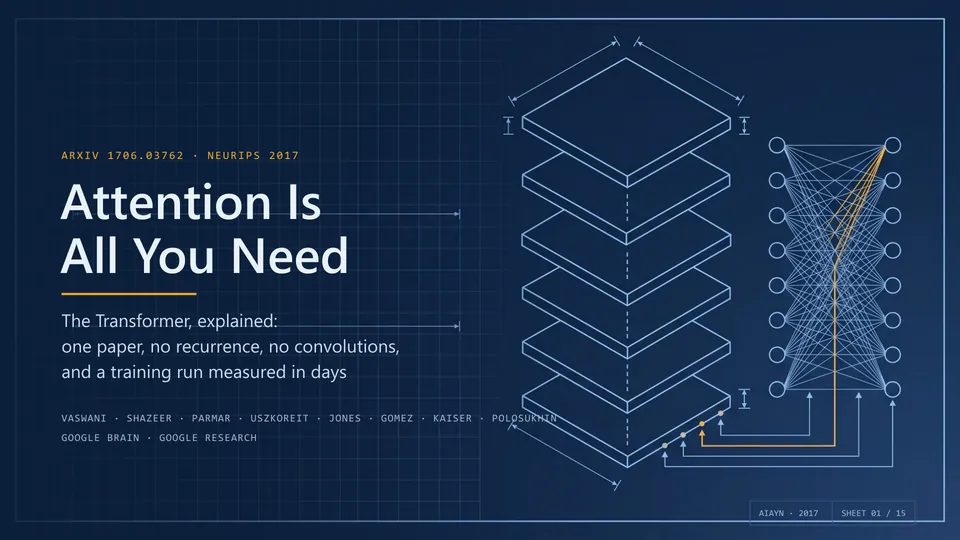
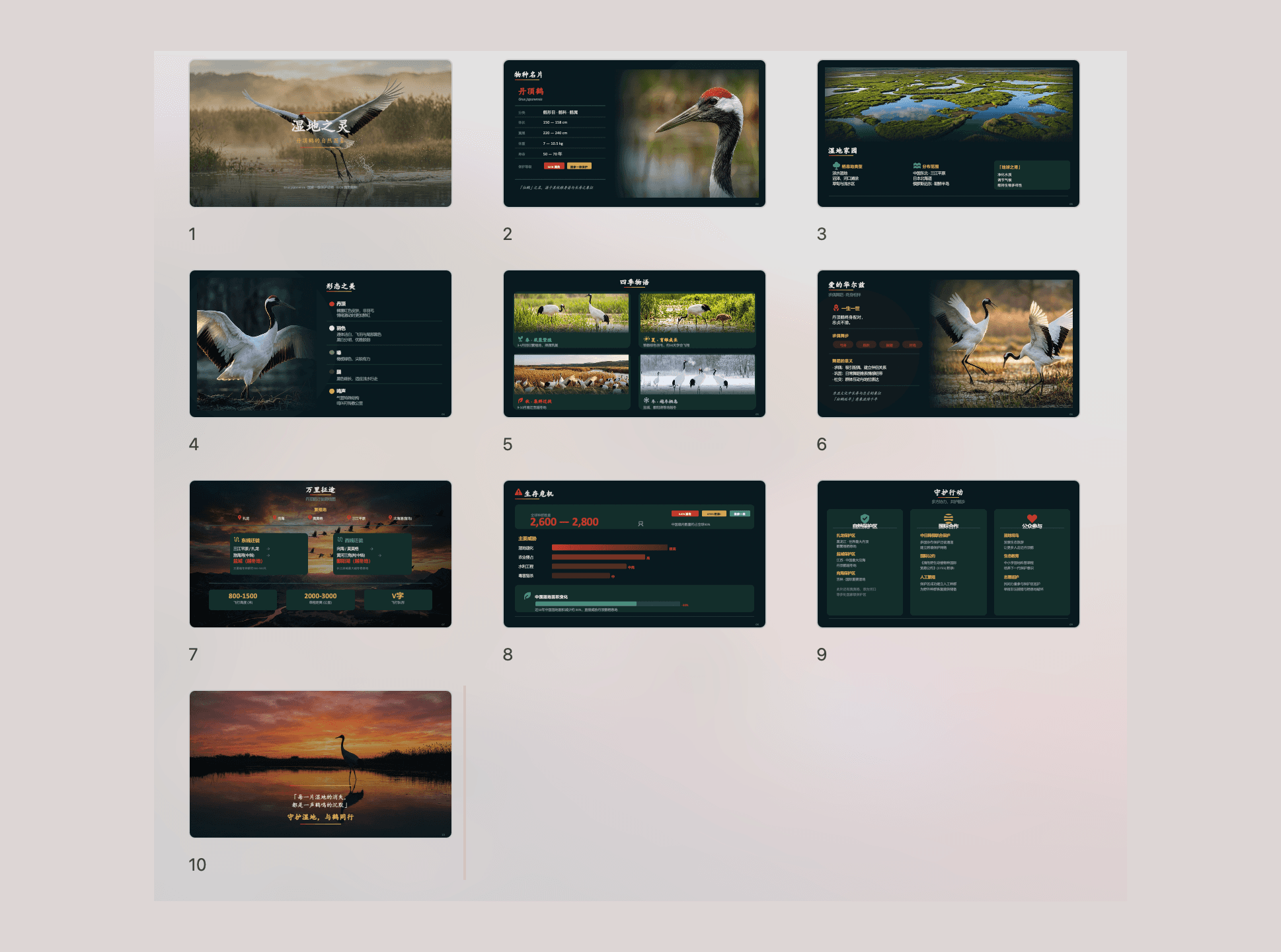

PPT Master is a skill that has your AI agent build a real PowerPoint file from your material. You give it a PDF, Word file, web page or pasted text; it confirms a design plan with you, then exports a .pptx with native shapes, text, charts and tables you can click and edit. It can also fill an existing deck with new content and add transitions, animations and narration from speaker notes. It suits people who make reports, lessons or pitch decks and want a first draft to polish.
The slides come out as native PowerPoint shapes, charts and tables rather than flat images, so you can keep editing every element.
Start with the first one: it is a small task you can check easily.
Example prompts written by Agent Flows Hub.
From the creator's documentation.
| Output | What it is | Reads |
|---|---|---|
| Design plan | Template, format and page count for you to confirm before it builds | What you give it |
| Editable .pptx | Native shapes, text, charts and tables; data-backed charts and tables on request | Your computer |
| Template reuse | Fills an existing deck with new content and keeps its design | Your files |
| Slide formats | 16:9 slides plus Xiaohongshu, WeChat and other formats | Your computer |
| Images | AI-made with your image tool or key, or found on Openverse and Wikimedia Commons with credits | Image services |
| Motion and sound | Transitions, animations and narration from speaker notes | Speech service if used |
Turn a report, paper or pasted notes into a presentation you can still edit in PowerPoint. The skill plans the deck with you, then builds slides as native shapes, charts and tables and exports a .pptx file.
Notes by Agent Flows Hub (original project name: ppt-master), written from the creator's documentation, not from running it ourselves. PPT Master README: quick start · PPT Master getting started
Tell us what happened. We take a look first; if it needs paid work, you get an estimate before anything starts.
Turns a topic or a document into an editable slide deck to download as PowerPoint or PDF
by Presenton
Turns a document into a slide deck you can edit in the browser and export as PPTX
by Dashi AI Lab

Turns a topic, notes or a document into a designed presentation, document or web page
by Gamma