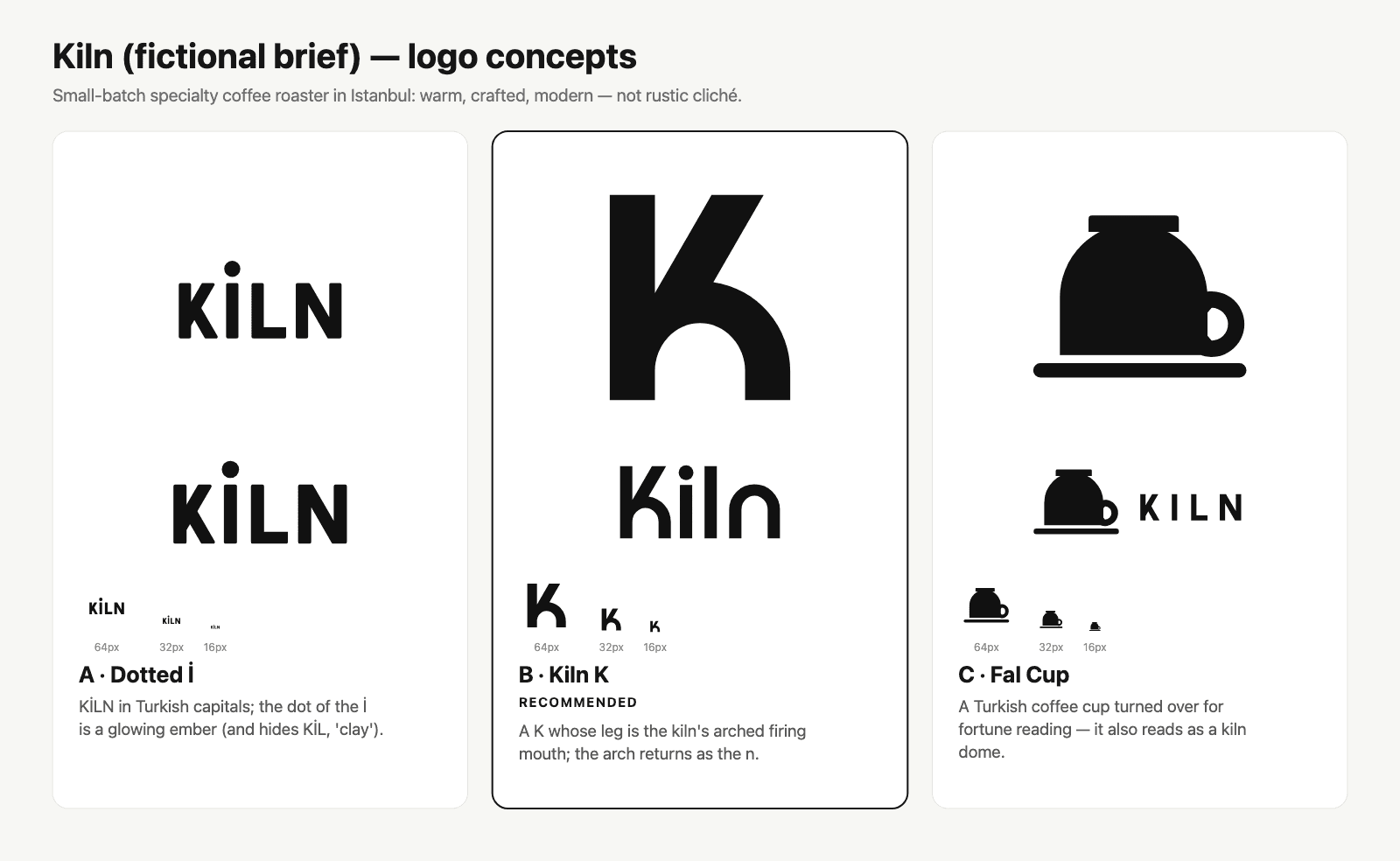
Logo Design
Designs a logo from a short brief and delivers SVG files, mockups and brand guidelines
by Kaan Kızıltuğ



by OpenDesignAppMake visuals
Turns a short brief into web prototypes, slide decks, images and motion graphics
OpenDesign is an open-source design workspace. Type a brief and an AI agent builds a prototype, website, deck, image or short video that follows your chosen design system, with a live preview you can refine.
For Founders and product teamsMarketersDesigners
An open-source project from the GitHub organization nexu-io, published under the Apache-2.0 license and kept up by three listed maintainers.
From the project's own repository · 2 images, swipe or use the arrows.
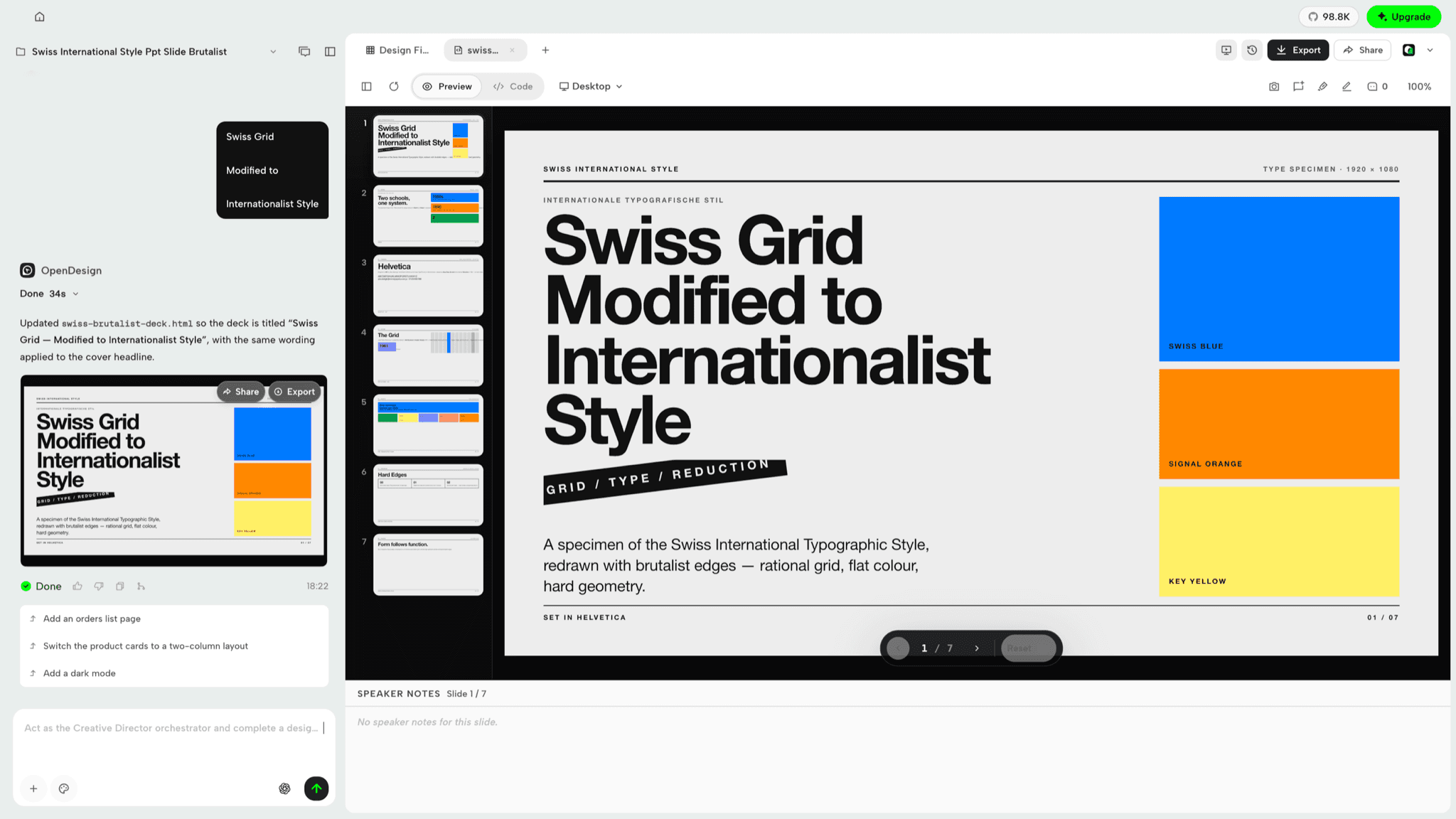
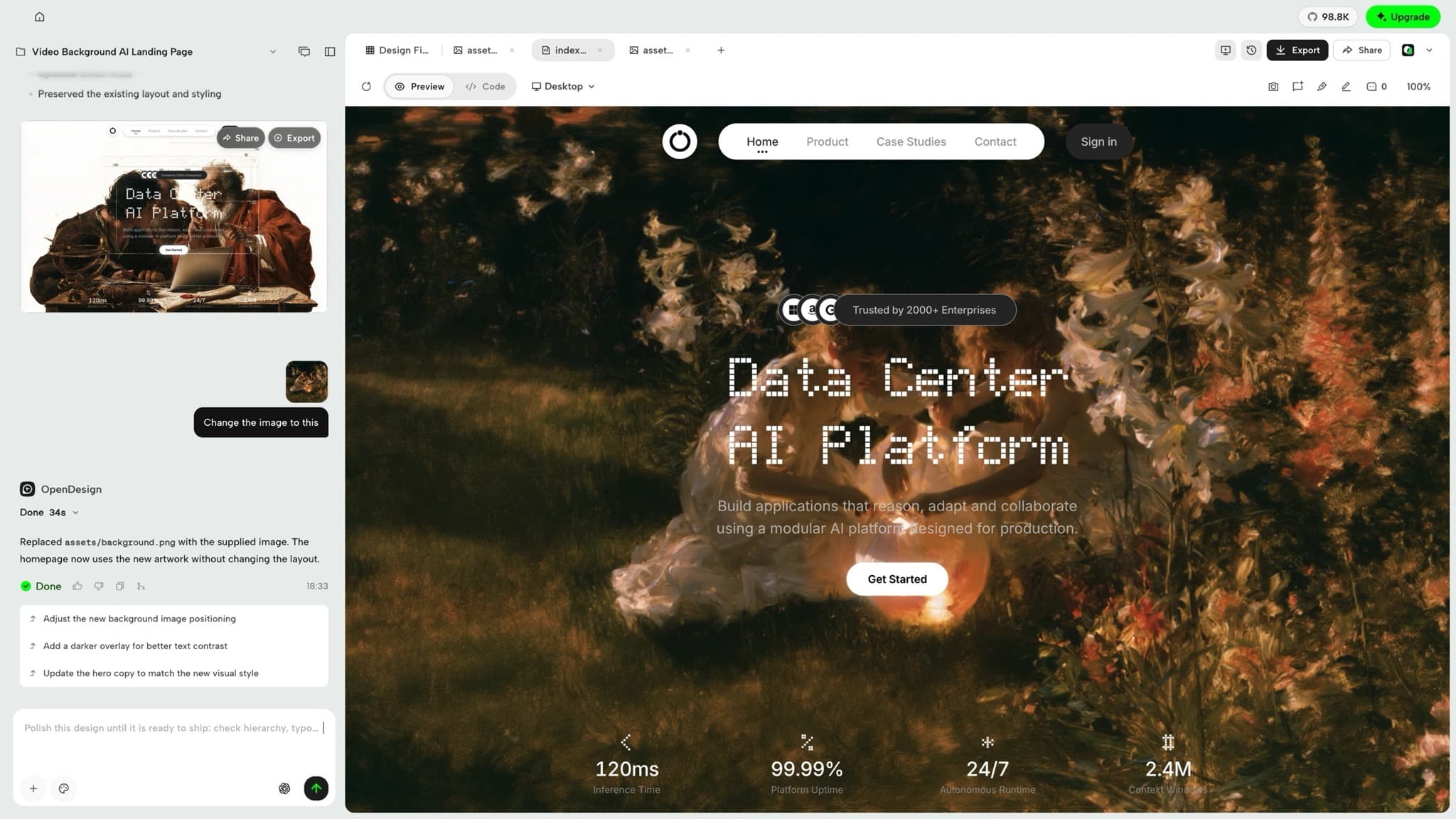
OpenDesign is an open-source design workspace for macOS and Windows. You type a brief, and the coding agent already on your computer (or a model you connect with your own API key) builds a prototype, deck, image or short video that follows the design system you pick. You see a live preview, ask for changes in the same project and export when ready. It suits founders, marketers and designers who want a first draft without hiring a designer.
It ships 151 design-system packages and 100+ skills, and it uses agents you already have instead of locking you to one model.
Start with the first one: it is a small task you can check easily.
Example prompts written by Agent Flows Hub.
From the creator's documentation.
| Feature | What it does | Runs |
|---|---|---|
| Prototypes | Web, mobile and desktop page prototypes with a live preview you can refine | Your computer |
| Slide decks | Decks with speaker notes, exported as HTML, PDF, PPTX, ZIP or Markdown | Your computer |
| Design systems | 151 bundled brand design systems, or one built from your own brand | Your computer |
| Images | Generates visual assets through an image model or API you connect | Your image service |
| Motion graphics | Short animated videos built with HyperFrames and exported to MP4 | Your computer |
| Agent or model | Uses your installed coding agent, your API key or an OpenDesign Cloud plan | Model provider |
You need a first version of a landing page, pitch deck or social image and have only a short written brief. OpenDesign hands the brief to your coding agent or connected model, applies a design system and shows the result in a live preview you can refine.
Notes by Agent Flows Hub (original project name: OpenDesign (nexu-io/open-design)), written from the creator's documentation, not from running it ourselves. OpenDesign README: quick start and platform support · OpenDesign plans and BYOK
Tell us what happened. We take a look first; if it needs paid work, you get an estimate before anything starts.
Designs a logo from a short brief and delivers SVG files, mockups and brand guidelines
by Kaan Kızıltuğ
Turns a one-line request into a web page, app prototype, editable slides or an infographic
by 花叔

Turns a written request into a clickable prototype, slide deck or PDF on your computer
by OpenCoworkAI