
n8n
Lets you build automations and AI agents on a visual canvas that links your apps
by n8n


by LangflowAppGet organised
Lets you build AI agents and workflows by connecting blocks on a visual canvas
Langflow is a visual builder for AI agents and workflows: you connect components on a canvas, test them in a playground and run the result as an API or an MCP server.
For DevelopersBuilders of agentic and RAG apps
Langflow is an open-source project from the langflow-ai organization on GitHub. Its website describes it as a low-code AI builder for agentic and RAG applications.
From the project's own repository · 3 images, swipe or use the arrows.
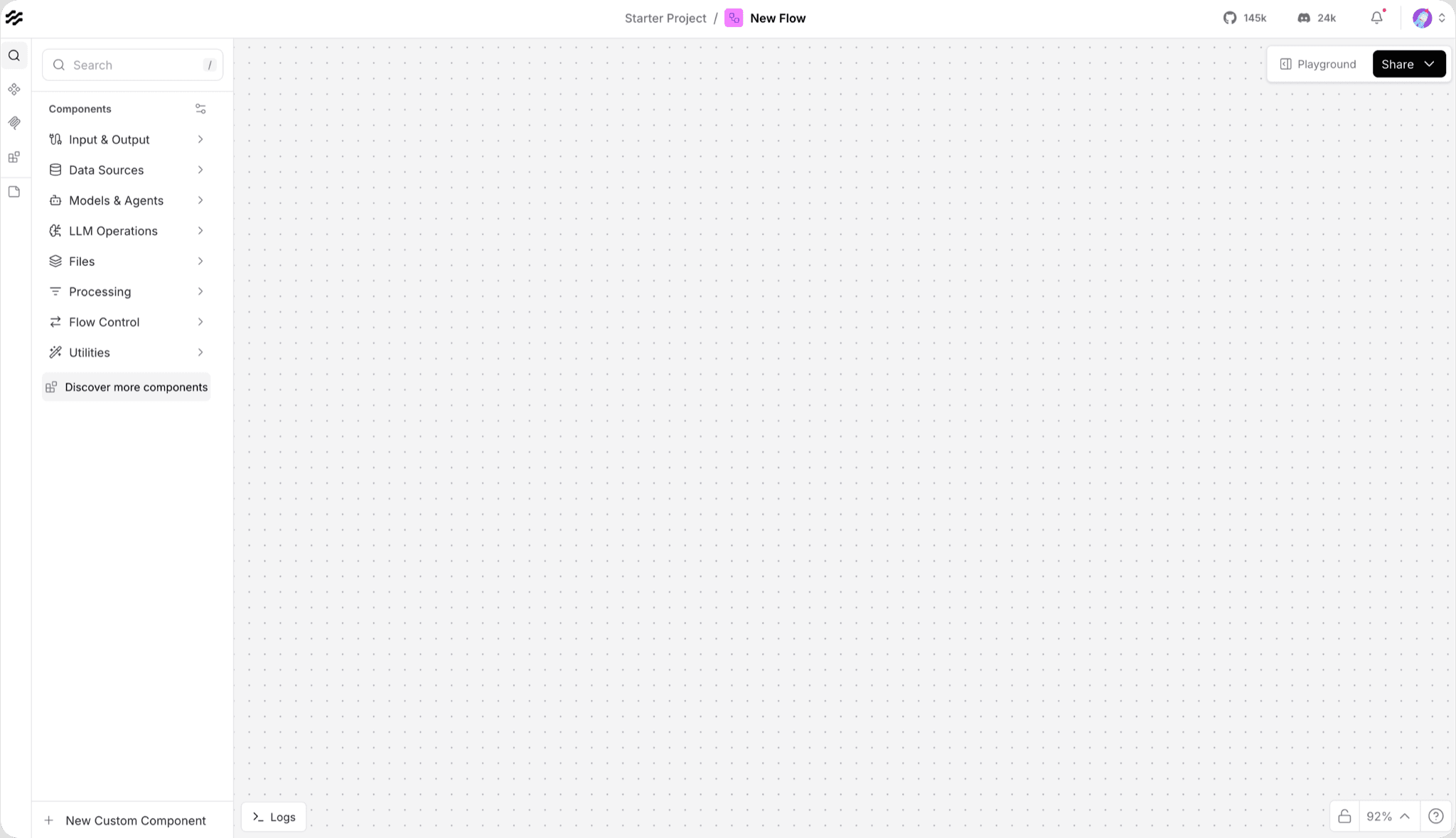
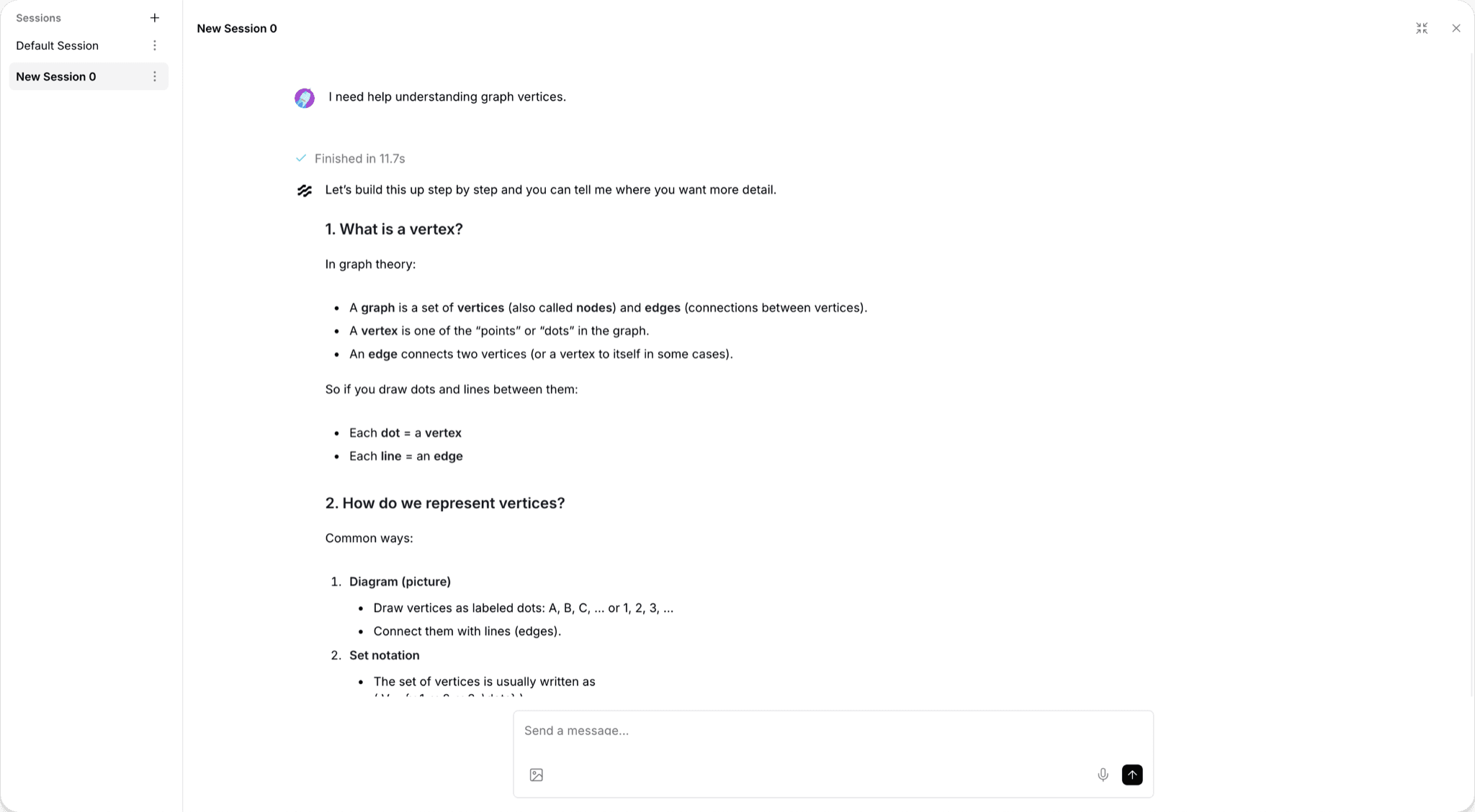
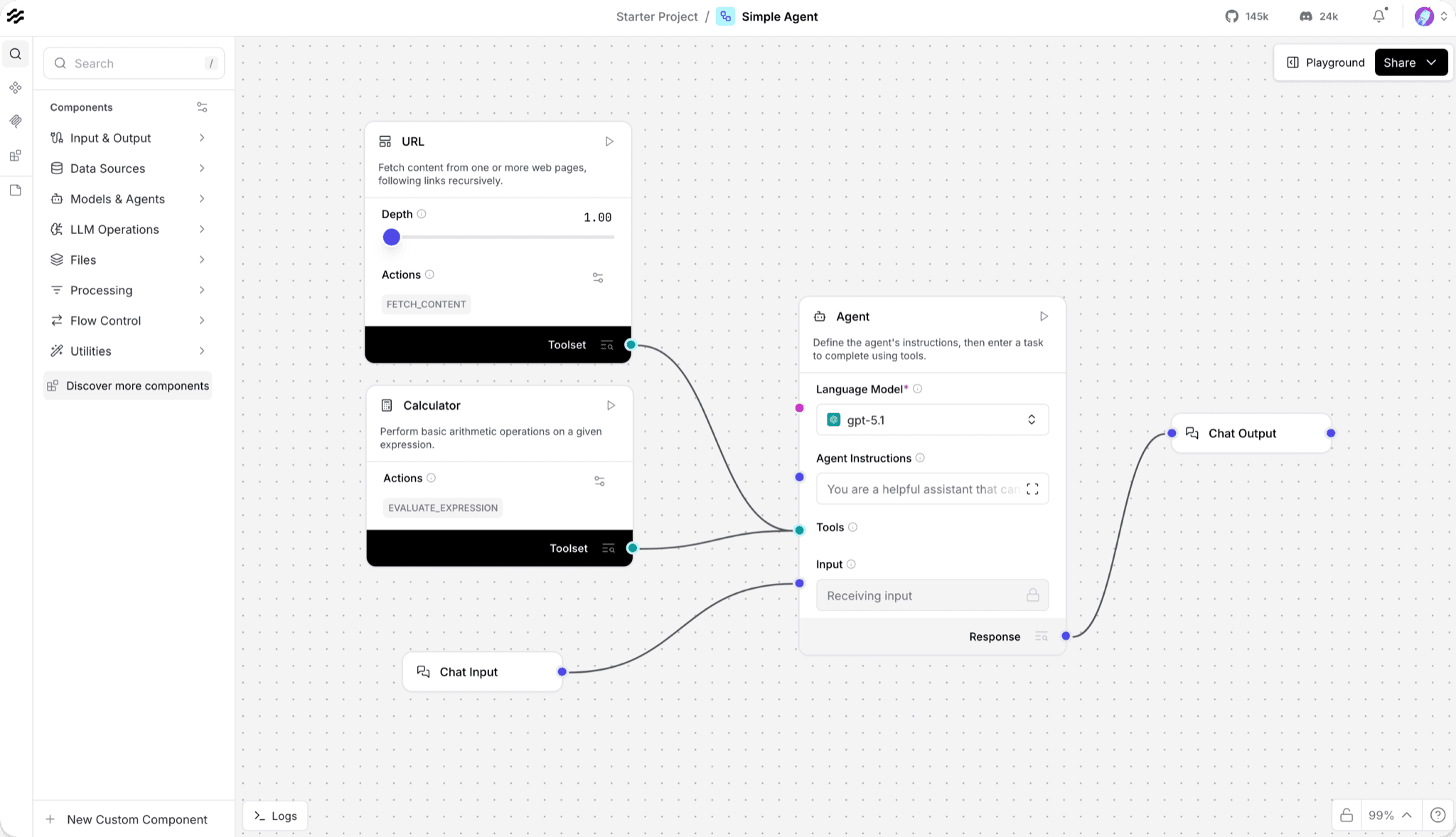
Langflow is a visual builder for AI agents and workflows. You connect components on a canvas, test the flow in a built-in playground, and then run it as an API or as an MCP server that other tools can call. It comes as a desktop app for macOS and Windows, a Docker image or a Python package, and any component can be edited in Python. It suits people who want to build an agent without writing a whole app first.
Every step of an agent is a block you can see and change, and a finished flow becomes an API or an MCP tool.
Start with the first one: it is a small task you can check easily.
Example prompts written by Agent Flows Hub.
From the creator's documentation.
| Feature | What it does | Runs |
|---|---|---|
| Visual builder | Connect components on a canvas to build agents and flows | Your computer |
| Playground | Test a flow in a chat window with step-by-step control | Your computer |
| Custom components | Edit the Python source code of any component | Your computer |
| API and MCP | Run a flow as an API endpoint or as an MCP server for other tools | Your network |
| Model providers | Connects to the major language models and vector databases | Model provider's API |
| Desktop app | A standalone app for macOS and Windows that manages its own dependencies | Your computer |
You want to try an agent idea without building an app first. In Langflow you lay out the steps on a canvas, run them in the playground and see what each block does, then expose the flow as an API or an MCP tool.
Notes by Agent Flows Hub (original project name: Langflow), written from the creator's documentation, not from running it ourselves. Install Langflow · Langflow README · Langflow Desktop download page · Langflow Quickstart
Tell us what happened. We take a look first; if it needs paid work, you get an estimate before anything starts.
Lets you build automations and AI agents on a visual canvas that links your apps
by n8n
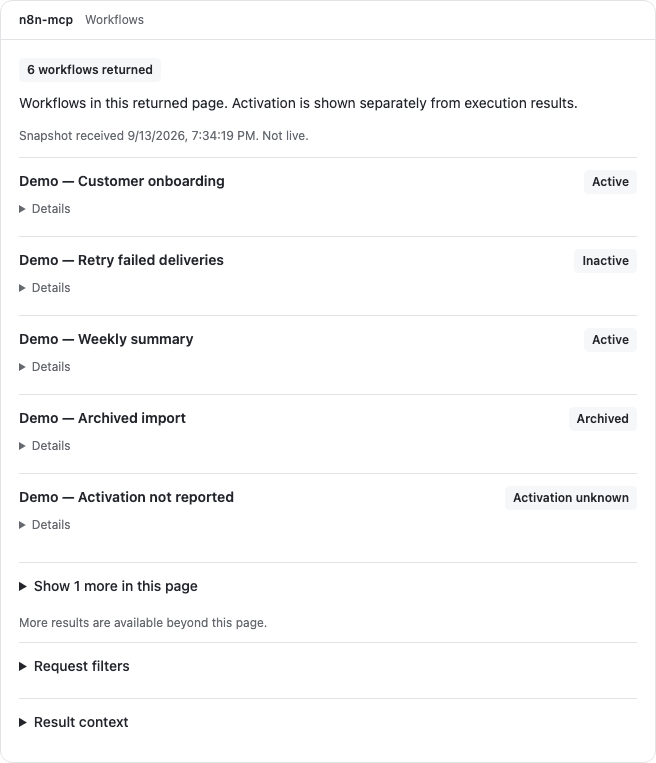
Lets your AI agent find the right n8n nodes and build, check and fix workflows for you
by Romuald Członkowski
Turns a meeting recording into a summary with decisions and action items you can ask about
by Langflow