
grok-cli
Hands coding tasks to a terminal agent that runs on xAI's Grok models
by Superagent



by Jeremy HuangAgentWrite code
Runs many coding agents side by side in your terminal, using little memory per session
jcode is a coding agent for your terminal, written in Rust. You describe a change in plain words; it works in your project and can run many sessions side by side.
For DevelopersTerminal usersTechnical makers
Jeremy Huang publishes jcode as an open-source project on GitHub under the MIT licence.
jcode is a coding agent for the terminal, written in Rust. You describe a change in plain words and it works in your project, and you can open many agent sessions in the same repository at once. A shared server tells one agent when another has edited a file it read, and the agents can message each other. You log in with a Claude, ChatGPT, Gemini or GitHub Copilot account, or add an API key.
By its own benchmark, each extra headless session adds only about 3.3 MB of memory, so a laptop can keep many agents running.
Start with the first one: it is a small task you can check easily.
Example prompts written by Agent Flows Hub.
From the creator's documentation.
| Feature | What it does | Runs |
|---|---|---|
| Parallel sessions | Run many agent sessions at once, with a small memory cost for each extra headless one | Your computer |
| Swarm | Agents in one repo are told when another edits a file they read, and can message each other | Your computer |
| Model logins | Log in with Claude, OpenAI, Gemini or Copilot accounts, or add an OpenAI-compatible endpoint | Model provider |
| MCP servers | Reads MCP server settings, including ones imported from Claude Code and Codex; stdio only | Your computer |
| Skills | Loads skill folders that contain a SKILL.md, including Claude Code plugin skills | Your computer |
| Self-dev mode | On request the agent edits and rebuilds jcode's own source code | Your computer |
You want a terminal coding agent that can run several sessions in one repository without slowing your computer. Each session can work on its own task while the shared server warns an agent when another one changes a file it has read.
Notes by Agent Flows Hub (original project name: jcode), written from the creator's documentation, not from running it ourselves. jcode documentation: install, providers and configuration · jcode README
Tell us what happened. We take a look first; if it needs paid work, you get an estimate before anything starts.
Hands coding tasks to a terminal agent that runs on xAI's Grok models
by Superagent
Lets you ask many AI models questions from the terminal and keeps a log of every answer
by Simon Willison
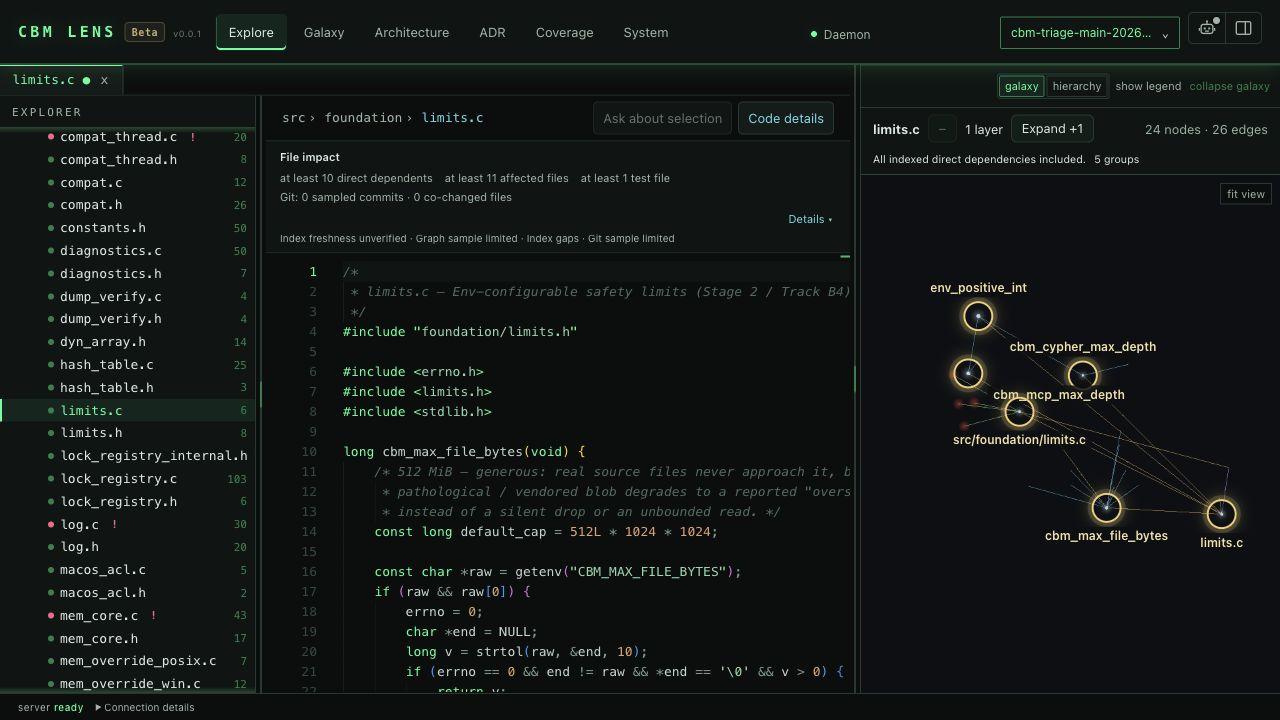
Gives your coding agent a local, searchable map of your code, docs and infrastructure
by Martin Vogel