
Desktop Commander MCP
Lets your AI app read, edit and organize files and run commands on your computer
by Eduard Ruzga



by StackCairnAgentGet organised
Gives you a desktop AI agent that edits files, runs commands and handles scheduled jobs
LiveAgent is an open-source desktop app that connects to Claude, OpenAI or Gemini with your own API key: chat a task and it reads and edits files, runs commands, keeps notes and runs scheduled jobs.
For DevelopersTechnical makersPeople automating desktop chores
An open-source project published on GitHub by the StackCairn organisation under the MIT licence. The project page does not name individual authors.
From the project's own repository.
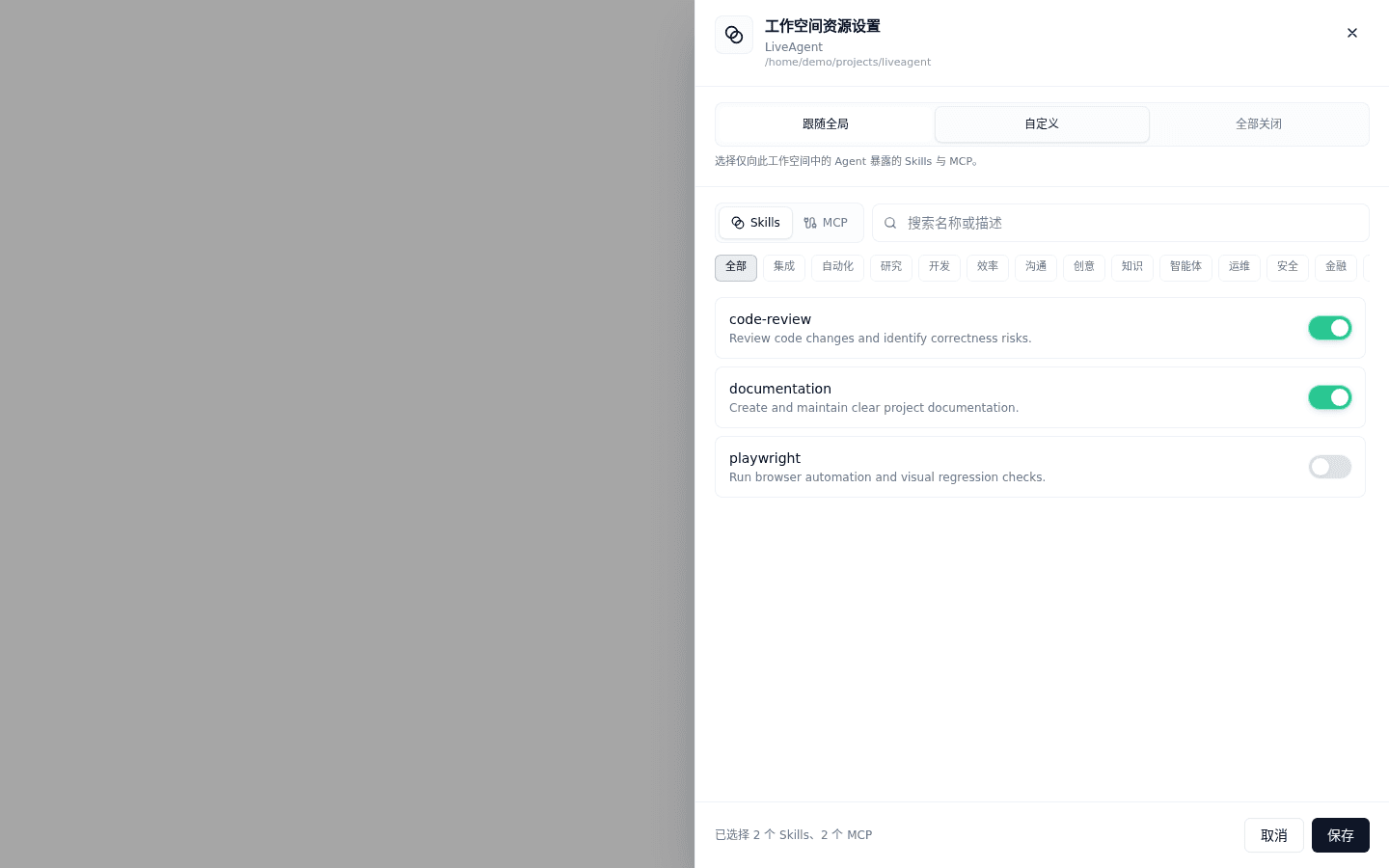
LiveAgent is an open-source desktop app for macOS, Windows and Linux that connects to Claude, OpenAI or Gemini models with your own API key. You describe a task in a chat window; the agent can read and edit files, run commands, keep notes in a local memory and run jobs on a schedule. It also loads MCP connectors and skills, and an optional gateway lets you control it from a browser. It suits developers and technical makers who want an agent with its own window.
It is a desktop app with installers for macOS, Windows and Linux, and it adds scheduled jobs and a browser remote on top of file and command tools.
Start with the first one: it is a small task you can check easily.
Example prompts written by Agent Flows Hub.
From the creator's documentation.
| Feature | What it does | Runs |
|---|---|---|
| Files | Reads, writes, edits, deletes and searches files on your computer | Your computer |
| Commands | Runs commands and keeps long-running processes going | Your computer |
| Scheduled jobs | Runs command, web request or prompt jobs on a timetable in the background | Your computer |
| Memory | Keeps notes across conversations in a searchable local store | Your computer |
| MCP and skills | Connects MCP servers and loads skill packages when a task needs them | Connected services |
| Models | Claude, OpenAI or Gemini, or a compatible service, with your own key | Your model provider |
You want an agent in a desktop window that can work on files in a folder and repeat a job on a schedule. LiveAgent connects to the model service you choose and runs file, command and scheduled-job tools on your own computer.
Notes by Agent Flows Hub (original project name: LiveAgent), written from the creator's documentation, not from running it ourselves. LiveAgent README: features and download · LiveAgent releases
Tell us what happened. We take a look first; if it needs paid work, you get an estimate before anything starts.
Lets your AI app read, edit and organize files and run commands on your computer
by Eduard Ruzga
Runs as a desktop app that handles files, email, calendar and multi-step tasks for you
by Skales

A desktop AI assistant with memory that works on your files and runs scheduled tasks
by Mozi