
Vane
Runs your own AI search engine that answers questions with links to its sources
by Kushagra Srivastava



by Arc53AppResearch something
Turns your files and sites into an AI assistant that answers with its sources
A colleague asks for the third time this week where the refund rule is written, and you go digging through the same handbook again.
For Teams with internal docsSupport teamsProduct builders
From the project's own repository · 4 images, swipe or use the arrows.
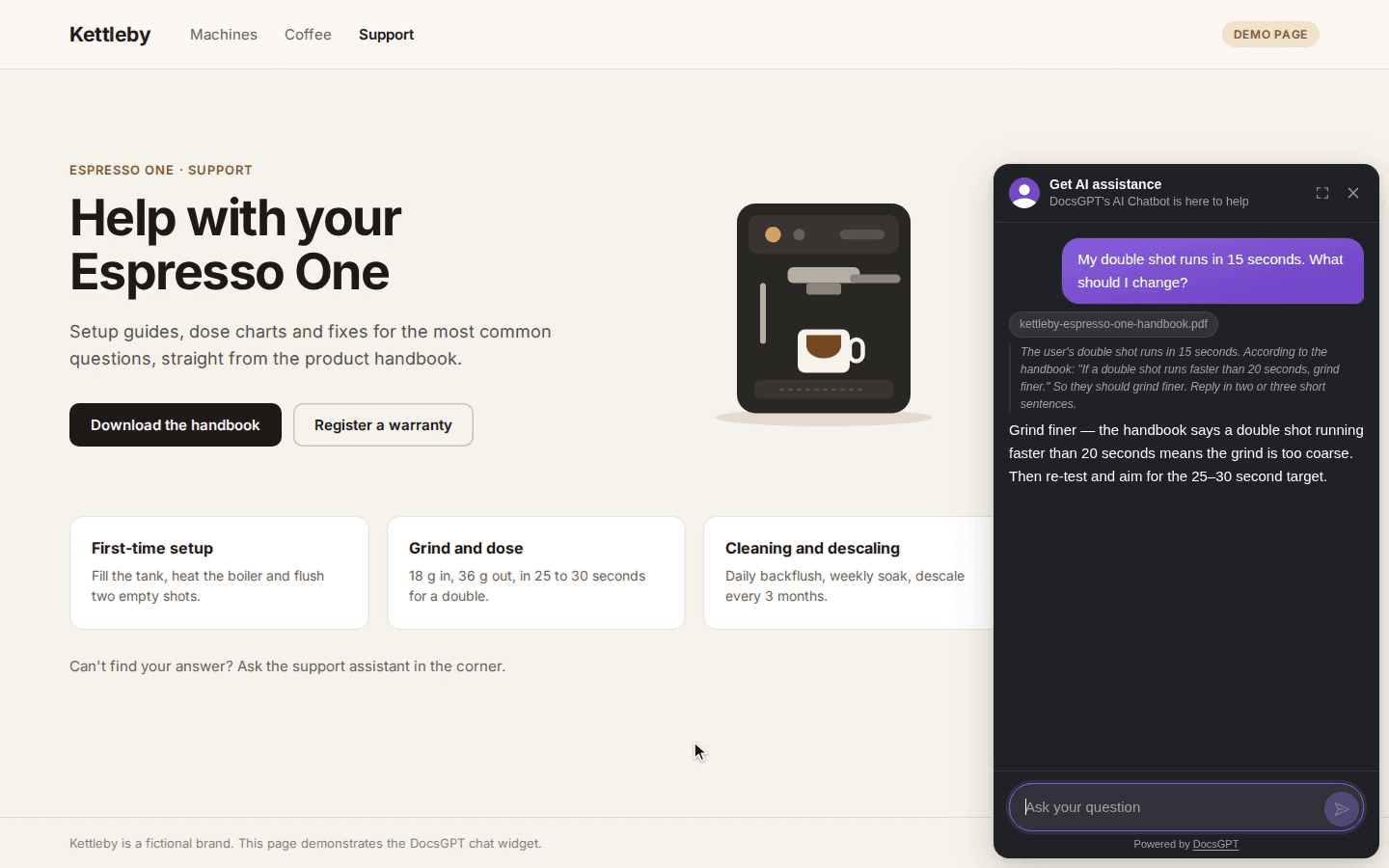
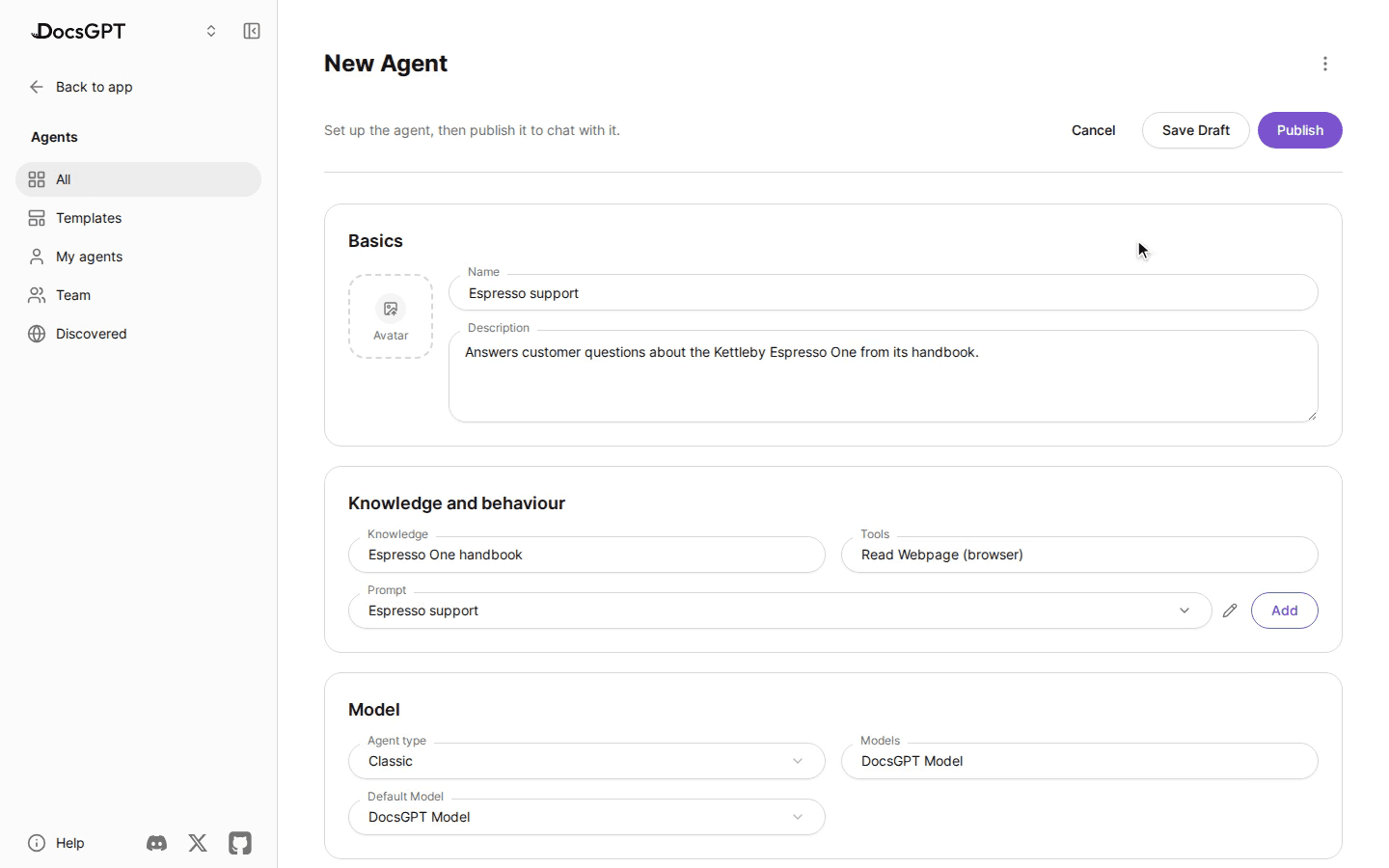
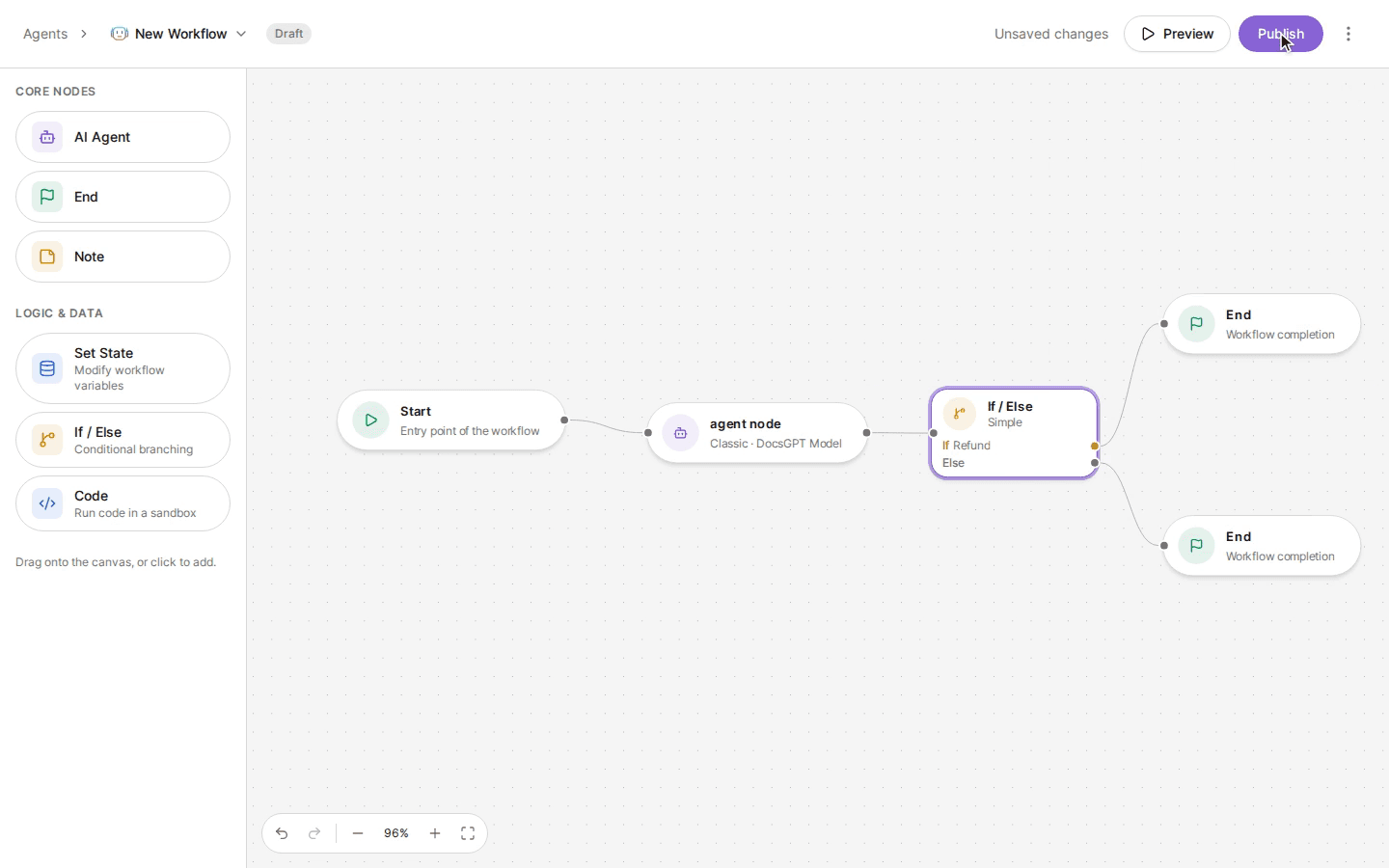
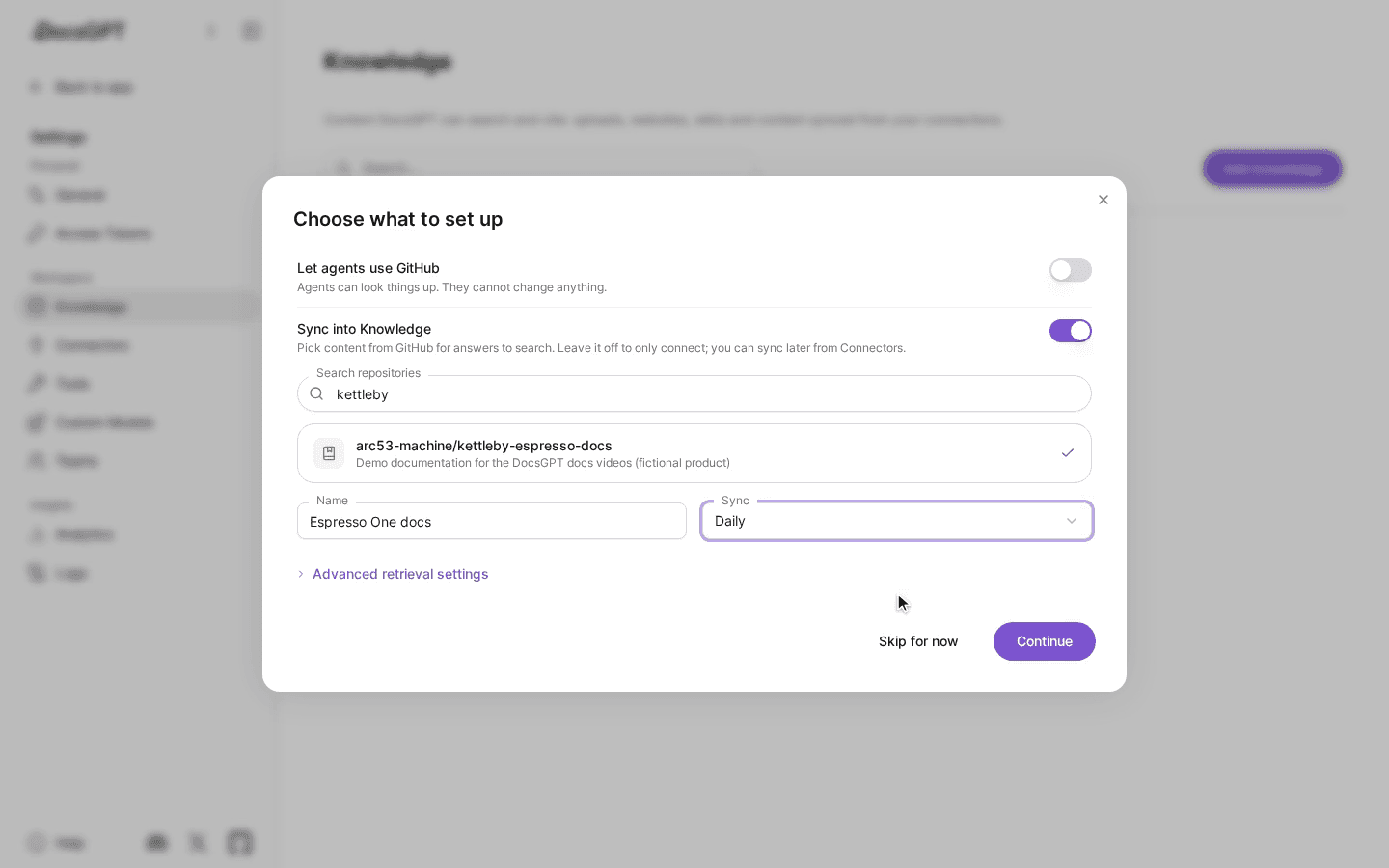
DocsGPT is an open source app that builds AI assistants from your own documents. You add PDFs, Office files, web pages or connected apps such as Google Drive and Confluence, then ask questions and get answers that cite the documents they came from. You can also build agents and visual workflows and put an assistant on a website as a chat widget. It suits teams and individuals who want answers from their own material, on DocsGPT Cloud or on their own computer or server.
Answers cite the documents they came from, and the whole app, team features included, is MIT licensed and can run on your own machine.
Start with the first one: it is a small task you can check easily.
Example prompts written by Agent Flows Hub.
From the creator's documentation.
| Feature | What it does | Runs |
|---|---|---|
| Answers with sources | Each answer cites the documents it came from | Your install or Cloud |
| Knowledge | PDFs, Office files, web pages and audio, kept in sync from Google Drive, SharePoint, Confluence, GitHub and others | Connected services |
| Agents and workflows | Agents with their own prompt, knowledge and tools, chained in a drag-and-drop builder | Your install or Cloud |
| Any model | OpenAI, Anthropic, Google and others, or local models through Ollama | Provider API or local |
| Widget, API and MCP | Put an agent on a website, call it through an API, or search it from an MCP client | Your site and apps |
| Schedules | Run agents on a timer or when another system sends a webhook | Your install or Cloud |
You have a handbook, a folder of PDFs or a docs site and want people to ask questions about it. DocsGPT ingests the material, answers with citations and can publish the assistant as a web chat, website widget, API or MCP server.
Notes by Agent Flows Hub (original project name: DocsGPT), written from the creator's documentation, not from running it ourselves. DocsGPT quickstart · DocsGPT README
Tell us what happened. We take a look first; if it needs paid work, you get an estimate before anything starts.
Runs your own AI search engine that answers questions with links to its sources
by Kushagra Srivastava

Answers your research questions from academic papers, with a source linked to every claim
by Consensus

Answers your questions with sources you can check, and writes longer research reports
by Perplexity