
Screenpipe
Records your screen and audio on your computer so you and your AI can search what you did
by Screenpipe



by Jerry LiuAppGet organised
Builds a timeline of what you did on your Mac each day, from your screen activity
It's Friday afternoon and you have to say what you did this week, but your memory and your calendar don't agree.
For Knowledge workersFreelancers tracking client timePeople who write standups
From the project's own repository · 2 images, swipe or use the arrows.
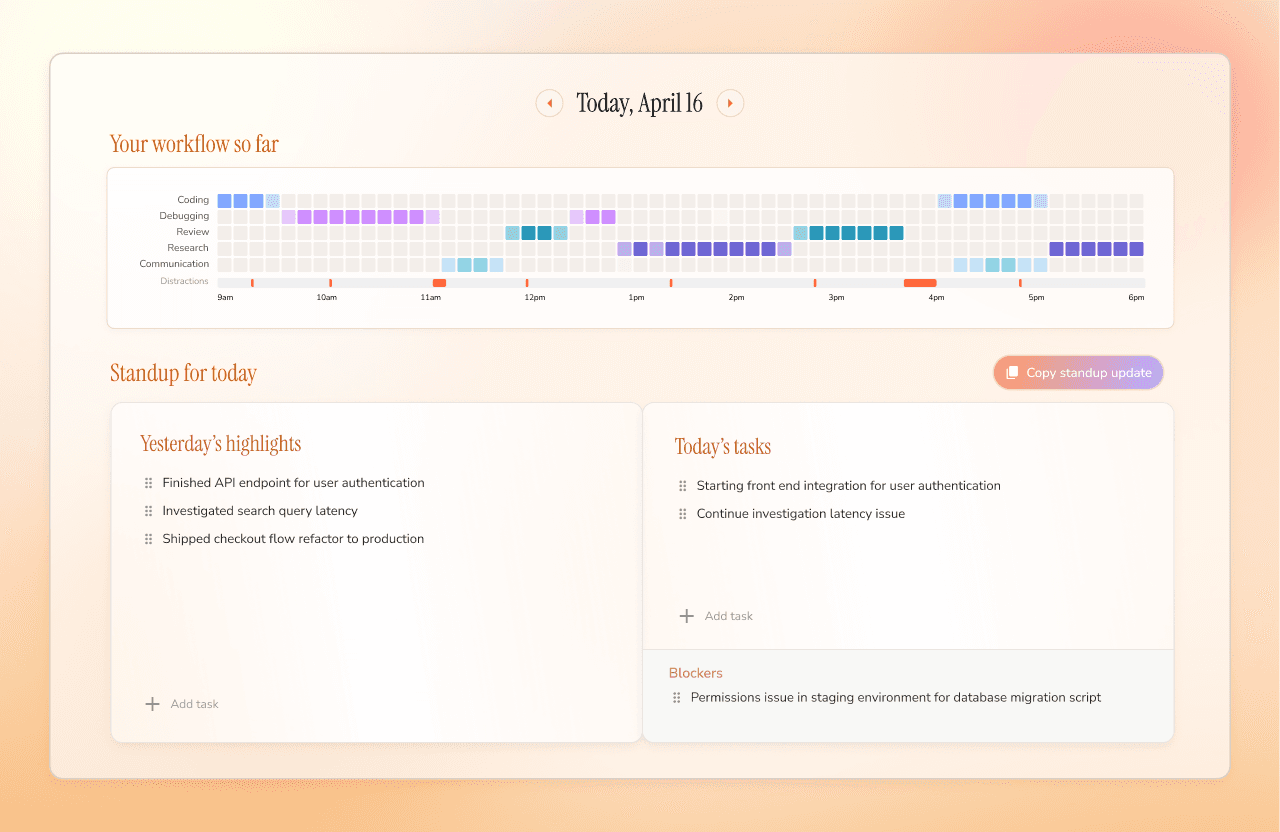
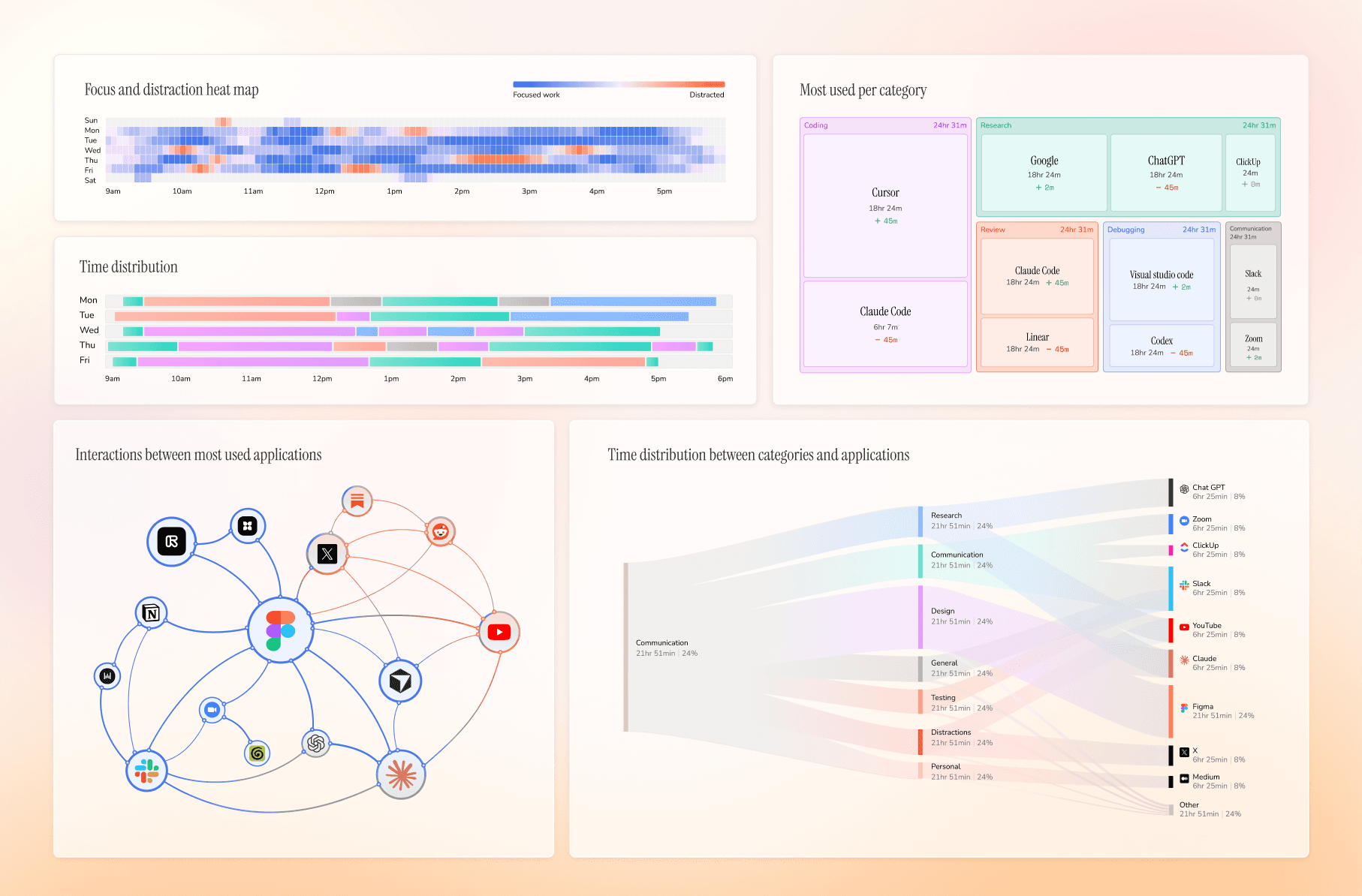
Dayflow is a Mac app that takes low-frequency screen captures while you work and uses an AI model you choose to turn them into a timeline of what you did. From that it drafts a daily standup with yesterday's highlights, today's tasks and blockers, shows a weekly review of focus and distractions, and answers questions about your day. Recordings and the database stay on your Mac, and analysis can run on a local model. It suits knowledge workers and freelancers who need to account for their time.
It records what you were doing, not just which app was open, so a timeline or standup update is ready without timers or notes.
Start with the first one: it is a small task you can check easily.
Example prompts written by Agent Flows Hub.
From the creator's documentation.
| Feature | What it does | Runs |
|---|---|---|
| Automatic timeline | Turns low-frequency screen captures into activity cards for the day | Your Mac |
| Daily standup | Drafts yesterday's highlights, today's tasks and blockers | Your Mac |
| Weekly review | Focus patterns, categories, app use and distractions for the week | Your Mac |
| Chat with your journal | Ask questions about your day, week or year, answered from your timeline | Your AI provider |
| Markdown export | Export the timeline for any date range | Your Mac |
| AI provider choice | Local models, Gemini, ChatGPT or Claude; a cloud provider receives the activity data | Local or cloud AI |
Let Dayflow record your screen activity while you work, then use the timeline it builds to write a standup, a client note or a weekly review. You choose whether a local model or a cloud provider does the analysis.
Notes by Agent Flows Hub (original project name: Dayflow), written from the creator's documentation, not from running it ourselves. Dayflow: features, privacy and install · Dayflow privacy policy
Tell us what happened. We take a look first; if it needs paid work, you get an estimate before anything starts.
Records your screen and audio on your computer so you and your AI can search what you did
by Screenpipe

Adds folders, a timeline and export to Gemini, ChatGPT, Claude and other AI chat sites
by Jesse Zhang
Scans your Mac or Windows drive and opens a report that sorts what you can clear
by Khazix