
ChatGPT Desktop
Brings ChatGPT chat, Work tasks and the Codex coding agent to your desktop
by OpenAI



by ThinkInAIAppGet organised
Brings many AI models, skills, connectors and agents into one desktop chat app
DeepChat is an open-source desktop chat app for Windows, Mac and Linux. It brings cloud and local AI models into one place, with skills, connectors, agent sessions, scheduled tasks and web search.
For People using several AI modelsOllama usersPeople who want a local-first AI app
ThinkInAI publishes DeepChat as an open-source community project on GitHub under the Apache 2.0 licence.
From the project's own repository · 3 images, swipe or use the arrows.
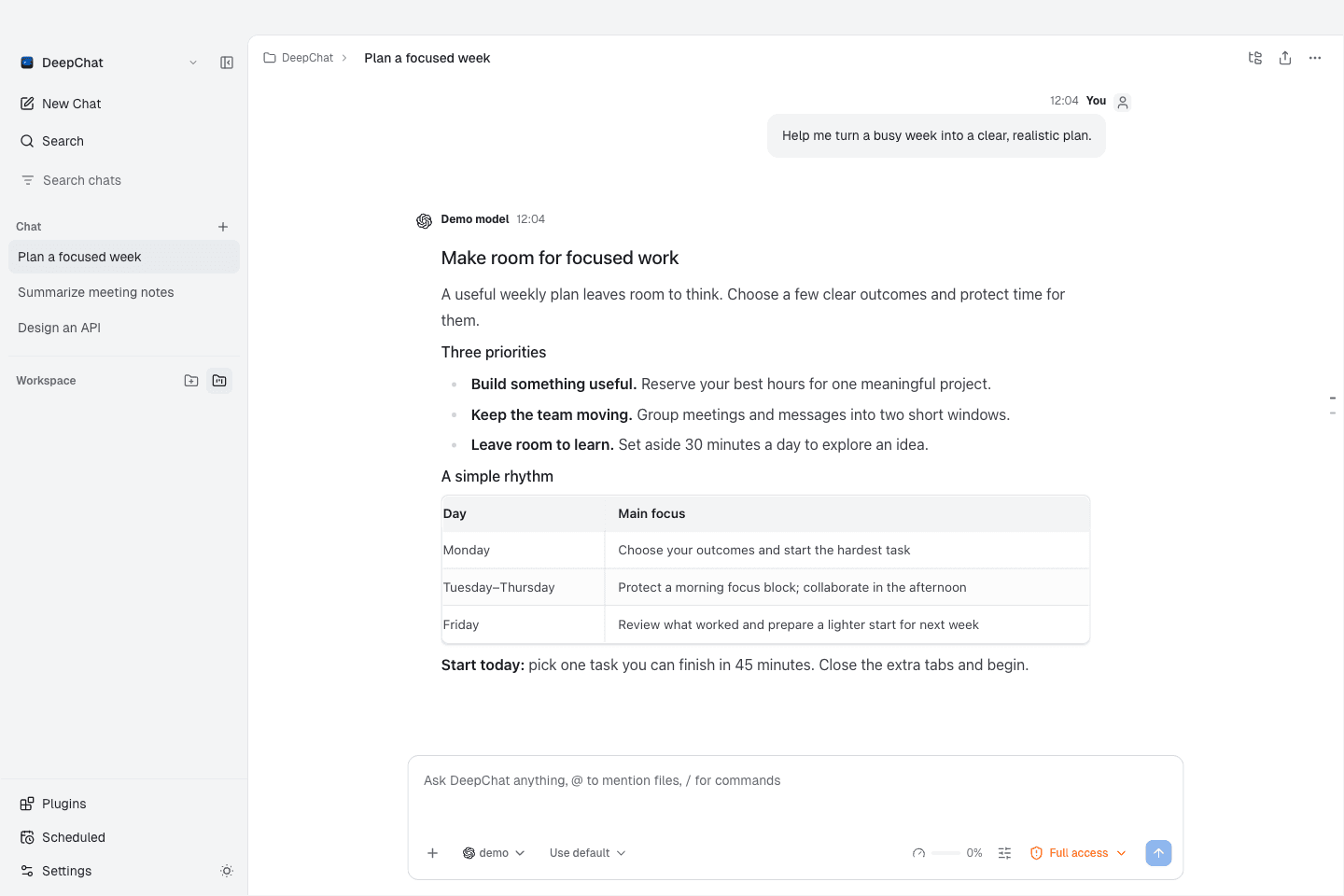
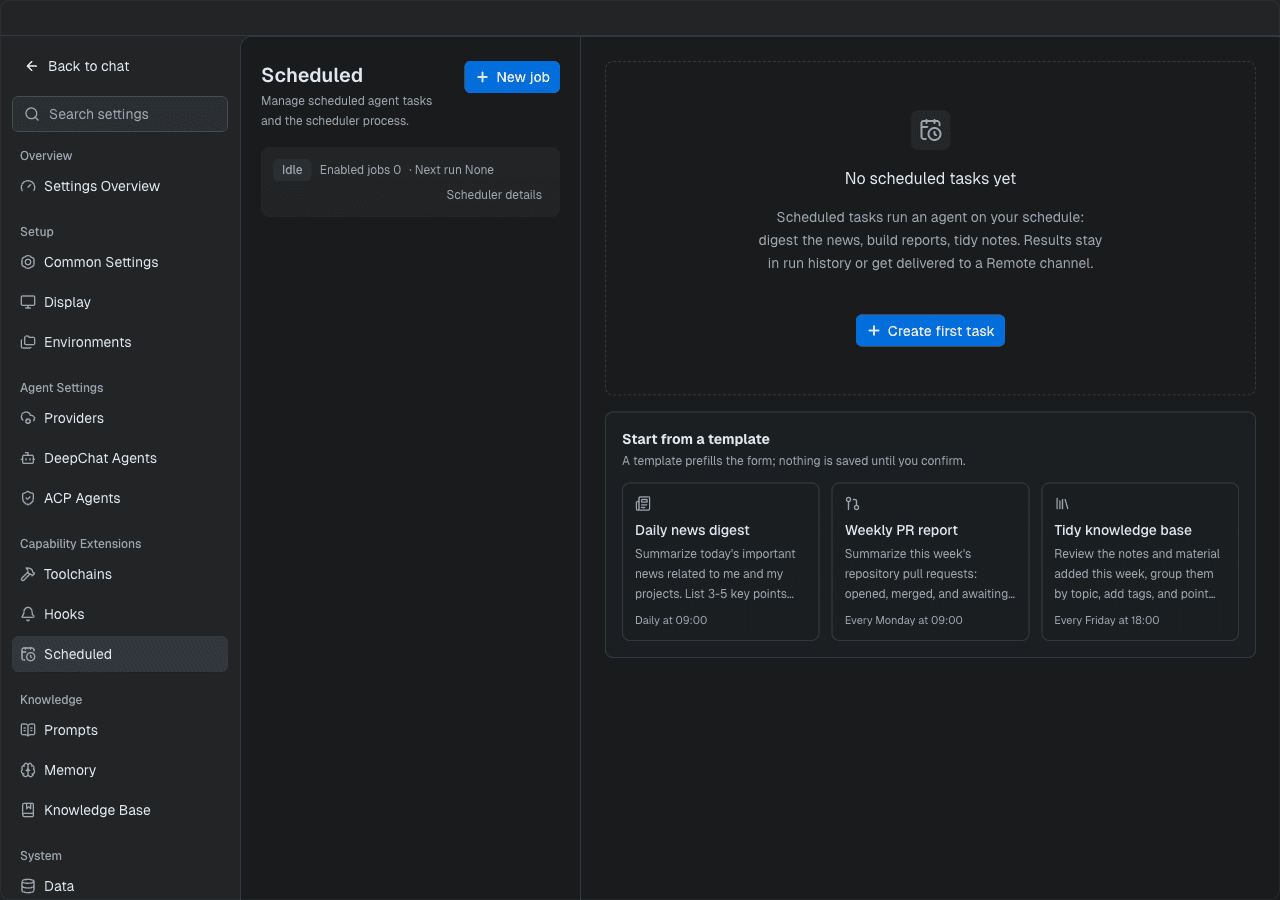
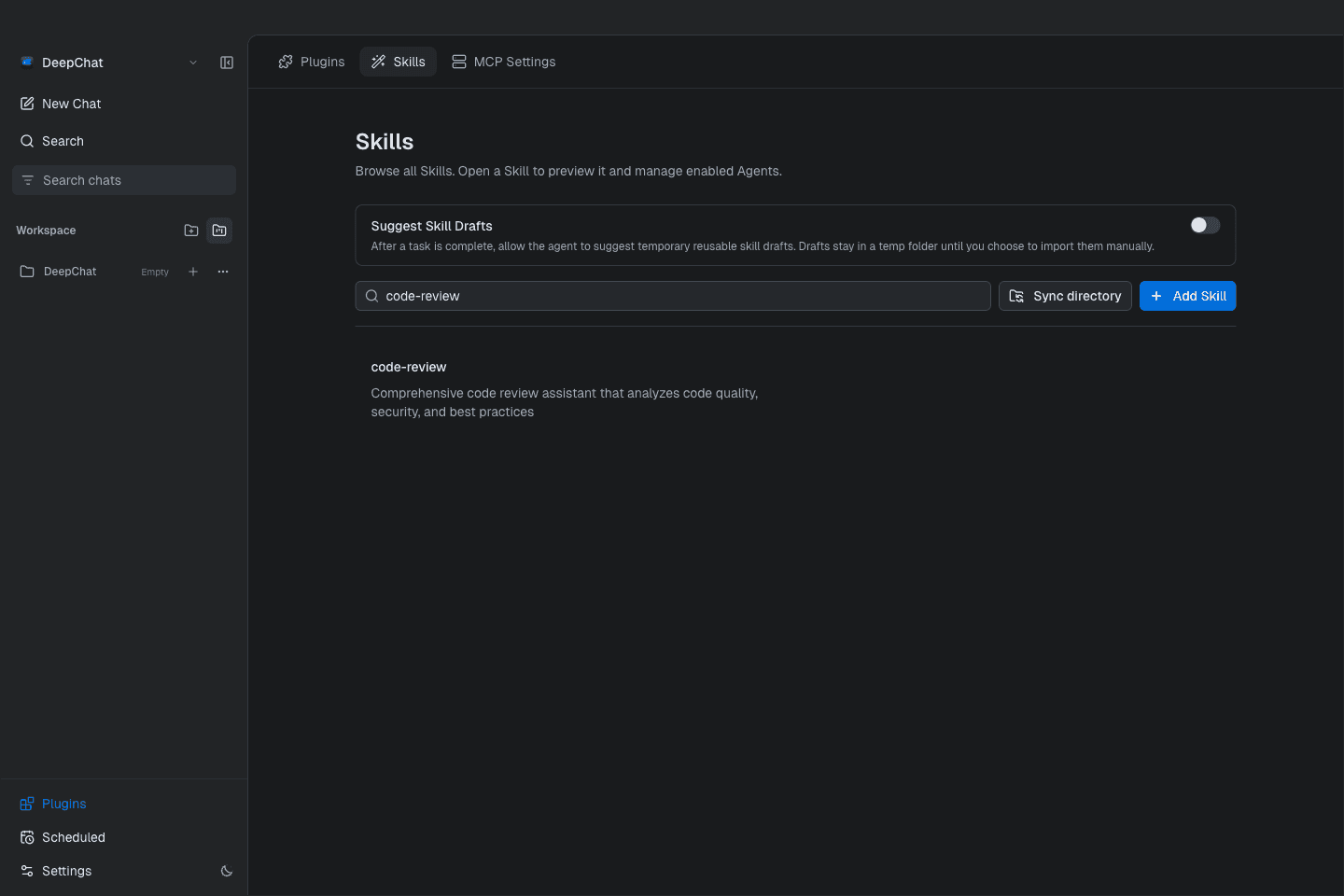
DeepChat is an open-source desktop app for Windows, macOS and Linux where you chat with cloud models such as OpenAI, Gemini, Anthropic or DeepSeek, or with local models through Ollama. Beyond chat, it can run agent sessions on a project folder, load skills and MCP connectors, run scheduled tasks and search the web. You can also reach a running session from Telegram, Discord, Feishu or other messaging apps. It suits people who use several AI models and want one app for them.
One app covers both cloud and local models, and a session can keep running while you steer it from a messaging app.
Start with the first one: it is a small task you can check easily.
Example prompts written by Agent Flows Hub.
From the creator's documentation.
| Feature | What it does | Runs |
|---|---|---|
| Many models | OpenAI, Gemini, Anthropic, DeepSeek, Kimi, Grok and other cloud providers | Your model provider |
| Local models | Download and run Ollama models from inside the app | Your computer |
| Skills and MCP | Install skills from folders, ZIP files or URLs and add MCP connectors | Your computer |
| Agent sessions | Long-running sessions on a project folder with permission modes | Your computer |
| Web search | Lets the model search the web through search APIs or by reading search engines | Internet |
| Remote control | Reach a session from Telegram, Discord, Feishu, QQBot or WeChat | Messaging apps |
You use more than one AI model and want them in a single desktop app with your chat history kept locally. DeepChat connects cloud providers or local Ollama models, and adds skills, MCP connectors, agent sessions and scheduled tasks.
Notes by Agent Flows Hub (original project name: DeepChat), written from the creator's documentation, not from running it ourselves. DeepChat README: quick start and features · DeepChat releases
Tell us what happened. We take a look first; if it needs paid work, you get an estimate before anything starts.
Brings ChatGPT chat, Work tasks and the Codex coding agent to your desktop
by OpenAI

Puts many AI model providers, agents and a knowledge base in one desktop app
by CherryHQ
Runs OpenClaw AI agents from a desktop window, with chat, skills and scheduled tasks
by ValueCell.ai