Open Notebook
Lets you chat with your PDFs, videos and web pages, take notes and turn them into podcasts
by Luis Novo



by DetaAppResearch something
Keeps web pages, PDFs and videos in local notebooks and writes cited notes from them
You have a PDF, six tabs and a lecture video open, and you keep copying quotes into a document while losing track of where each one came from.
For StudentsResearchersPeople who read across many sources
From the project's own repository · 4 images, swipe or use the arrows.
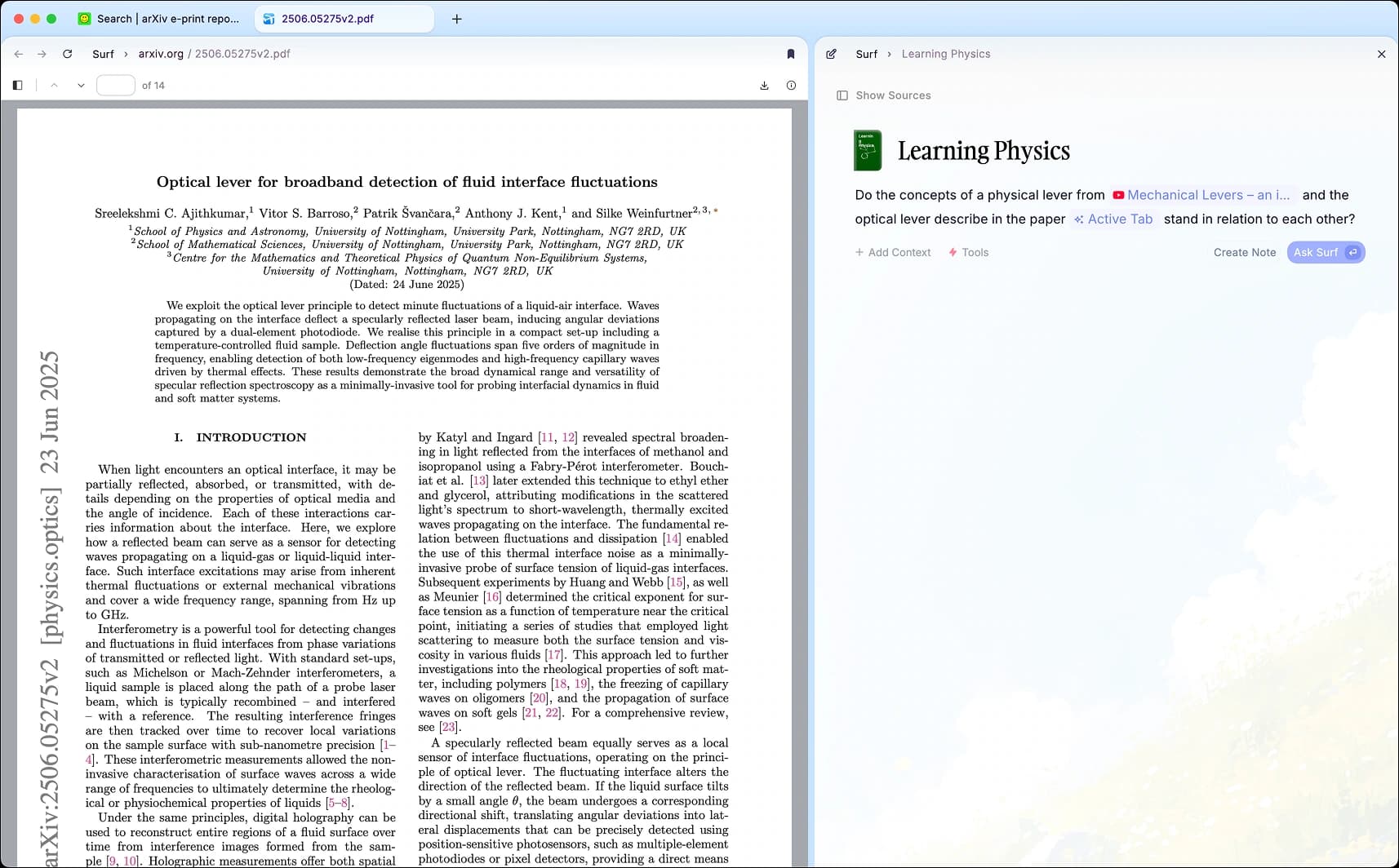
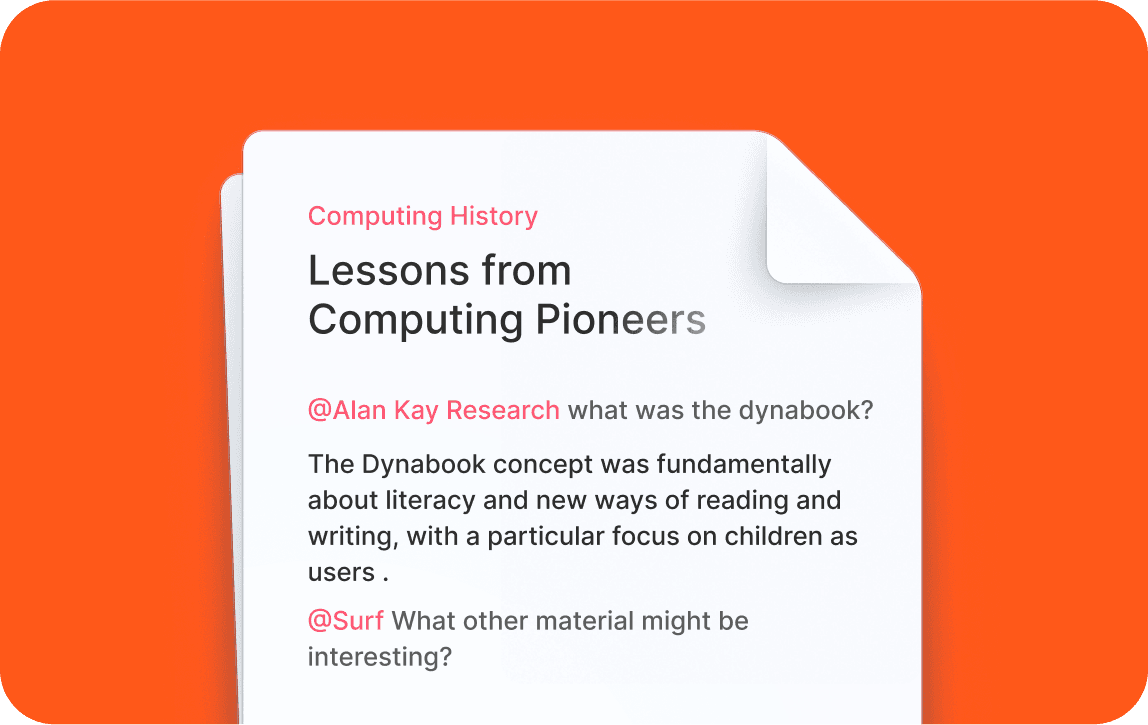
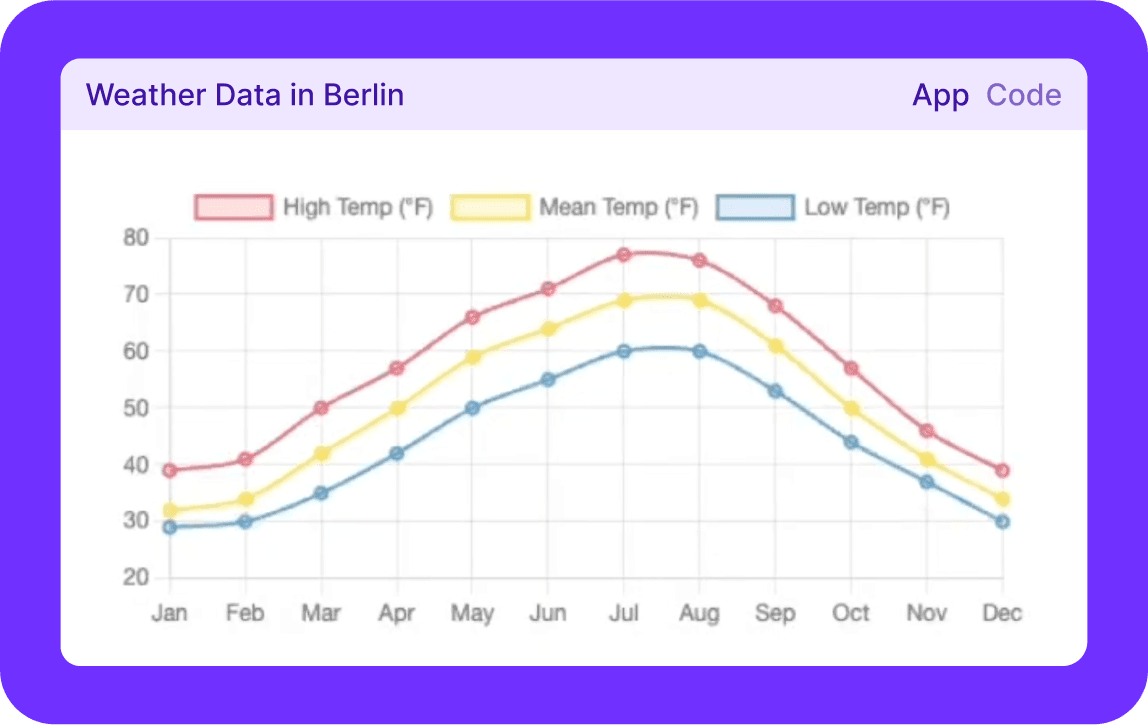
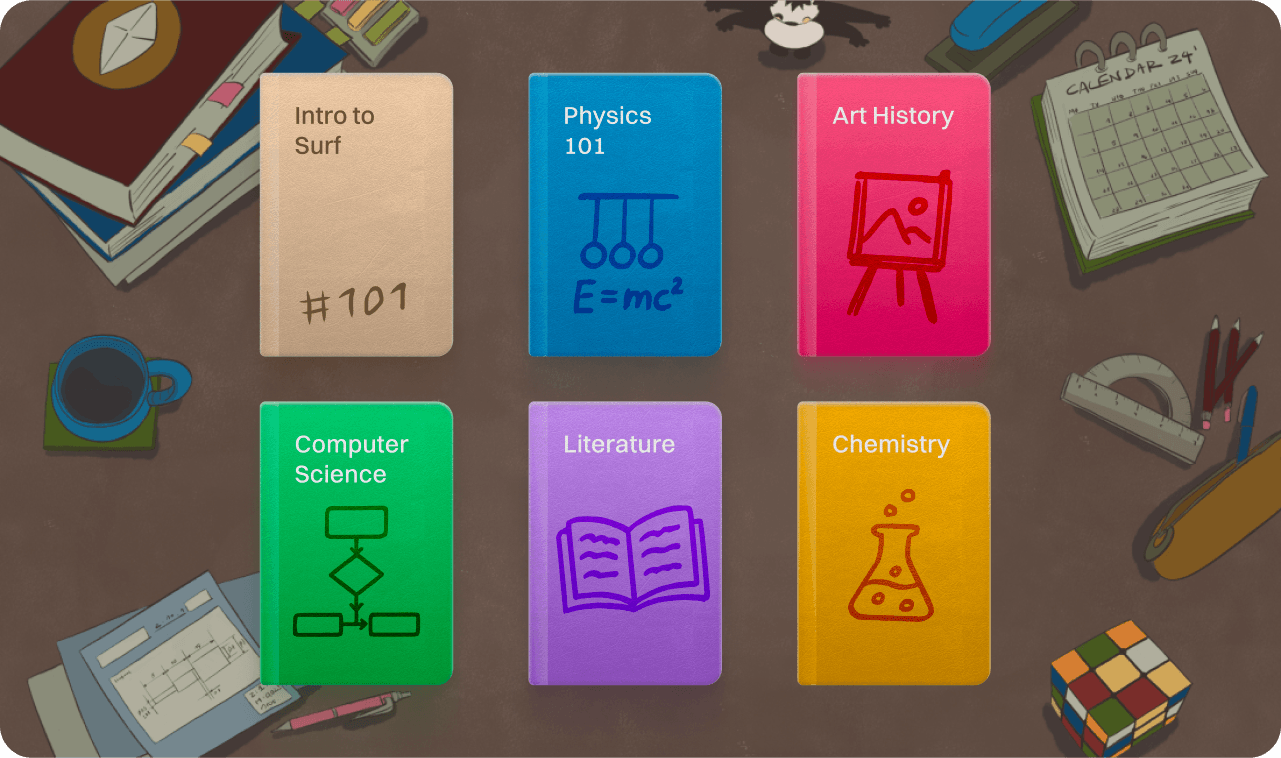
Deta Surf is a desktop AI notebook for macOS, Windows and Linux. You save files, web pages and links such as YouTube videos into notebooks on your computer, then ask questions or mention a source with @ to get notes with citations that link back to the exact page, web page section or video timestamp. It can also search the web and build small interactive applets for a note. It suits students and researchers who read across many sources.
Your library stays on your own computer in open file formats, and you choose the AI model, including one that runs locally.
Start with the first one: it is a small task you can check easily.
Example prompts written by Agent Flows Hub.
From the creator's documentation.
| Feature | What it does | Runs |
|---|---|---|
| Local library | Store files, web pages and links in notebooks, in open formats on your computer | Your computer |
| Smart notes | Ask about any tab or saved source with @ and get notes with citations | Your model provider |
| Citations | Each citation links to a section of a web page, a timestamp in a video or a page in a PDF | Your computer |
| Web search | Run web searches from a note and bring the results back into it | The internet |
| Surflets | Generate small interactive applets, such as a chart, without writing code | Your model provider |
| Model choice | Bring your own key for popular models, add a cloud model or connect a local one | Your choice of model |
You are reading a PDF, a few web pages and a lecture video on one topic. Surf keeps them in one notebook on your computer and writes notes that cite the page, section or timestamp each point came from.
Notes by Agent Flows Hub (original project name: Surf), written from the creator's documentation, not from running it ourselves. Deta Surf README · Installing Surf
Tell us what happened. We take a look first; if it needs paid work, you get an estimate before anything starts.
Lets you chat with your PDFs, videos and web pages, take notes and turn them into podcasts
by Luis Novo

Lets you chat with papers in Zotero, get cited answers and save them as notes
by Yile Wang

Researches a question across the web, papers and your own files and writes a cited report
by LearningCircuit