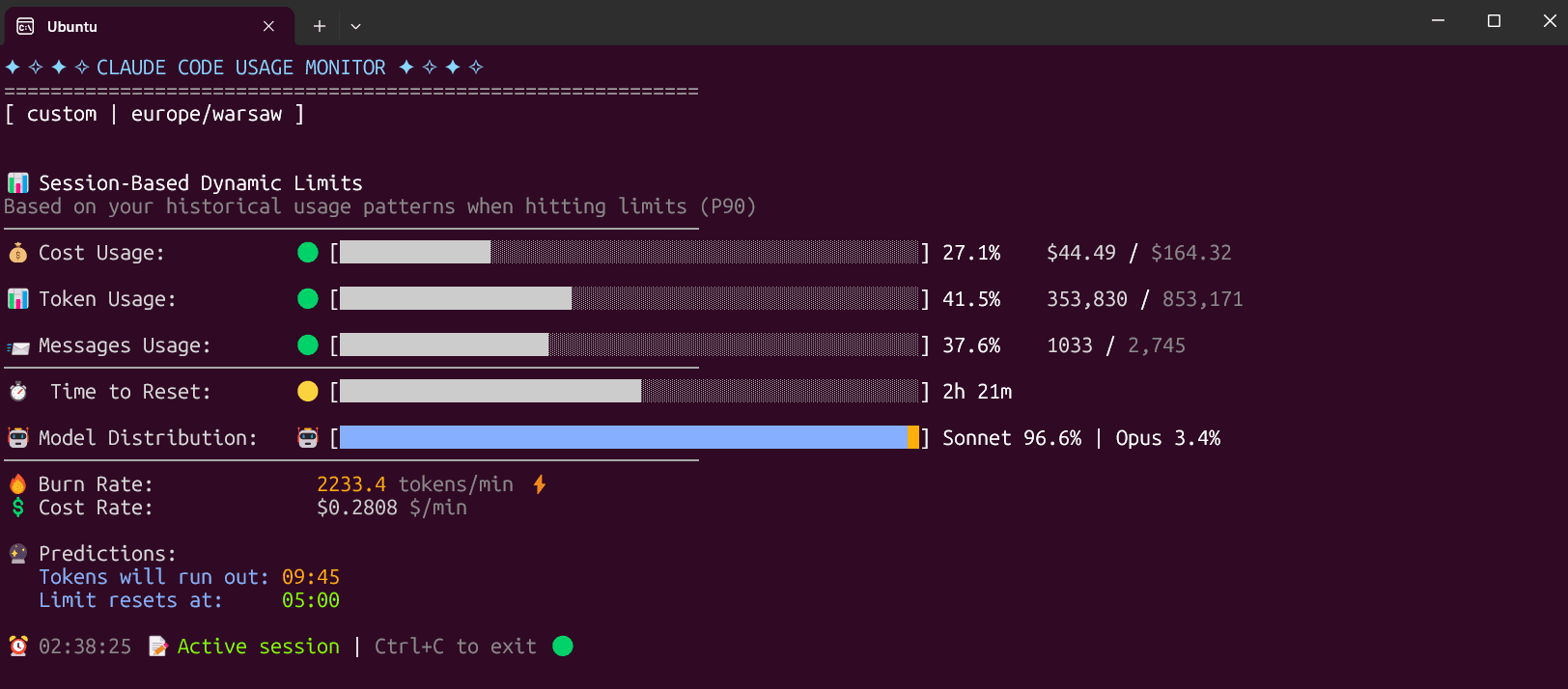
Claude Code Usage Monitor
Shows your Claude Code usage live in the terminal and warns you before you hit a limit
by Maciej


by Jarrod WattsPluginWrite code
Shows context use, usage limits and what Claude Code is doing in a bar under your input
You are deep in a long Claude Code session and can't tell whether the context is nearly full or your usage limit is about to run out.
For Claude Code usersPeople running long sessions
Claude HUD is a Claude Code plugin that adds a small status display under the box where you type. By default it shows the model, project and git branch, how full the context window is and, for subscribers, how much of the usage limit is used and when it resets. You can turn on extra lines for running tools, subagents and to-do progress through a guided setup. It suits people who keep long Claude Code sessions open and want to see what is going on at a glance.
It answers how much room is left and what the agent is doing right now without you typing a command, with labels in English or Chinese.
Start with the first one: it is a small task you can check easily.
Example prompts written by Agent Flows Hub.
From the creator's documentation.
| Output | What it is | Reads |
|---|---|---|
| Context bar | How full the context window is, turning yellow then red as it fills | Your session |
| Usage limits | Subscriber usage used so far and the time until it resets | Your session |
| Activity lines | Running tools, subagents and to-do progress, when you turn them on | Your session |
| Guided settings | /claude-hud:configure previews layout and options before saving | Your computer |
| Status line setup | Points Claude Code's status line at the HUD, backing up settings.json first | Your settings |
| Languages | Labels in English, Simplified Chinese or Traditional Chinese | Your computer |
You run long Claude Code sessions and want to know how full the context is and how much of your usage limit is left. Claude HUD prints that under the input box, with optional lines for tools, subagents and to-dos.
Notes by Agent Flows Hub (original project name: claude-hud), written from the creator's documentation, not from running it ourselves. Claude HUD README: install and configuration
Tell us what happened. We take a look first; if it needs paid work, you get an estimate before anything starts.
Shows your Claude Code usage live in the terminal and warns you before you hit a limit
by Maciej

Shows how much of your AI coding limits you have left, right in the Mac menu bar
by Peter Steinberger

Shows every step Claude Code took in a session, with the files, edits and tokens behind it
by matt