
Claude-Mem
Lets Claude Code remember earlier sessions so you can pick up where you left off
by Alex Newman




by Fabio AkitaCLI toolWrite code
Gives your coding agents a shared memory so the next one picks up where you stopped
You hit a usage limit in one coding agent, open another, and have to explain the whole project and what already failed all over again.
For DevelopersPeople who use several coding agents
ai-memory is a program that runs on your computer and records what your coding agents do, after sanitizing it, as plain markdown pages in a git-backed wiki. When you quit one agent and open another, such as Claude Code and then Codex, the next one gets a handoff that says where you left off, what failed and what is still open. It works with more than twenty agents and needs no model API key for its default features. It suits people who switch between coding agents.
The memory is ordinary markdown files in git, so you can read, search and edit it by hand.
Start with the first one: it is a small task you can check easily.
Example prompts written by Agent Flows Hub.
From the creator's documentation.
| Feature | What it does | Runs |
|---|---|---|
| Handoffs | Passes where you stopped, what failed and what is open to the next agent | Your computer |
| Automatic capture | Hooks record sanitized prompts and tool calls as you work | Your computer |
| Markdown wiki | Memory is plain pages in git that you can search and edit | Your computer |
| No model key needed | Capture, search and handoffs work without an LLM API key | Your computer |
| Agent setup | Wires MCP, hooks and skills into the agents it finds, after asking | Your agent settings |
| Shared server | Optional: one server for several machines or a team | Your server |
You use more than one coding agent, or hit a usage limit in one and switch to another. ai-memory keeps a shared record of the project and hands the next agent a summary of where you stopped, so you do not explain it again.
Notes by Agent Flows Hub (original project name: ai-memory), written from the creator's documentation, not from running it ourselves. ai-memory README · ai-memory support matrix
Tell us what happened. We take a look first; if it needs paid work, you get an estimate before anything starts.
Lets Claude Code remember earlier sessions so you can pick up where you left off
by Alex Newman
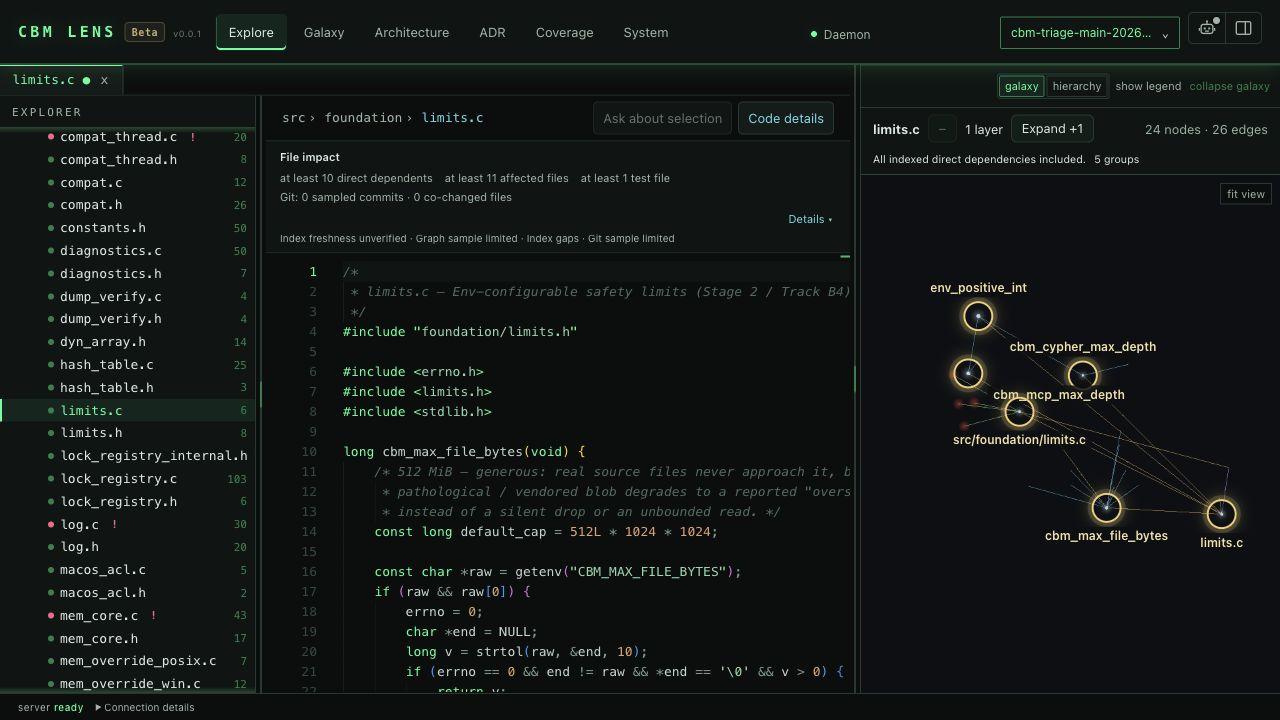
Gives your coding agent a local, searchable map of your code, docs and infrastructure
by Martin Vogel
Runs many coding agents side by side in your terminal, using little memory per session
by Jeremy Huang