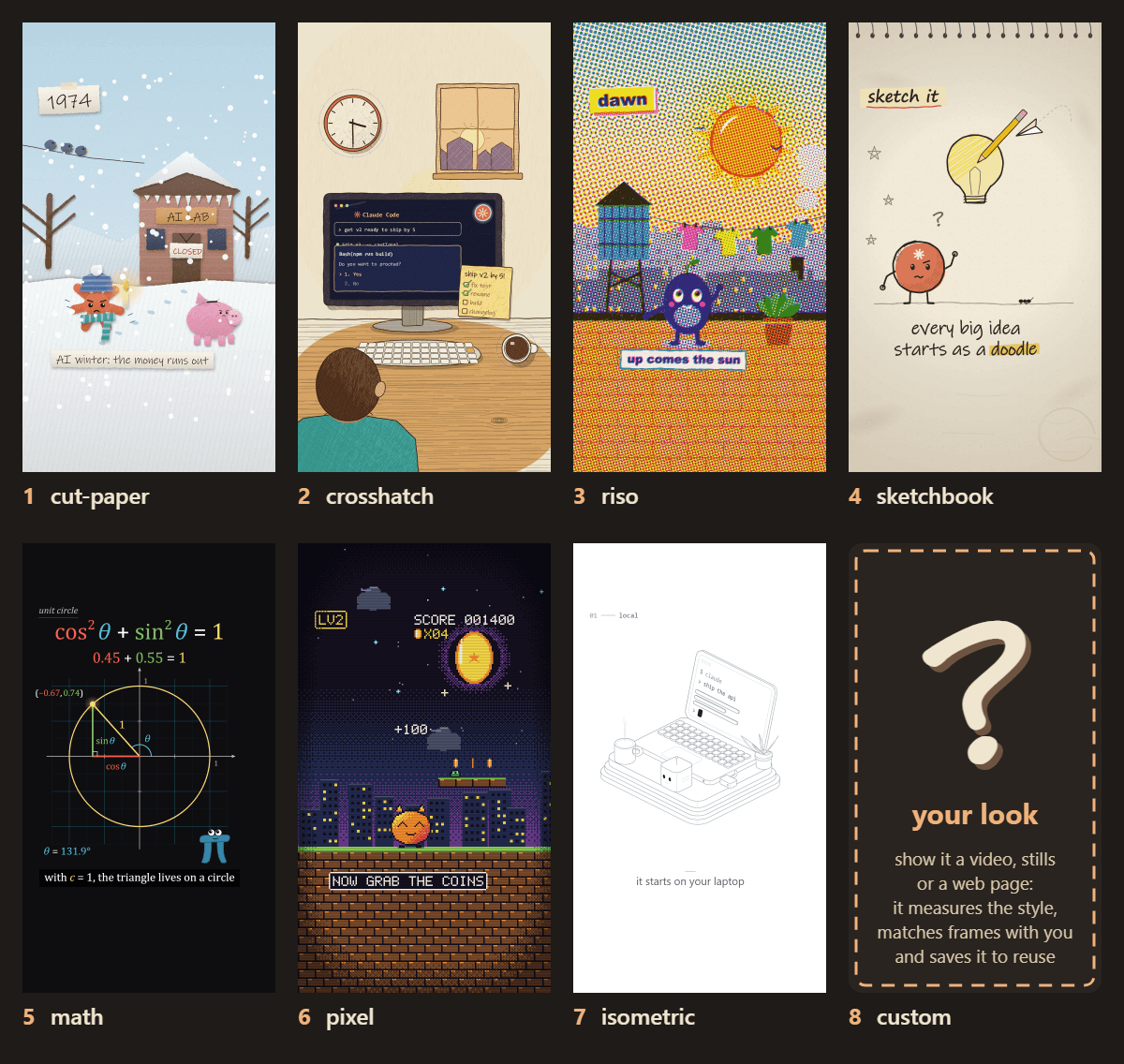
Animate
Makes short animated explainer videos in one of seven drawing styles, rendered to MP4
by Chase


by Comfy OrgWorkflowMake video or audio
Makes a character from one picture copy the moves of a person in a video
An official ComfyUI workflow template for Wan Animate 2. Give it a character picture, a video of someone moving and a short prompt, and it makes a new video of your character copying the moves.
For Animators and character artistsVideo creators
Comfy Org is the company behind ComfyUI, an open-source tool for building image, video, audio and 3D AI workflows, which also has desktop, cloud and API versions.
This is an official ComfyUI workflow template for Wan Animate 2, an open character animation model from the Wan team at Alibaba. You give it a picture of a character, a video of someone moving and a short text prompt, and it makes a new video of your character doing the same moves, with a background drawn from the prompt. No pose or skeleton step is needed. The model files take about 24 GB. It suits creators who animate characters and can run large models on their own graphics card.
It reads motion straight from the video frames, so you skip the pose-extraction step the earlier Wan 2.2 Animate needed.
Start with the first one: it is a small task you can check easily.
Example prompts written by Agent Flows Hub.
From the creator's documentation.
| Step | What happens | Data goes to |
|---|---|---|
| 1 · Model files | Download the model files listed in the template, about 24 GB in all | Your computer |
| 2 · Picture and video | You load the character picture and the video whose motion it should copy | Your computer |
| 3 · Prompts | One prompt describes the character's looks and background, another the motion | Your computer |
| 4 · Animate | Wan Animate 2 makes 81 frames, about 3.4 seconds, on your graphics card | Your computer |
| 5 · Save and compare | ComfyUI saves the clip and shows it side by side with the source video | Your computer |
Animate a still character with motion taken from a driving video, using the official Wan Animate 2 graph. You describe the character's looks and the background in one prompt and the motion in another, and the template saves the new clip with a side-by-side comparison.
Notes by Agent Flows Hub (original project name: video_wan_animate2 (ComfyUI template)), written from the creator's documentation, not from running it ourselves. Wan Animate 2: Motion Transfer (ComfyUI docs) · Wan Animate 2 template file
Tell us what happened. We take a look first; if it needs paid work, you get an estimate before anything starts.
Makes short animated explainer videos in one of seven drawing styles, rendered to MP4
by Chase

Turns the website or app you built into a short launch video with music and share copy
by Latent Spaces

Turns a long interview, podcast or course video into captioned short clips with post copy
by Kris K