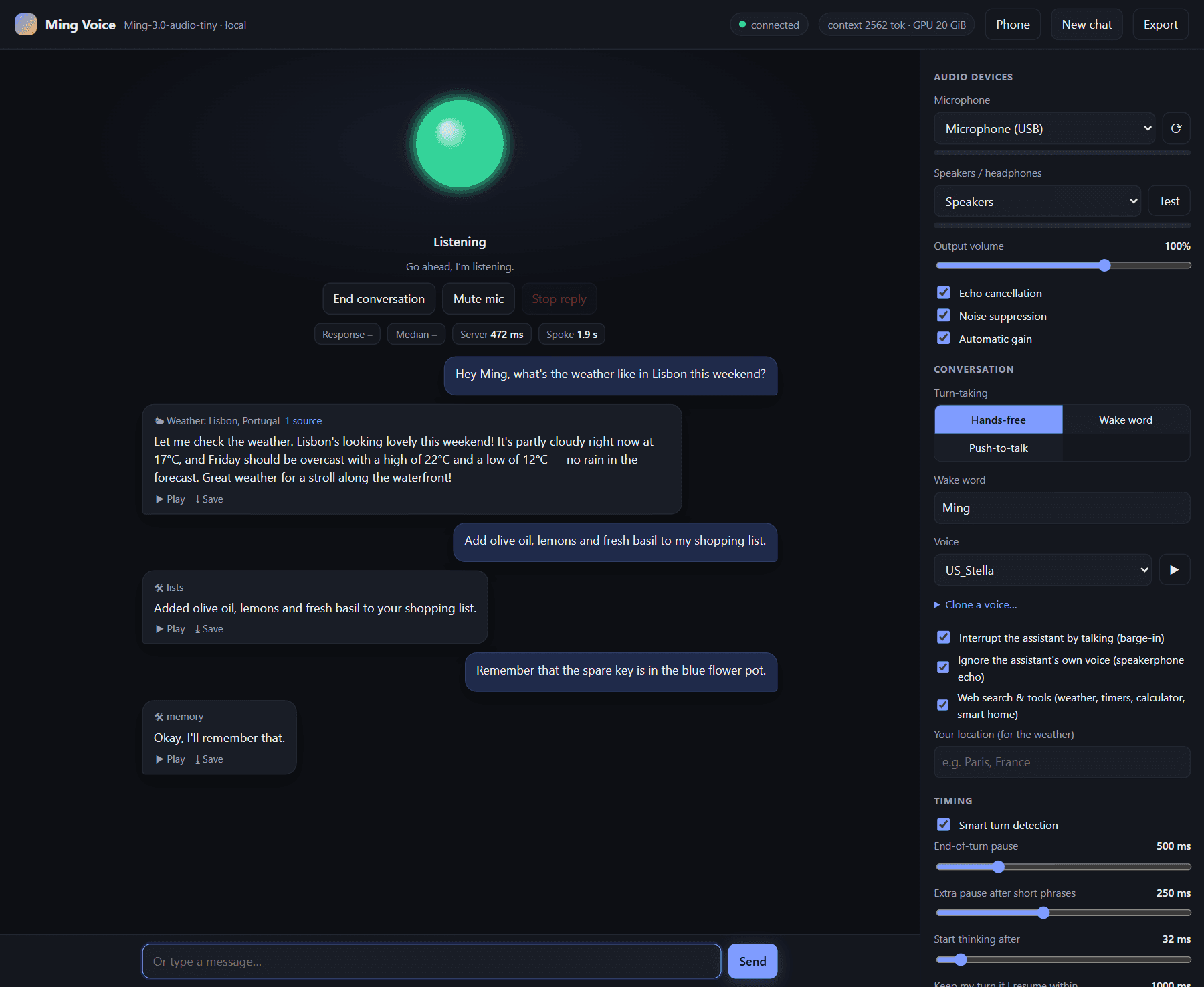
Ming Voice
Runs a spoken voice assistant on your own graphics card, with timers, lists and smart home
by JMS1717


by LangGeniusWorkflowGet organised
Reads photos of business cards and lists each person's name, title, phone and email
You came back from a conference with thirty business cards and a rubber band around them.
For People who attend eventsSales teamsNewcomers to Dify
Workflow Basic: Business Card Reader is an official Dify starter template. You upload up to five photos or scans of business cards; a vision-capable AI model reads them and returns the name, job title, company, website, phone and email as a structured list. Notes inside the template also explain the three basic building blocks of a Dify workflow. It suits anyone who comes back from an event with a pile of cards, and people new to Dify.
It is a three-step workflow you can read in a minute, so it doubles as a gentle first lesson in building with Dify.
Start with the first one: it is a small task you can check easily.
Example prompts written by Agent Flows Hub.
From the creator's documentation.
| Step | What happens | Data goes to |
|---|---|---|
| 1 · Upload | You upload up to five card photos or scans | Dify (cloud or your own) |
| 2 · Read the card | A vision-capable model reads each image | Your AI provider |
| 3 · Contact list | Name, job title, company, website, phone and email as a structured list | Dify (cloud or your own) |
Turn a stack of business cards into contact details you can paste into a spreadsheet or address book. The model reads each card image and lists the main fields.
Notes by Agent Flows Hub (original project name: Workflow Basic: Business Card Reader), written from the creator's documentation, not from running it ourselves. Workflow Basic: Business Card Reader (Dify Marketplace) · Dify docs: LLM node
Tell us what happened. We take a look first; if it needs paid work, you get an estimate before anything starts.
Runs a spoken voice assistant on your own graphics card, with timers, lists and smart home
by JMS1717
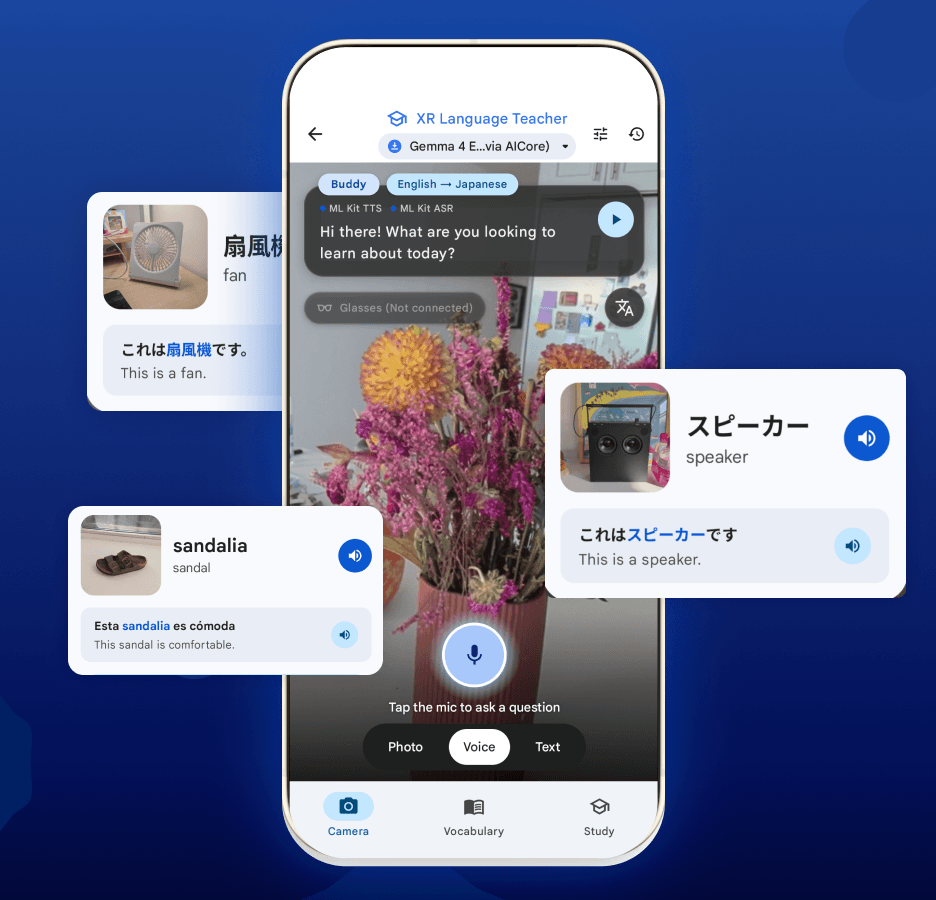
Runs AI chat, photo questions and transcription on your phone, with no internet needed
by Google
Turns a decision you can't make alone into a questionnaire for the person who knows
by Matt Pocock