
Hermes Agent
Gives you an AI assistant that remembers you and does tasks from Telegram or Slack
by Nous Research



by OpenClaw FoundationAgentGet organised
Lets you message an AI assistant on WhatsApp, Telegram or Slack that runs on your computer
OpenClaw is an open-source personal AI assistant that runs on your computer and answers you in chat apps such as WhatsApp, Telegram and Slack, using tools and skills to carry out your requests.
For People who want a personal assistantSmall teams sharing one assistantChat app users
The OpenClaw Foundation, an independent US non-profit (501(c)(3)) that employs the core team and keeps the project MIT-licensed. Its site names Peter Steinberger as the creator.
From the project's own repository · 2 images, swipe or use the arrows.
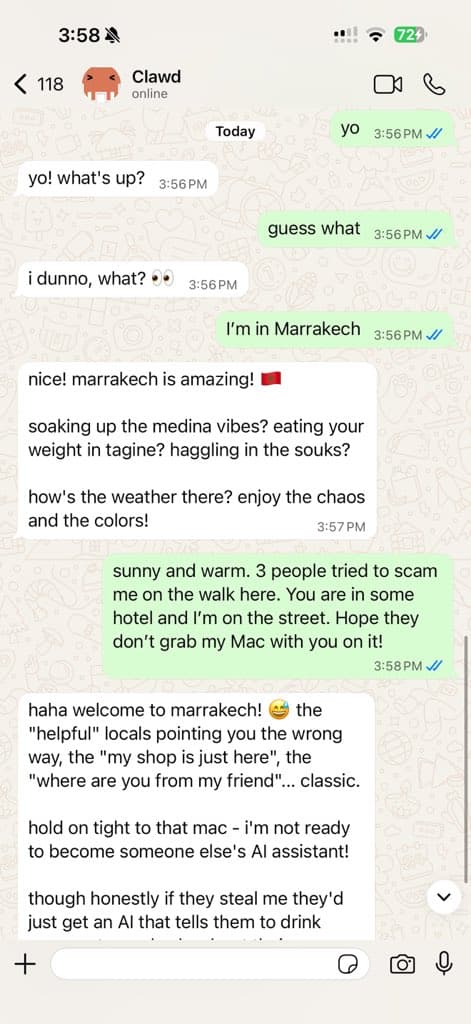
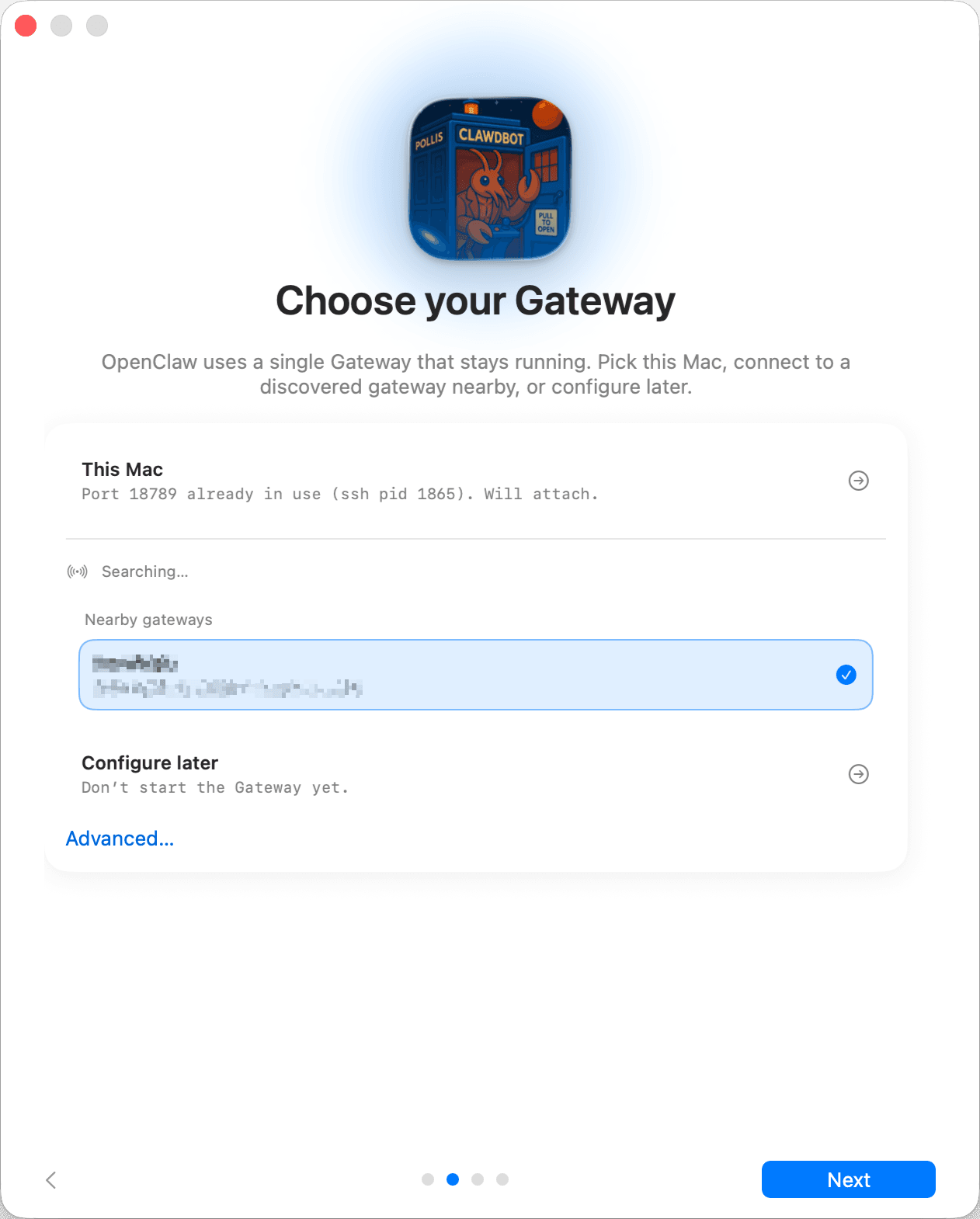
OpenClaw is an open-source personal AI assistant that runs on your own computer and answers you in the chat apps you already use, such as WhatsApp, Telegram, Slack, Discord and iMessage. You send it a request in a chat; it uses tools, skills and plugins on your machine to carry out the task and replies there. You pick the AI model, and your settings, memory and logins stay on your hardware. It suits people who want one assistant they can reach from their phone or desktop.
It meets you in more than 20 chat apps instead of a new window, and a non-profit foundation stewards it with no paid tier or hosted service.
Start with the first one: it is a small task you can check easily.
Example prompts written by Agent Flows Hub.
From the creator's documentation.
| Feature | What it does | Runs |
|---|---|---|
| Chat channels | Talk to it from WhatsApp, Telegram, Slack, Discord, iMessage and more than 20 other apps | Your chat accounts |
| Control UI | A local web dashboard to chat, check status and change settings | Your computer |
| Companion apps | Apps for macOS, iOS, Android, Windows and Linux add voice, camera and screen actions | Your devices |
| Tools and skills | Runs tools on your computer and can be extended with skills and plugins | Your computer |
| Model choice | Use a hosted model or a local one; prompts go to the provider you connect | Your model provider |
| Sender pairing | Unknown senders in direct messages must be paired by you before it answers them | Your chat accounts |
You want to send an assistant a request from a chat app on your phone and have it carry out the task on your computer. OpenClaw runs a local Gateway that connects your chosen model to channels such as Telegram or WhatsApp.
Notes by Agent Flows Hub (original project name: OpenClaw), written from the creator's documentation, not from running it ourselves. OpenClaw getting started guide · OpenClaw README
Tell us what happened. We take a look first; if it needs paid work, you get an estimate before anything starts.
Gives you an AI assistant that remembers you and does tasks from Telegram or Slack
by Nous Research
Keeps a personal AI agent running on your computer that you can message from Telegram
by Cosmic Stack

Gives you a personal AI assistant on your computer that you can message from chat apps
by AgentScope team