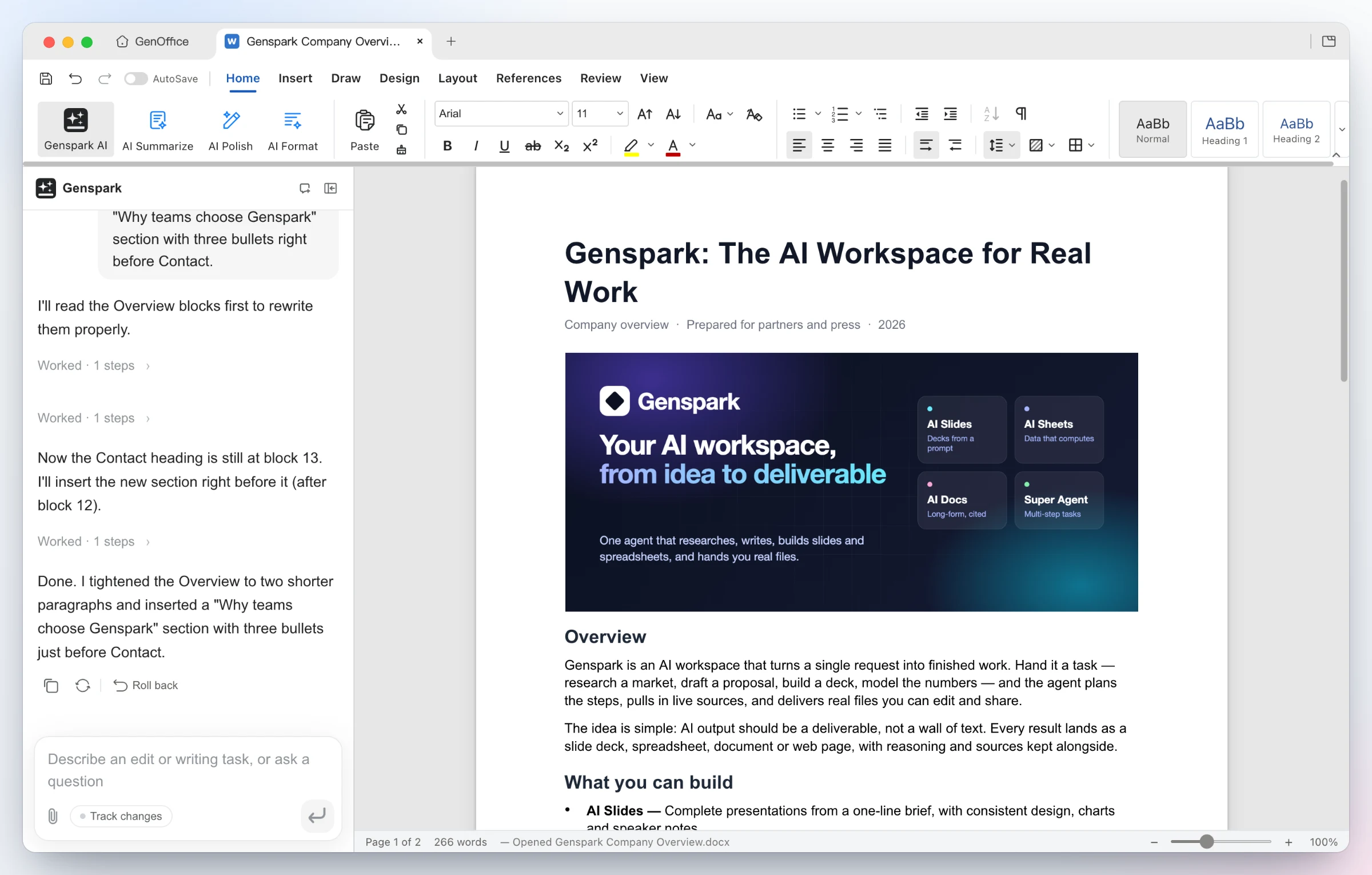
GenOffice
Opens Word, Excel and PowerPoint files and lets an AI edit them, with changes you can undo
by Genspark


by iOfficeAICLI toolMake visuals
Lets your AI agent create and edit Word, Excel and PowerPoint files without Office
OfficeCLI is a free tool that lets your AI agent create, read and edit Word, Excel and PowerPoint files without Office installed, with a live browser preview while the file changes.
For AI agent usersPeople who make reports and decksDevelopers automating documents
iOfficeAI is the GitHub organization that publishes OfficeCLI as free, open-source software; its profile goes by the name AionUi.
From the project's own repository · 2 images, swipe or use the arrows.

OfficeCLI is a free command-line tool from iOfficeAI that reads, creates and edits .docx, .xlsx and .pptx files. Its install step also adds an OfficeCLI skill to AI agents it finds, such as Claude Code or Cursor, so you can ask your agent for a deck, report or spreadsheet in plain words. It can render documents to HTML or PNG and show a live preview in your browser while the file changes. It suits people who already use an AI agent and want it to hand back real Office files.
It is a single program that needs no Office install, and its live preview lets you and the agent see each slide or page as it changes.
Start with the first one: it is a small task you can check easily.
Example prompts written by Agent Flows Hub.
From the creator's documentation.
| Feature | What it does | Runs |
|---|---|---|
| Create | New Word, Excel and PowerPoint files, blank or with content | Your computer |
| Read and check | Text, structure, styles and formulas as plain text or JSON, plus formatting problems | Your computer |
| Edit | Text, fonts, colours, layout, formulas, charts and images in an existing file | Your computer |
| Live preview | Opens the file in your browser and refreshes after each change | Your computer |
| Agent setup | Adds its skill or MCP server to agents it detects, such as Claude Code or Cursor | Agent settings |
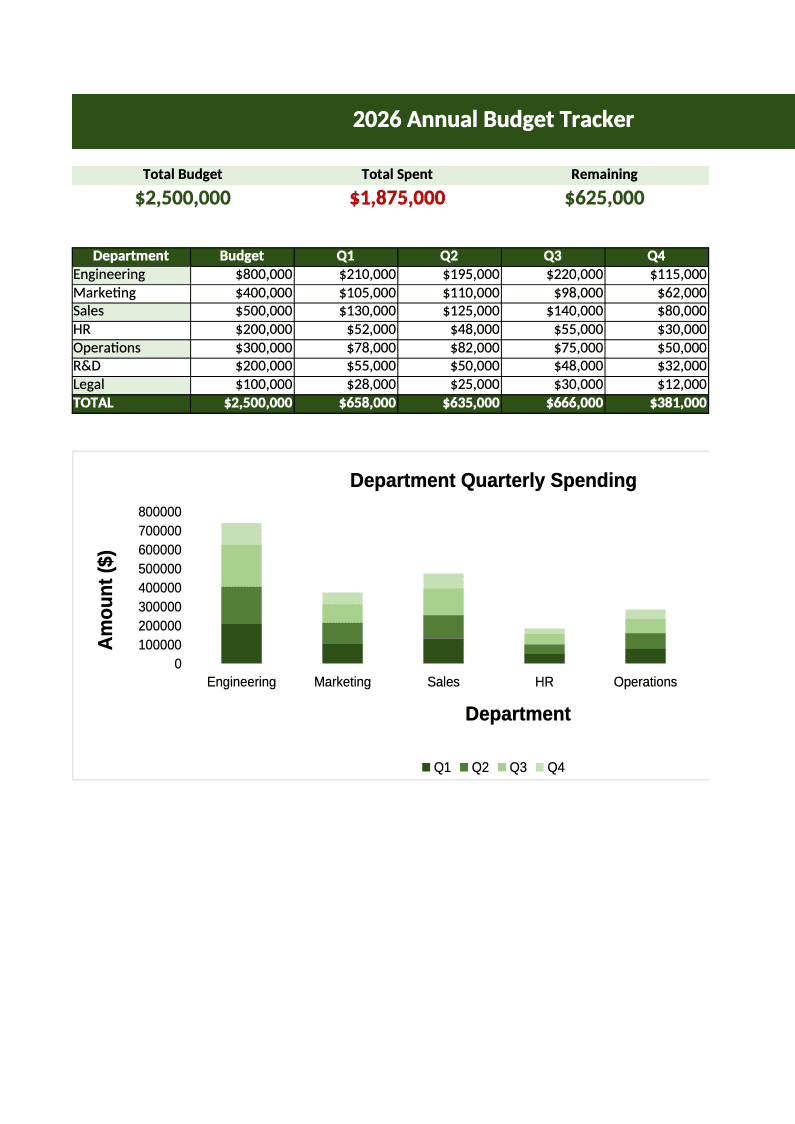
Ask your AI agent for a slide deck, a report or a budget spreadsheet and get a real .pptx, .docx or .xlsx file back. The live preview shows each change in your browser while the agent works.
Notes by Agent Flows Hub (original project name: OfficeCLI), written from the creator's documentation, not from running it ourselves. OfficeCLI README · OfficeCLI wiki
Tell us what happened. We take a look first; if it needs paid work, you get an estimate before anything starts.
Opens Word, Excel and PowerPoint files and lets an AI edit them, with changes you can undo
by Genspark
Lets Claude create, read and edit Word files, including tracked changes and comments
by Anthropic
Rebuilds slide screenshots, PDFs or image-only decks as PowerPoint files you can edit
by ningzimu