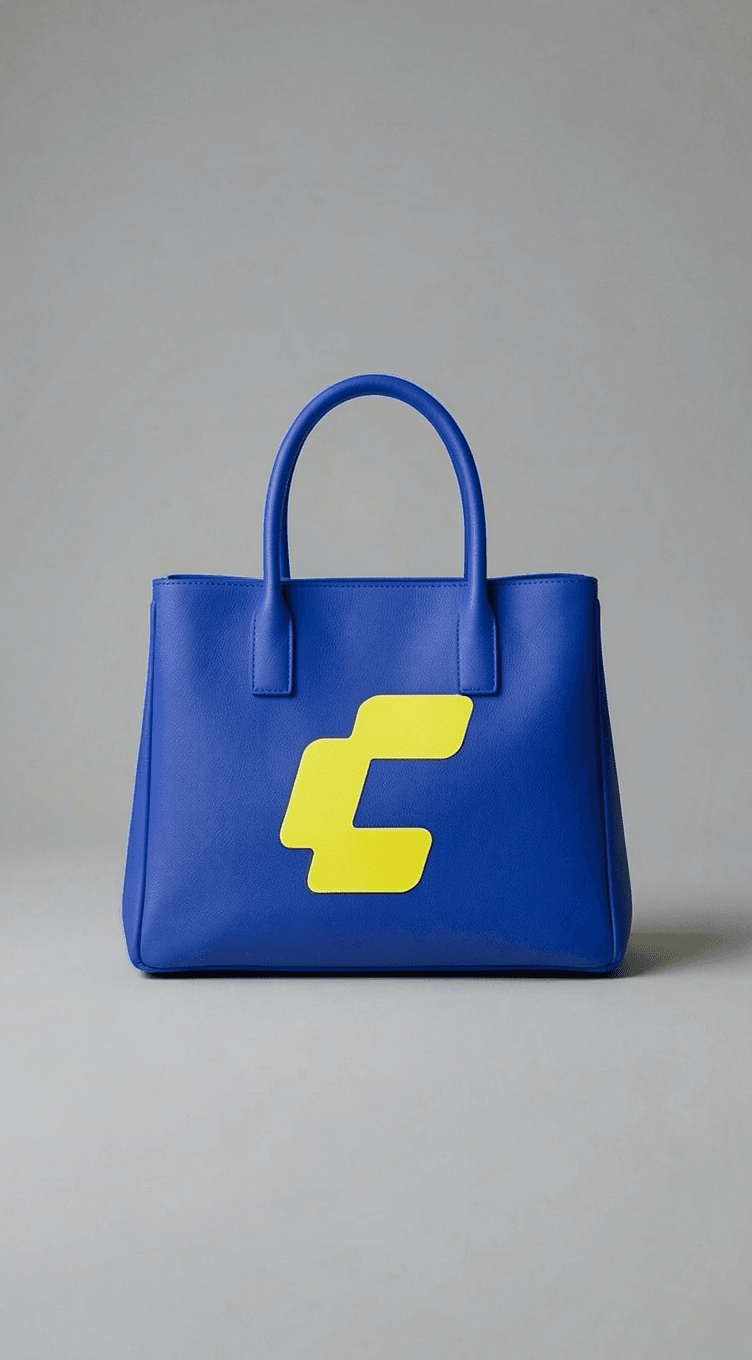
FLUX.2 Klein Image Edit
Edits a photo from a plain instruction, such as changing a colour or adding a logo
by Comfy Org


by Comfy OrgWorkflowMake visuals
Edits a photo from a plain instruction, built to keep the person's identity consistent
An official ComfyUI workflow template for editing a photo from a plain instruction, using Alibaba's Qwen-Image-Edit-2511 model in a smaller int8 version. Load one picture, describe the change and get one edited image.
For Creators and illustratorsDesigners making variationsOnline sellers
Comfy Org is a San Francisco company that develops ComfyUI, an open-source tool for visual AI. This template comes from its official workflow_templates repository.
From the project's own repository · 2 images, swipe or use the arrows.


This is an official ComfyUI workflow template for Qwen-Image-Edit-2511 from Alibaba's Qwen team, using a smaller int8 version of the model. You load one picture and describe the change, for example turn it into a pop-art poster, and it returns one edited image. The model is built to keep a person's identity steady across edits and can also change materials on objects. It suits creators, designers and online sellers who edit pictures on their own computer.
The model is built to keep faces and characters consistent while it restyles or changes a picture, and its files are under the Apache 2.0 license.
Start with the first one: it is a small task you can check easily.
Example prompts written by Agent Flows Hub.
From the creator's documentation.
| Step | What happens | Data goes to |
|---|---|---|
| 1 · Model files | ComfyUI lists the int8 edit model, text encoder, VAE and a speed-up LoRA, about 29 GB | Your computer |
| 2 · Picture | You load one image | Your computer |
| 3 · Instruction | You describe the change in plain words | Your computer |
| 4 · Edit | Qwen-Image-Edit-2511 makes the change on your graphics card, built to keep people's look consistent | Your computer |
| 5 · Save | ComfyUI saves the edited picture | Your computer |
Edit one input image with a written instruction using the official Qwen-Image-Edit-2511 int8 ComfyUI graph. The template loads the model, encodes your picture and instruction, and saves the edited image.
Notes by Agent Flows Hub (original project name: image_qwen_image_edit_2511_int8 (ComfyUI template)), written from the creator's documentation, not from running it ourselves. Qwen-Image-Edit-2511 in ComfyUI: official tutorial · Qwen Image Edit 2511 Int8: pinned ComfyUI template
Tell us what happened. We take a look first; if it needs paid work, you get an estimate before anything starts.
Edits a photo from a plain instruction, such as changing a colour or adding a logo
by Comfy Org

Rebuilds the object in one photo as a 3D model written in Three.js code
by img2threejs
Enlarges a small or blurry photo into a sharper, higher-resolution image on your computer
by Comfy Org