
Instant Chart Maker
Turns a table of numbers into a ready-made chart image in seconds
by AntV (Ant Group)



Edits a photo from a plain instruction, such as changing a colour or adding a logo
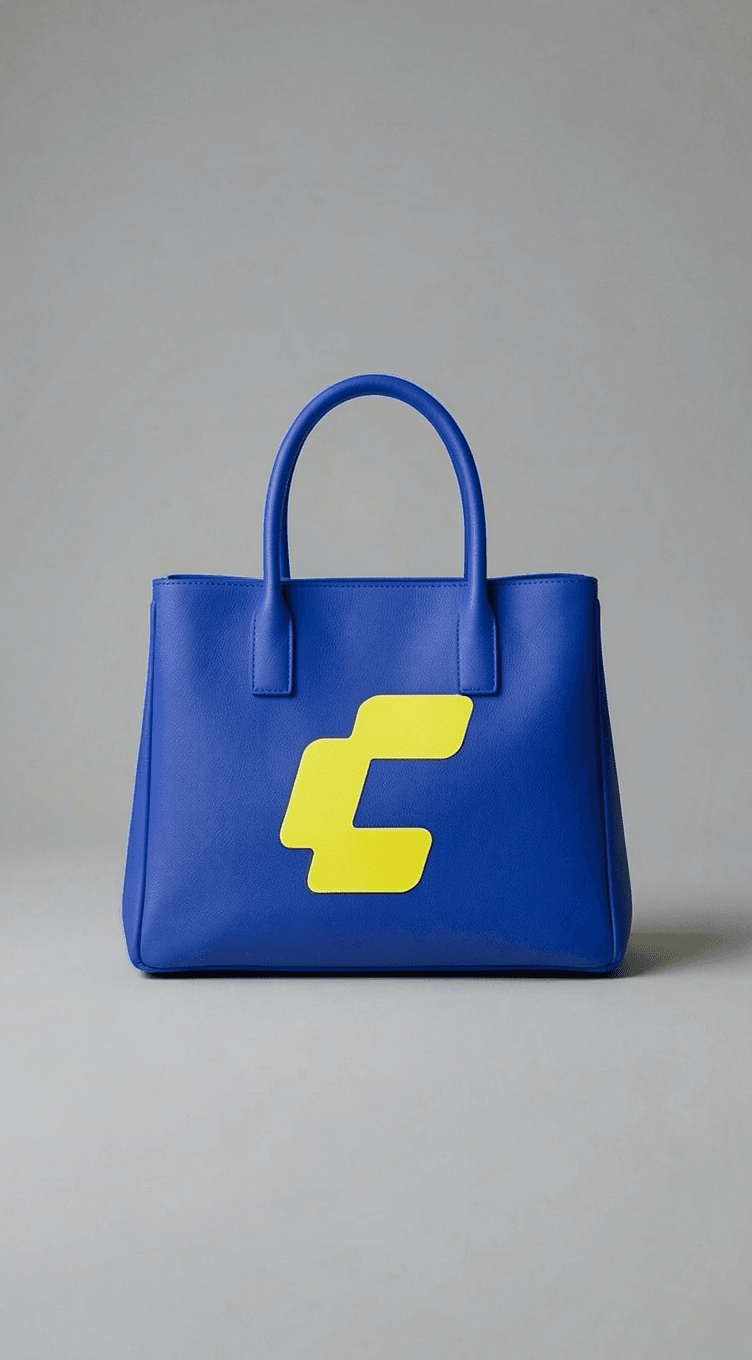
This is an official ComfyUI workflow template for editing images with FLUX.2 [klein] 4B, a small open model from Black Forest Labs. You load one or two pictures and describe the change, for example restyle a handbag with the colours and logo from a second image, and it returns the edited picture. ComfyUI offers to download the model files (about 12 GB) the first time. It suits product photos, quick mock-ups and style changes on your own computer.
It is the fastest model in the FLUX family and its makers list about 8.4 GB of graphics memory, so it fits many home PCs.
Steps follow the creator's instructions.
Tell us what happened. We confirm scope and price before any paid work.
Turns a table of numbers into a ready-made chart image in seconds
by AntV (Ant Group)

Makes interactive generative art you can tweak with sliders and save as images
by Anthropic

Generates images, video and audio with AI models through a visual node canvas
by Comfy Org