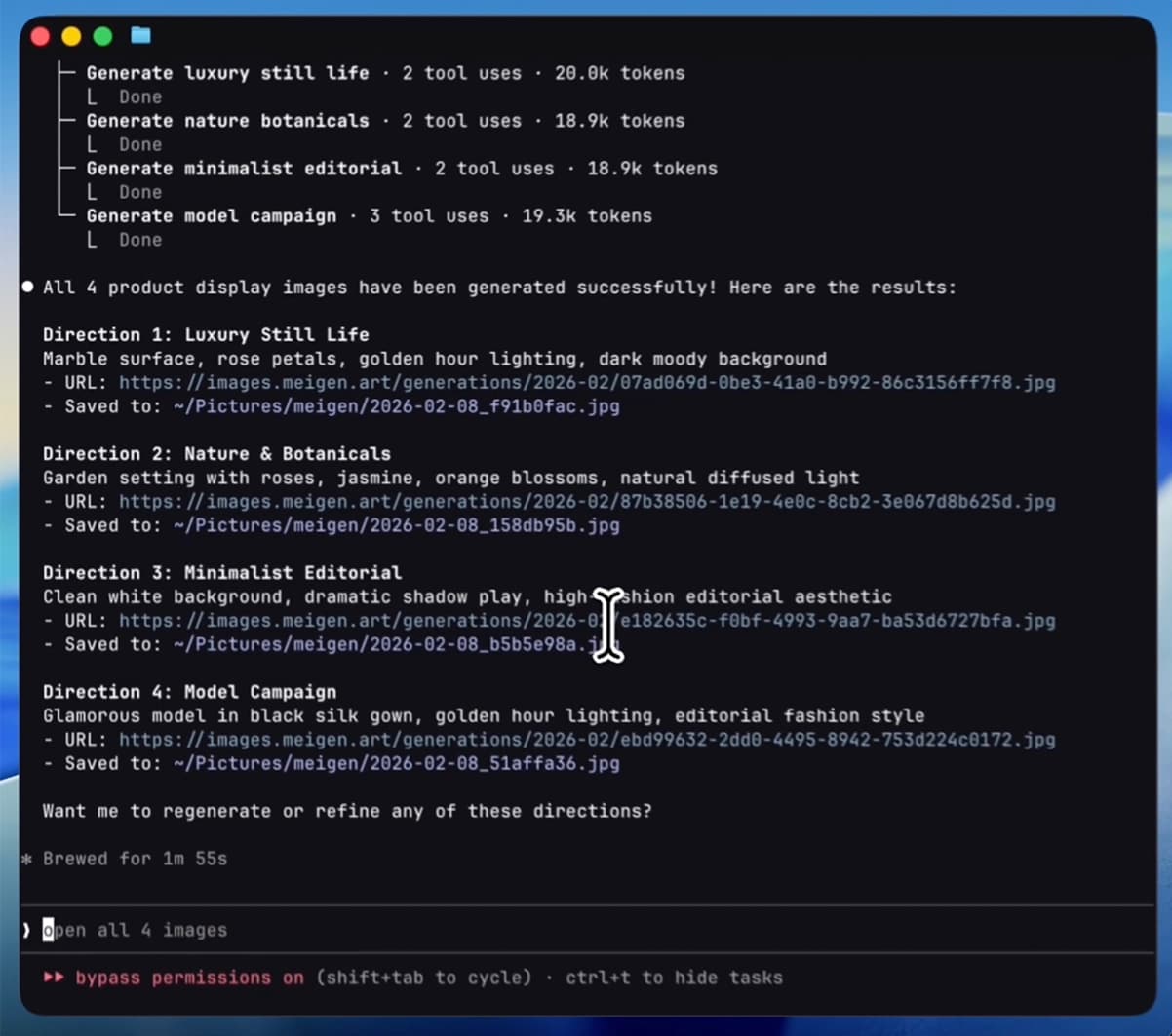
MeiGen AI Design
Lets ChatGPT, Claude or Cursor find visual ideas and make images and videos for you
by MeiGen


by Comfy OrgWorkflowMake visuals
Makes a finished image from a one-line idea, including readable English or Chinese text
An official ComfyUI workflow that turns a one-line idea into a finished image with MOSS-Image, an open image model. A prompt helper expands your idea and the image is drawn on your own computer, with readable lettering.
For Poster and social-media makersConcept artistsHome-PC image makers
Comfy Org is a small San Francisco team that builds open-source tools for visual AI, including ComfyUI. This template uses MOSS-Image, an open model from OpenMOSS.
From the project's own repository.

This is an official ComfyUI workflow template for MOSS-Image, an open image model from OpenMOSS. You type a short idea, a built-in prompt helper expands it into a full scene description, and the model draws the image on your own computer. It can render English and Chinese lettering, such as a sign or a poster title, inside the picture. It suits people making posters, product shots or concept art who want to run the model locally.
A one-line request is enough because the template rewrites it into a detailed caption first and shows you the caption it used.
Start with the first one: it is a small task you can check easily.
Example prompts written by Agent Flows Hub.
From the creator's documentation.
| Step | What happens | Data goes to |
|---|---|---|
| 1 · Model files | ComfyUI lists the image model, text encoder and VAE files to download | Your computer |
| 2 · Your idea | You type a short description in the prompt box | Your computer |
| 3 · Prompt helper | Expands your idea into a full scene caption; you can switch it off | Your computer |
| 4 · Generate | MOSS-Image draws the picture on your graphics card, with English or Chinese lettering | Your computer |
| 5 · Save | ComfyUI saves the image and shows the caption it used | Your computer |
Generate an image from a short text idea with the official MOSS-Image ComfyUI graph. A prompt helper expands the idea into a full caption, then the model draws the image and ComfyUI saves it.
Notes by Agent Flows Hub (original project name: image_moss_image_t2i (ComfyUI template)), written from the creator's documentation, not from running it ourselves. MOSS-Image in ComfyUI: official tutorial · MOSS-Image: pinned ComfyUI template
Tell us what happened. We take a look first; if it needs paid work, you get an estimate before anything starts.
Lets ChatGPT, Claude or Cursor find visual ideas and make images and videos for you
by MeiGen
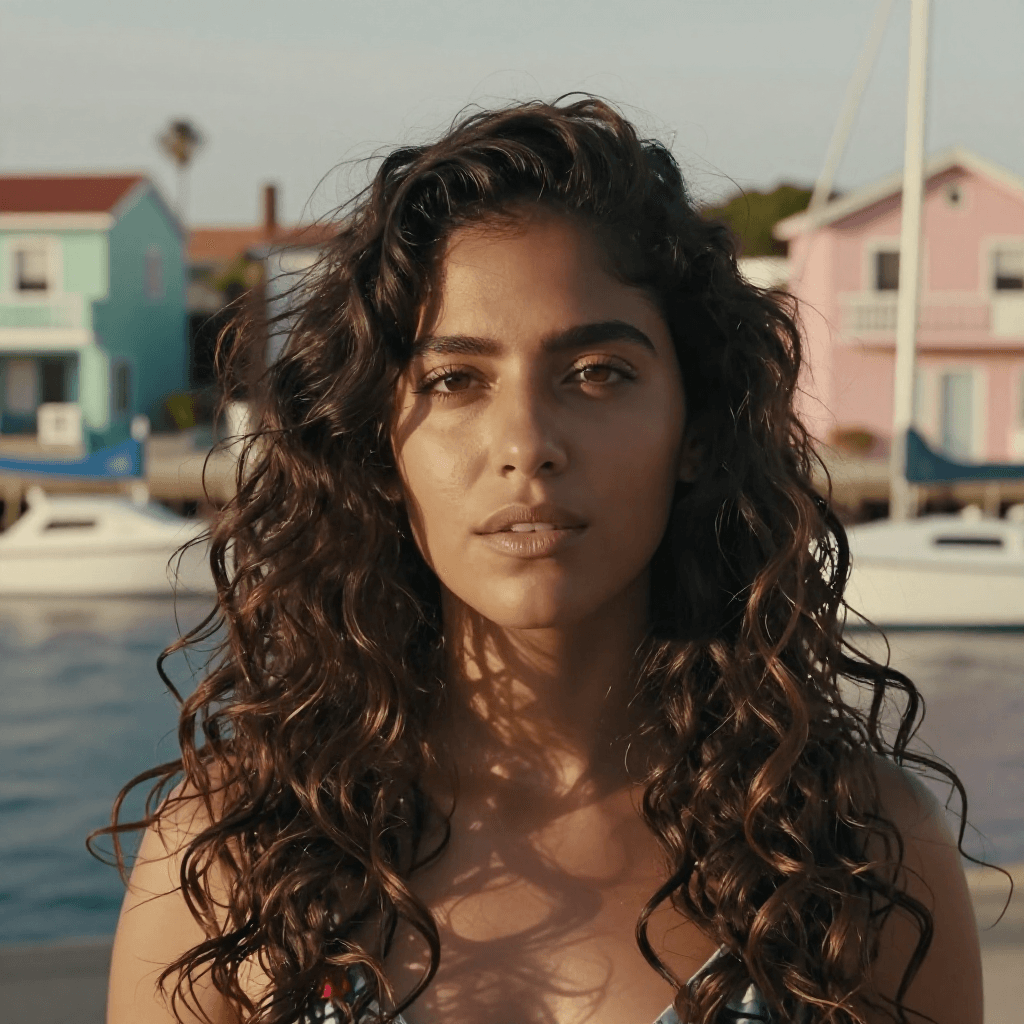
Makes photo-quality images from a text prompt on your own computer with a fast open model
by Comfy Org
Lets Claude create, read and edit Word files, including tracked changes and comments
by Anthropic