Landing Page Builder
Plans, writes and builds a one-page website for your offer, starting from a few questions
by Elaya


by tt-a1iSkillMake visuals
Turns an idea, plan or question into an interactive diagram page you can share
A skill that turns an idea, plan, question or codebase into one interactive HTML diagram page. It draws one of ten diagram types or a one-page explainer; you can click parts, switch themes and export images.
For People planning trips or projectsStudents and teachersEngineers explaining systems
An open-source project (Apache-2.0 license) by the developer behind the GitHub account tt-a1i, published on GitHub.
From the project's own repository · 5 images, swipe or use the arrows.
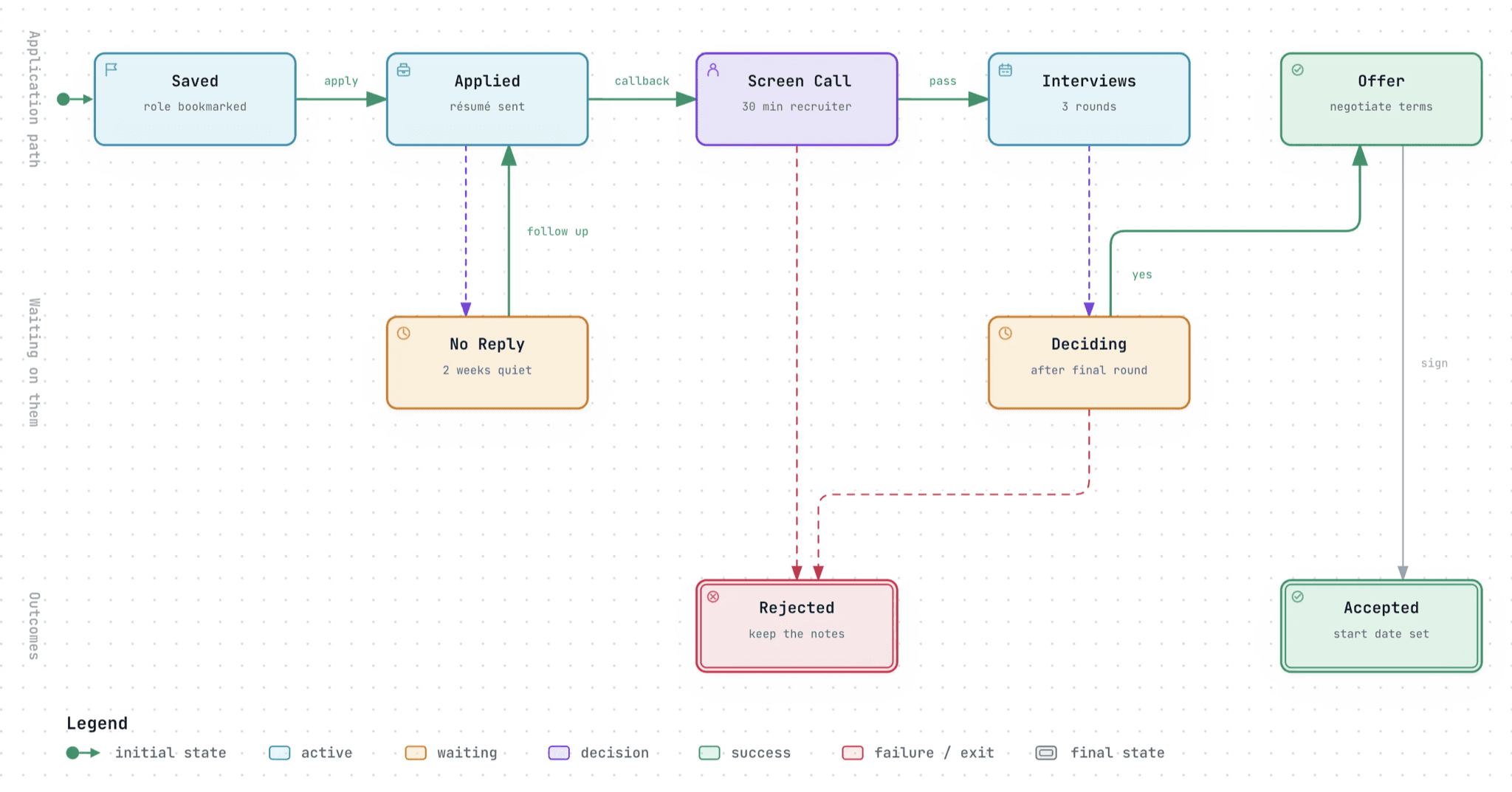
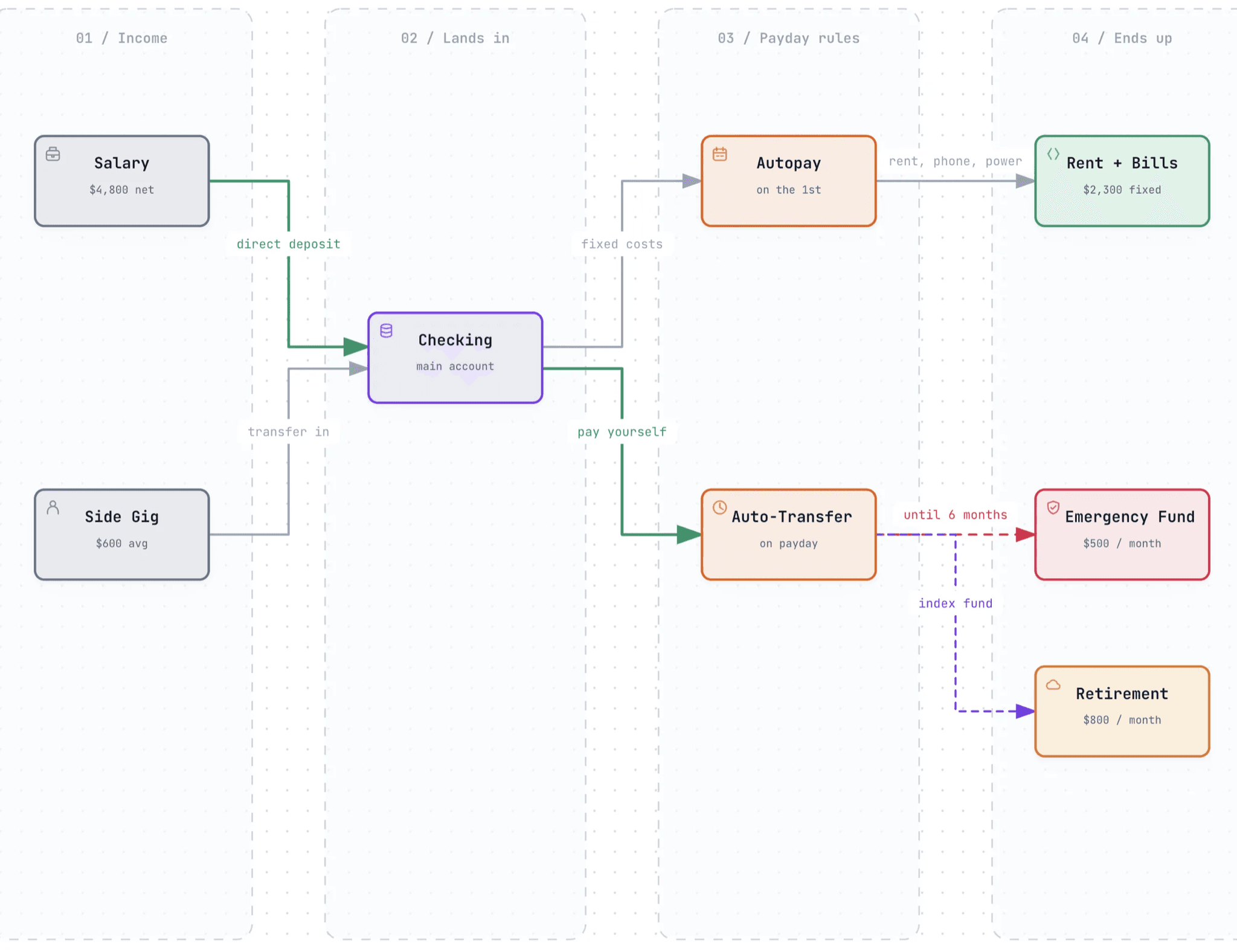
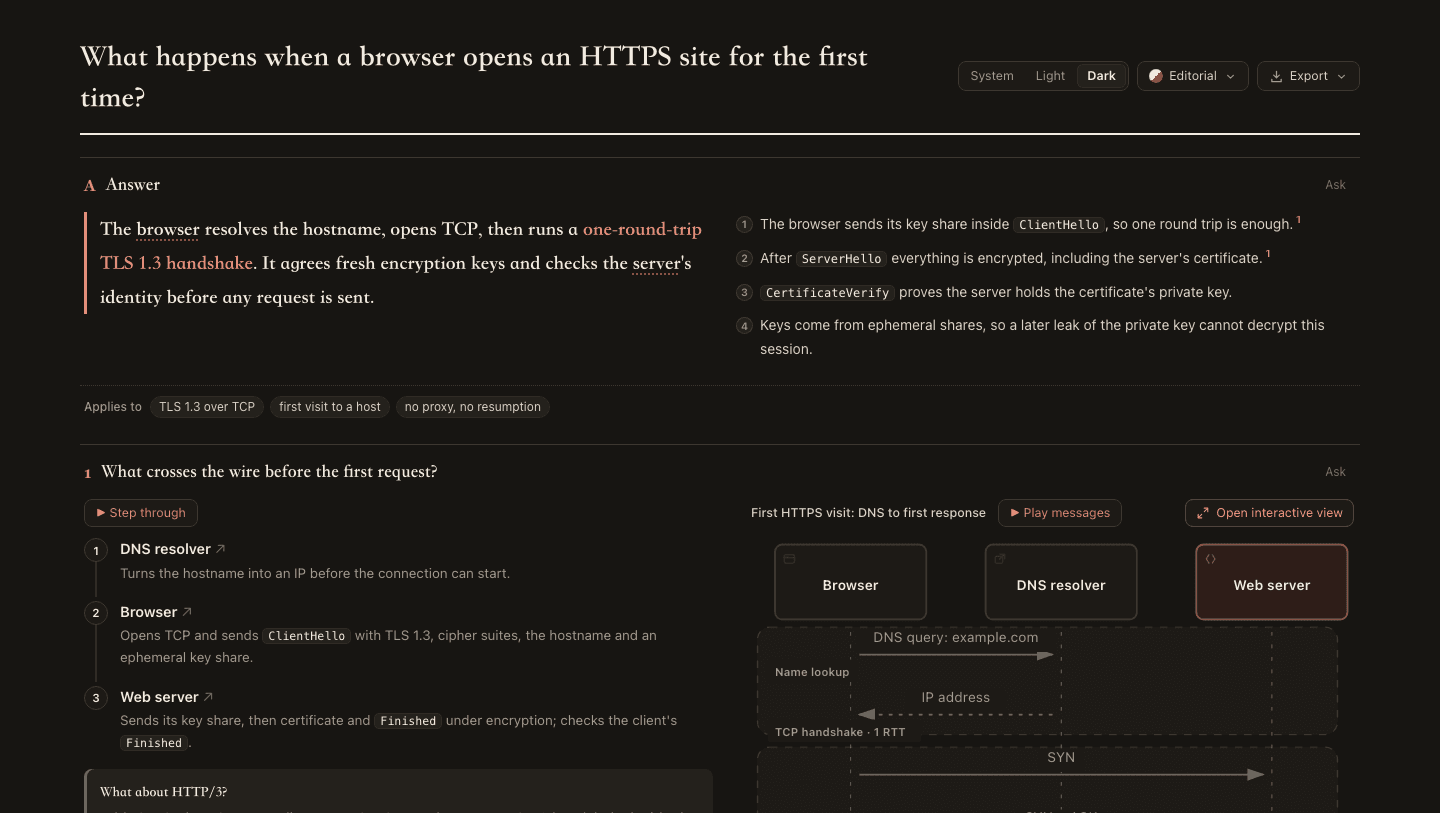

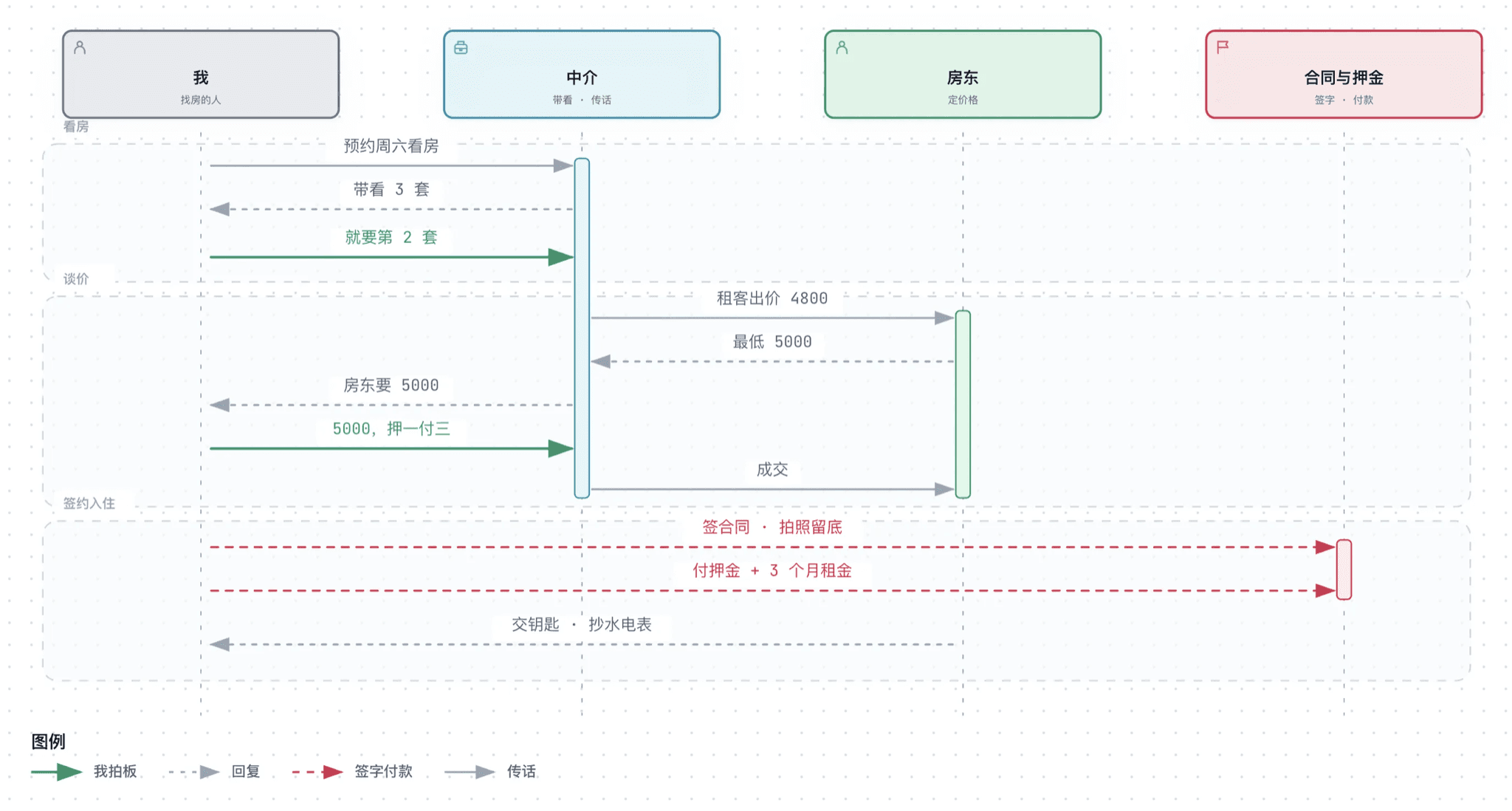
Archify is a skill for AI agents that turns a description into a self-contained interactive HTML page. Describe a plan, a process or a question, such as a job search, a monthly budget or how a web request works, and the agent draws one of ten diagram types or a one-page explainer with the answer first. You can click parts for details, follow a path, switch between light and dark themes and export images. It suits anyone who wants to plan or explain something visually, from travelers and students to engineers mapping a codebase.
The result is a single HTML file that keeps its interactions, so you can send it to someone who has nothing installed.
Start with the first one: it is a small task you can check easily.
Example prompts written by Agent Flows Hub.
From the creator's documentation.
| Output | What it is | Reads |
|---|---|---|
| Ten diagram types | Architecture, workflow, sequence, data flow, lifecycle, ERD, class, tree, timeline and waterfall | What you describe |
| One-page explainers | The answer first, then one panel per question with steps, tables and diagrams | What you describe |
| Interactive HTML | Click parts for details, trace a path and switch light or dark themes | Your computer |
| Exports | PNG, WebP or JPG images, print to PDF and share cards | Your computer |
| Repository maps | Reads a codebase to draw a diagram backed by its source files | Your files |
| Update reminder | Checks a fixed release manifest about once a day and never installs updates | Internet |
You want to show a plan or explain a process without drawing boxes by hand. Describe it to your agent, and Archify builds an interactive diagram page that you can refine in chat and share as one file.
Notes by Agent Flows Hub (original project name: archify), written from the creator's documentation, not from running it ourselves. Archify README · Archify scenario guide
Tell us what happened. We take a look first; if it needs paid work, you get an estimate before anything starts.
Plans, writes and builds a one-page website for your offer, starting from a few questions
by Elaya

Turns a game idea into art, code and a playable web game you can share by link
by White Tower
Makes interactive generative art you can tweak with sliders and save as images
by Anthropic