

Most Library pages are written from the creator's documentation. For this one we ran the skill ourselves, once, on a meeting transcript we wrote for the test. Below are the setup, the input, the output and what we would check before sending the notes to anyone.
The setup
| Skill | Meeting Notes Summarizer, the summarize-meeting skill from Pawel Huryn's pm-skills, commit a372bee |
| Host | Claude Code 2.1.311 on Windows 11, run once with claude -p |
| Model | Claude Opus 5.5 |
| How the skill was installed | Its SKILL.md copied into .claude/skills/summarize-meeting/ of an empty test folder |
| Input | A 25-minute weekly sync for a made-up shop, about 300 words |
| Prompt | Summarize the meeting in transcript.txt. |
| Date | 28 October 2026 |
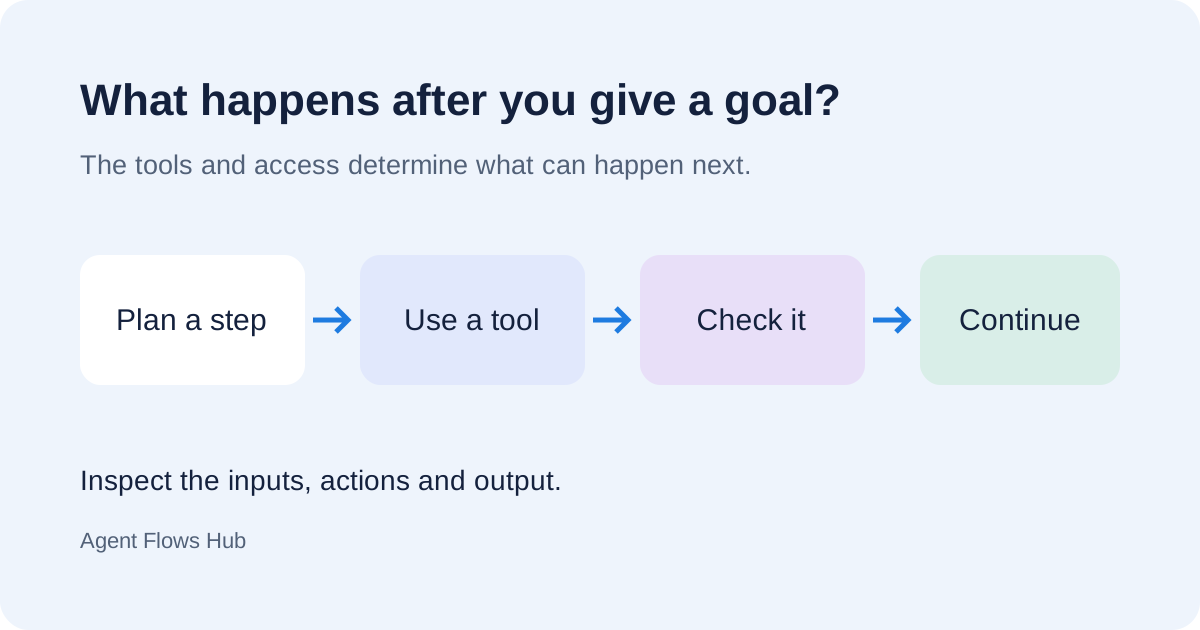
The run took 6 turns and about 40 seconds. Claude Code loaded the skill on its own; the prompt did not name it.
What we gave it
Three people talk through three topics: a gift box that arrives late, a carrier's price rise and a broken light box for product photos. A fourth person, Sam, is mentioned but absent. The header line reads "Tuesday 21 October 2026, 10:00 to 10:25". We come back to that line below.
Two details were there on purpose. Nobody is named as the owner of the photos that marketing needs by 31 October, and the light-box question ends with "let's not decide today".
What it wrote
The skill tells the agent to follow a fixed template and save the result as Meeting-Summary-[date]-[topic].md. It did both. The decisions and open questions, as written:
Decisions Made
- The gift box launches on November 5 (moved from November 1).
- Free shipping on orders over $50 stays until January 15, 2027. We review it then.
Open Questions
- Do we rent a light box, and how much does it cost? Waiting on Priya's report from Sam.
- Who makes sure the photos reach Priya by October 31, given the broken light box?
- Is the other carrier cheaper? Waiting on Dan's quote.
What went well:
- Decisions and non-decisions stayed apart. The light box was listed as an open question, not as a plan to rent one.
- The missing owner was caught. The photo deadline appears in the action table with the owner "Not assigned", and again as an open question.
- Plain language. The skill asks for words a primary-school graduate understands; "light box" got a short explanation in brackets.
- The absent person was recorded as "Sam (photos) could not join".
What you still have to check
1. Weekdays and dates. Our header said "Tuesday 21 October 2026". That date is a Wednesday; the mistake was ours. The summary did not notice. It took "Tuesday" as given and worked out every due date from it, so each weekday in the action table is one day off: "Thu 23 Oct" is a Friday, "Fri 24 Oct" a Saturday, "Tue 4 Nov" a Wednesday. The dates themselves come from the transcript, but anything the summary calculates, such as "by Thursday" turned into a date, is only as good as the date in your source. Check due dates against a calendar before the notes go out.
2. Steps nobody said out loud. The action table includes "Wed 5 Nov, Priya, announce the gift box in the newsletter". In the meeting Priya agreed the newsletter could announce the launch, but nobody set that date. It is a reasonable reading, not a recorded decision. Read the action table against the transcript and delete or confirm anything that was inferred.
The rest matched the transcript line by line, including the numbers (8 percent, $1.40 per order, $50).
Should you use it
It is a good fit if you already have a transcript, from Zoom, Teams, Meet or a recording app, and want consistent notes with owners and dates. It does not record or transcribe meetings, and it adds nothing a careful reader would not; what it saves is the time to write it up.
Two settings matter more than the skill itself:
- Where your transcript goes. The skill is instructions only, with no scripts or network calls of its own. The transcript is still read by your AI agent's model, which for Claude Code runs in Anthropic's cloud. Follow your company's rules for meeting content.
- Web search. The skill tells the agent to search the web for background when a meeting "needs context". Our run did not search, because the transcript was complete. If your agent can browse and the meeting is confidential, say in the prompt that it should not search.
If you need notes from a recording rather than a transcript, the Meeting Summary (Langflow) workflow takes audio. To prepare a meeting rather than summarize one, see Notion Meeting Prep.
Sources
- summarize-meeting skill, Pawel Huryn's pm-skills, read at commit
a372bee. - Claude Code: Agent Skills: where project skills live and how Claude Code decides to load them.
- Our own test run on 28 October 2026. We quote the parts that matter above and keep the full transcript and summary on record.
Next: We broke an MCP server on purpose. Here is what Claude Code showed