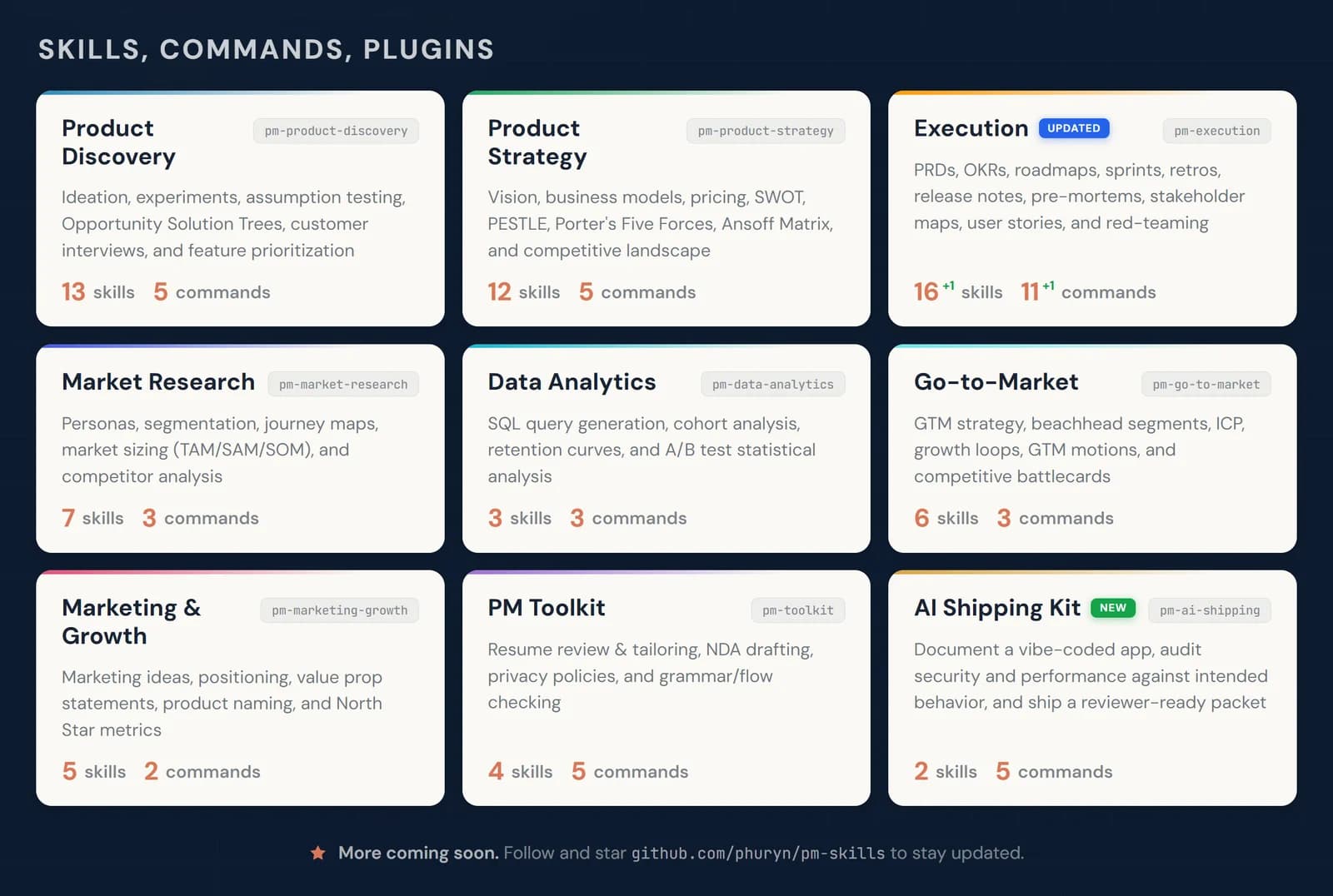
Meeting Notes Summarizer
Turns a meeting transcript into clean notes with decisions and action items
by Pawel Huryn


Builds meeting agendas and pre-reads from what's already in your Notion
Before a meeting, it searches your Notion workspace for related notes, specs, goals and past decisions, then drafts an agenda and pre-read tailored to the attendees. It can save these as Notion pages and link follow-up tasks. Useful for managers and team leads who live in Notion.
An official Notion-authored skill that turns scattered workspace pages into a ready-to-use meeting brief.
Steps follow the creator's instructions.
Tell us what happened. We confirm scope and price before any paid work.
Turns a meeting transcript into clean notes with decisions and action items
by Pawel Huryn
Adapts your resume to a specific job posting without stretching the truth
by Param Choudhary

Gives you and your team a private ChatGPT-style workspace on your own computer or server
by Open WebUI Inc.